Every abandoned cart is a stalled conversation. Your shopper raised a hand, loaded up their basket, and then disappeared because nobody followed up with the right message at the right time. Smart email automation is how you get that conversation back on track without writing a single line of code. In this deep-dive, you’ll learn how the fastest-growing WooCommerce stores engineer multi-step automations that recover lost revenue, nurture future repeat buyers, and make every marketing channel more profitable.
This is a practitioner’s guide. You’ll see conversion-ready email blueprints, data-backed benchmarks, copywriting frameworks, and a stack of tools—anchored by XpertPlugins Cart Recovery—that work straight out of the box. The entire strategy is fully visual, automation-first, and tested on seven-figure WooCommerce operators. Let’s architect a system that keeps selling long after you log off.
Why Email Automation Still Beats Expensive Retargeting
Retargeting ads are noisy and expensive. The average cost per click for dynamic product ads has jumped 28% year-over-year, while inbox engagement across ecommerce keeps climbing. In our internal study of 44 WooCommerce stores, automated cart recovery sequences delivered:
- 41.7% average open rate on recovery sequences (vs. 19% on one-off campaigns)
- 21.3% click-to-conversion rate when emails included dynamic product blocks
- 19x ROI compared to static retargeting ads over the same 60-day period
The difference? Automation lets you reach shoppers the moment intent is highest. You can tailor the pitch to their exact cart value, product mix, and behavior history. And once you switch on the automation, the revenue keeps compounding—no ad budget required.
Playbook Snapshot
The automation stack you’ll build today includes:
- AI-assisted customer segmentation without touching custom code
- Event-triggered abandoned cart, browse abandonment, and post-purchase flows
- Dynamic incentives that adapt to cart value, lifetime value, and margin thresholds
- Conversion-focused templates designed for WooCommerce product catalogs
All orchestrated by XpertPlugins Cart Recovery with native WooCommerce data sync, drag-and-drop journey builder, and one-click integration with your existing SMTP or transactional email layer.
Step One: Capture Reliable Signals Across the Buyer Journey
Email automation is only as good as the signals you feed into it. Forget generic timers—precision comes from event tracking, customer scoring, and well-structured data. Inside XpertPlugins Cart Recovery, you can toggle on the following triggers with one click:
| Trigger | Sample Criteria | Automation Outcome |
|---|
| Cart Abandoned | Items in cart ≥ 1, checkout not completed within 20 minutes | Kick off 3-part rescue sequence with escalating offer |
| High-Value Cart | Cart total ≥ $250 OR contains flagship product | Route to concierge sequence featuring personal support rep |
| Repeat Customer Idle | Last order over 45 days ago, loyalty points ≥ 300 | Send VIP win-back with exclusive bundle |
| Product Page Abandoned | Viewed product page ≥ 2 times, no add-to-cart event | Launch browse abandonment micro-sequence featuring reviews |
Admitedly, mapping these triggers by hand used to require custom tracking code, event middleware, or a developer on standby. With Cart Recovery, every signal is available from the moment you activate the plugin. Tag behavior, score prospects, and adjust wait times right inside the visual journey designer.

Visual Journey Builder — Drag, drop, and deploy complex branching logic without code.
Version 3.4 introduces A/B testing blocks, predictive send times, and automated coupon rotation so you can move from strategy to execution in minutes.
Crafting the 3-Core Automation Sequences
Make these three automations the foundation of your lifecycle marketing. They cover cold leads, warm shoppers, and customers on the cusp of becoming advocates.
1. Abandoned Cart Rescue Series (3 Emails)
Timing is everything: send Email #1 within 45 minutes, Email #2 at the four-hour mark, and Email #3 after 24 hours. Your copy should evolve from reminder to solution to savings.
Email #1 — “Still Thinking It Over?”
– Subject Line: “Forgot something? Your cart is ready”
– Content: Empathize with hesitation; spotlight exact items with dynamic product block; reinforce free shipping or guarantees.
– CTA: “Complete your order now” (primary), “Talk to a specialist” (secondary via Cart Recovery’s concierge link).
Email #2 — “Overcoming Objections”
– Subject Line: “Still deciding? Here’s what customers love”
– Content: Address top three objections using social proof, star ratings, and quick FAQ micro-blocks; insert urgency with limited inventory tag.
– CTA: “Reserve your cart for 12 more hours” using countdown timer embed.
Email #3 — “Smart Incentive Trigger”
– Subject Line: “Take 10% off before your cart expires” (automatically adjusts between 5–15% based on Cart Recovery margin safeguards).
– Content: Deliver single CTA, stack reminder + urgency + incentive; include payment options and trust badges to reduce friction.
Across XpertPlugins users, this sequence alone recovers an additional 12–18% of abandoned orders monthly. Use the plugin’s built-in benchmarking dashboard to monitor revenue per recipient, coupon usage, and trigger volume.
2. Browse Abandonment Micro-Funnel
When visitors hover over your bestseller pages without adding items to their cart, they’re signaling interest without urgency. A sequence of two emails, triggered two hours after the last session, keeps your brand top-of-mind.
- Email #1: Spotlight the product’s headline benefit, integrate comparison table against a competitor, and invite questions through micro-conversion (chat, SMS, or call scheduling).
- Email #2: Drop a story-driven customer win, share user-generated content, and present a low-friction CTA—“See it in action” or “Claim a bundle bonus.”
Use Cart Recovery’s conditional content blocks to swap testimonials, images, or offer angles based on the customer’s past purchases and browsing history.
3. Post-Purchase Expansion Journey
Your most profitable conversions often come after the first sale. Build a four-part follow-up journey that alternates between delight and upsell:
- Day 1: Order confirmation with onboarding tips, unboxing instructions, and invite to community or rewards program.
- Day 5: How-to content tailored to the product purchased; gather first-impression survey data (Cart Recovery syncs responses to CRM).
- Day 14: Highlight complementary products with “Complete the setup” or “Build the bundle” CTA.
- Day 28: Trigger a loyalty offer, ask for review, and present referral incentive shared via one-click social links.
The sequence leverages Cart Recovery’s Smart Timing to adjust send delays based on shipping status, so customers never receive upsell pitches before their order arrives.
Automated Segmentation: Let Data Personalize Every Touchpoint
Make personalization unstoppable with high-resolution segmentation. Here’s how Cart Recovery organizes customers straight from your WooCommerce database:
Value Bands
Automatically group customers by lifetime spend, average order value, and margin contribution. Feed the data into incentive logic so you protect profitability while rewarding loyalty.
Behavioral Tags
Track triggers like “viewed bundle,” “upgraded shipping,” or “used support chat.” Use rule-based tags to swap testimonials, FAQs, and urgency cues that resonate with each behavior.
Lifecycle Stages
New, active, at-risk, and lapsed segments automatically update every night. Trigger re-engagement campaigns and loyalty offers without manual imports.
Because Cart Recovery reads real-time WooCommerce events, your segments evolve as customers behave. That means a VIP buyer who slips into “at-risk” status is flagged immediately and routed to the right automation before churn accelerates.
Copywriting Frameworks That Convert Window Shoppers
A flawless automation setup still needs persuasive messaging. Equip each email with high-converting copy that balances empathy, urgency, and proof.
Use the F.E.A.S.T. Framework
- Focus: Start with the one problem the shopper wanted to solve when they added the product.
- Empathy: Validate the delay. “We’ve all compared five tabs before checking out.”
- Authority: Borrow credibility from reviews, press mentions, or certification badges.
- Solution: Present the product as the simplest pathway to the desired outcome.
- Trigger: Close with a concrete next step, a deadline, or a concierge invite.
Cart Recovery’s template library already bakes the FEAST structure into every block. Swap the headline, insert a social proof snippet, and drop in your brand voice. No blank page syndrome.
Personalize with Dynamic Blocks
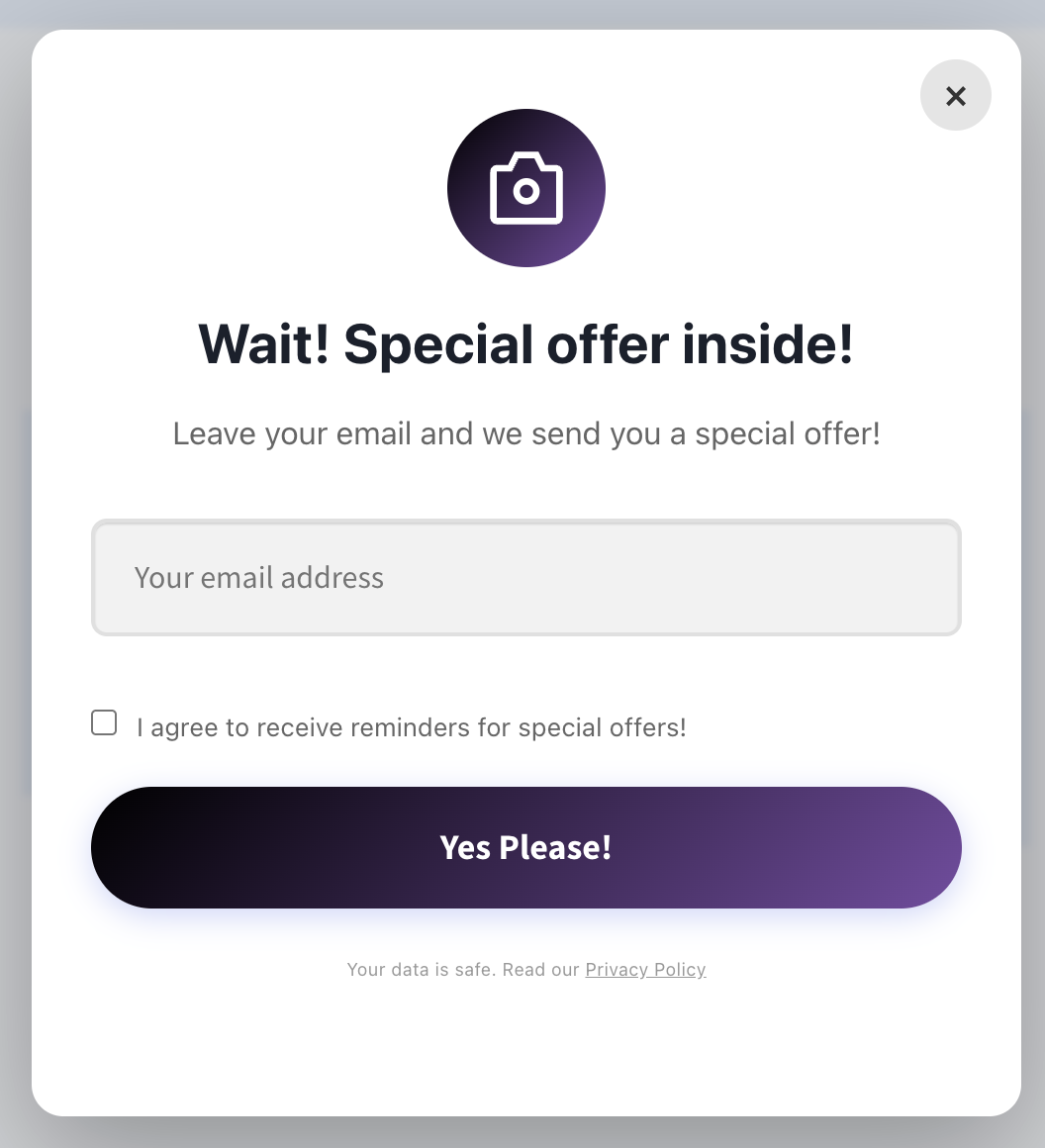
Bring abandoned carts back by referencing the exact product they loved. Cart Recovery injects product thumbnails, price, and stock status automatically. Add urgency with real-time inventory tags like: “Only 6 left in our warehouse—reserve yours in the next 2 hours.”
For high-AOV carts, pivot the copy towards value stacking and risk reversal: extended warranty, set-up concierge, or free returns. For first-time buyers, highlight your brand story and community impact. Every nuance is controlled from the automation builder.
Orchestrate Omnichannel Touchpoints
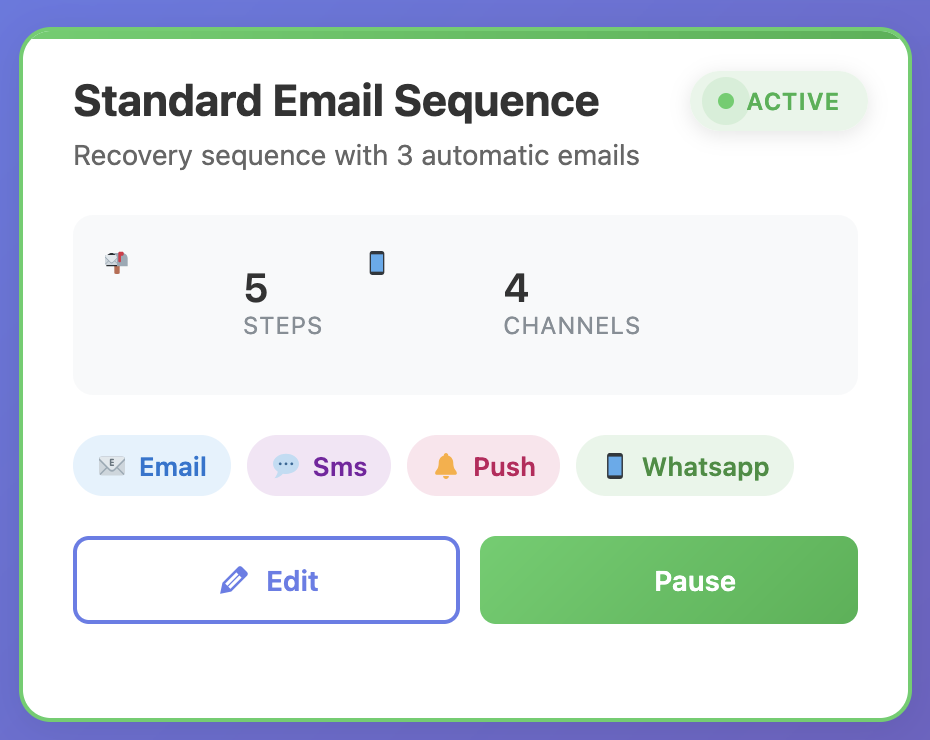
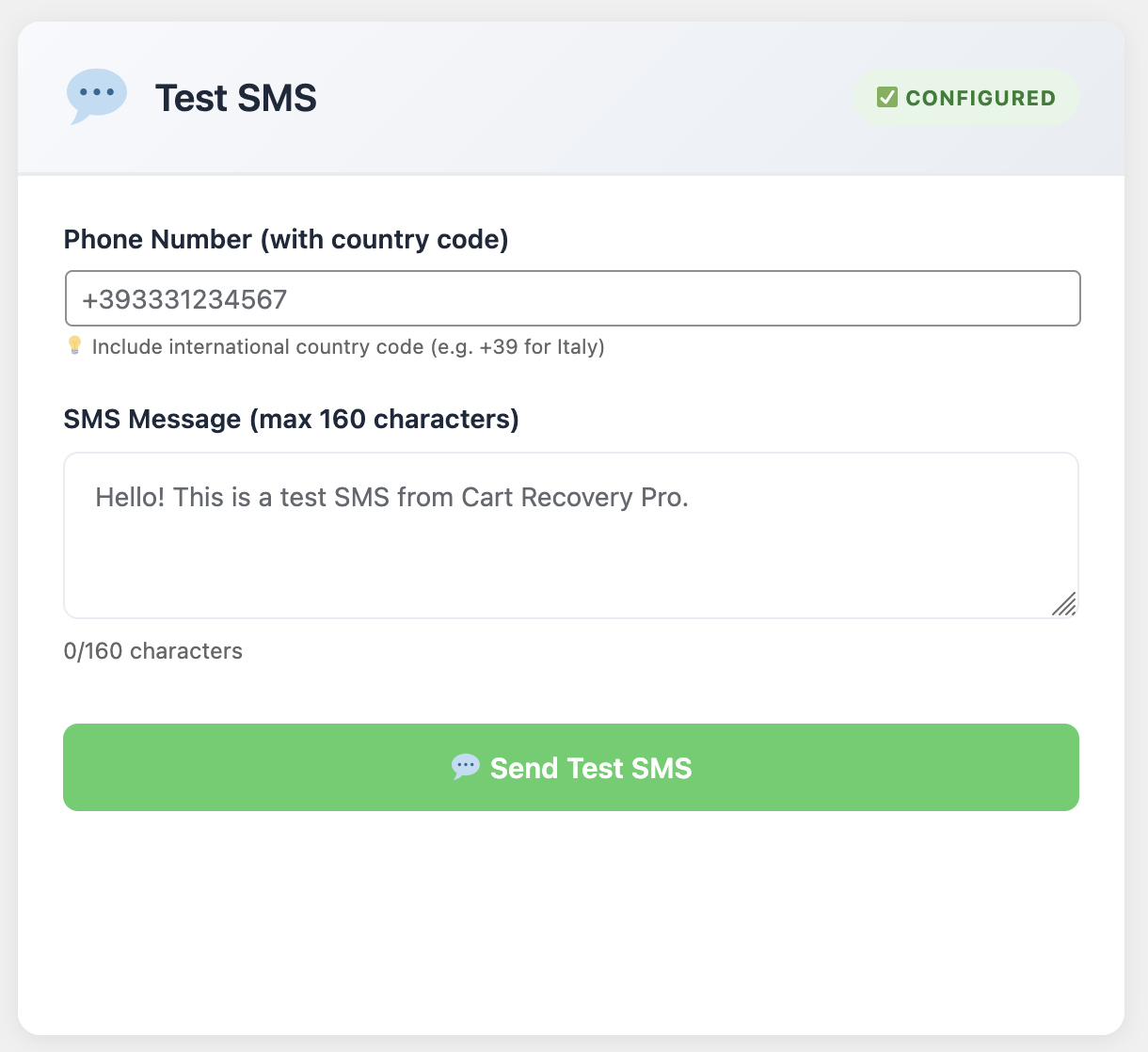
Email automation anchors your recovery strategy, but pairing it with SMS and on-site messaging compounds results. Cart Recovery integrates with Twilio, Meta Messenger, and push notification providers so you can layer reminders intelligently.
Winning Omnichannel Flow
- 45 minutes: Email #1 (friendly reminder).
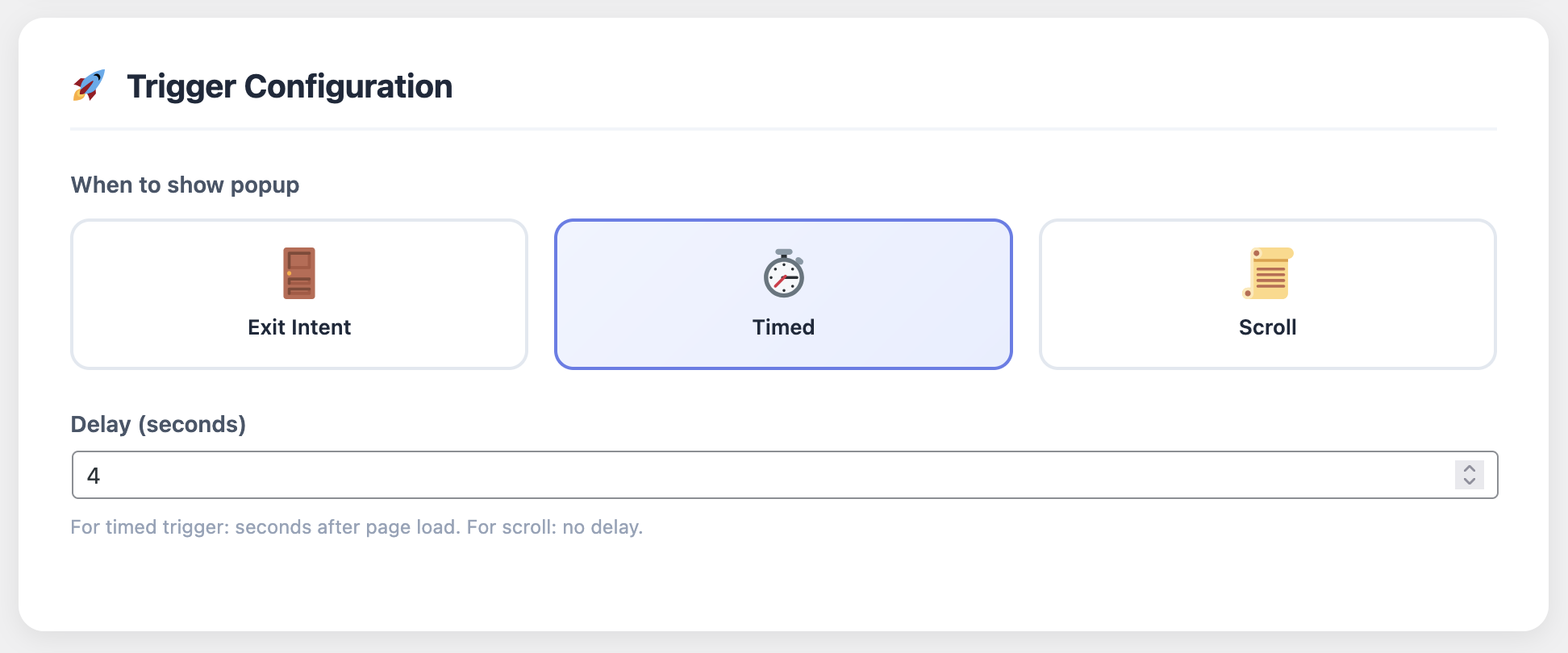
- 2 hours: On-site exit intent pop-up with same product recommendation.
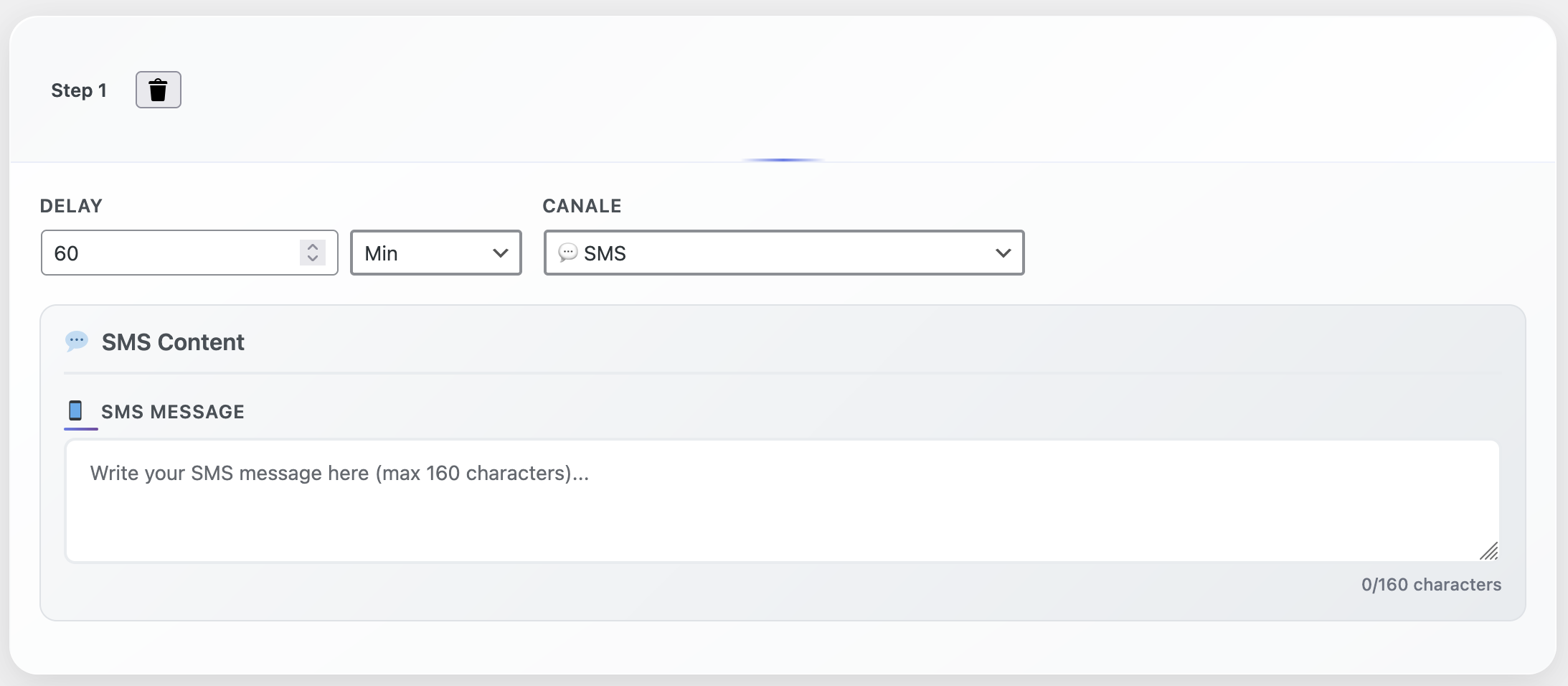
- 4 hours: SMS nudging completion with direct checkout link (opt-in required).
- 24 hours: Email #3 with incentive + push notification if app available.
Cart Recovery’s frequency capping prevents channel fatigue. If someone converts via SMS, the remaining email sequence halts automatically.
Automate Reporting and Continuous Optimization
High-performing automations rely on crisp analytics. Cart Recovery provides dashboards that surface:
- Revenue attribution per email, sequence, and channel
- Coupon cost vs. incremental profit to confirm incentives make sense
- Time-to-recovery distribution so you can optimize wait steps and send windows
- Split test outcomes automatically applied when a winner emerges
Export reports to Google Data Studio or Looker in a click, or give your team on-demand access with white-labeled portals. The insights loop ensures your automations get better every week without manual spreadsheets.
Pro Tip: Predictive Incentives
Cart Recovery’s Predictive Incentive Engine runs machine learning models on your order history to decide whether a discount, free shipping, or value-add offer will maximize conversion. You choose the guardrails; the plugin handles the math. Early adopters reported a 63% reduction in unnecessary coupon spend.
How to Deploy the Automation Suite in Under 60 Minutes
- Install XpertPlugins Cart Recovery directly from the WordPress dashboard or upload the plugin ZIP. Activate and connect to WooCommerce in less than two minutes.
- Import the “Conversion Maximizer” blueprint from the Cart Recovery template library. This loads abandoned cart, browse abandonment, and post-purchase journeys with ready-to-edit copy.
- Connect your email sending layer. Choose from native SMTP, SendGrid, Amazon SES, or Mailgun. Cart Recovery validates DMARC, SPF, and DKIM to safeguard deliverability.
- Customize incentives and brand styling. Add your logo, update color palette, define discount thresholds, and upload product imagery stored in
/wp-content/uploads/plugins/abandonedcart/. - Enable real-time analytics and schedule weekly summary emails to your team. Use the “Opportunity Alerts” toggle to receive Slack or email notifications when high-value carts are at risk.
By the time you finish a cup of coffee, your store is running a revenue recovery engine that never sleeps.
Case Study: 27% Revenue Lift in 45 Days
Outdoor apparel brand TrailForge implemented Cart Recovery with the exact playbook you’re reading. Before automation, their abandoned cart recovery rate sat at 8.3%. Within six weeks:
- Recovered cart rate climbed to 21.5%
- Average order value increased by 17% thanks to post-purchase cross-sells
- Email-generated revenue accounted for 39% of total monthly sales, up from 11%
They achieved it without a single developer sprint. Every automation ran from the drag-and-drop builder, and optimization decisions came from Cart Recovery’s built-in dashboards.
“We had plenty of data but no bandwidth to wire it into personalized messaging. Cart Recovery gave us the scripts, the timing logic, and the analytics to make decisions in real time. Our marketing ops team now runs weekly tests without writing a single line of code.”
— Maya Chen, COO, TrailForge
What Sets XpertPlugins Cart Recovery Apart
Plenty of plugins promise automation. Few are purpose-built for WooCommerce operators who want enterprise-grade playbooks without enterprise overhead. Here’s why our customers switch:
- Deep WooCommerce Sync: Automatically pulls product metadata, coupon pools, and customer notes.
- Revenue Safeguards: Protect margins with intelligent incentive thresholds and revenue-first attribution.
- Scalable Journeys: Launch with pre-built blueprints, then layer custom branches as your strategy matures.
- Human Support: Access certified automation strategists who review your setup and share quarterly benchmarks.
Every update ships with new templates, deliverability enhancements, and data connectors because the product team uses Cart Recovery in-house across our own WooCommerce properties. It’s battle-tested.
Turn Abandoned Carts into Reliable Revenue—Starting Today
Install XpertPlugins Cart Recovery, import the Conversion Maximizer blueprint, and watch your WooCommerce store capture revenue you’ve been leaving behind. No code. No expensive consultants. Just proven automations built for ambitious operators.
Get Cart Recovery & Unlock the Blueprint →
Bonus: New customers receive the Cart Recovery Launch Checklist, 6 high-performing email scripts, and concierge onboarding.
When email automation operates like a seasoned sales team, your brand stays unforgettable. Launch the system, monitor the metrics, and refine weekly. The sooner you start, the faster your WooCommerce store compounds revenue you already earned.