
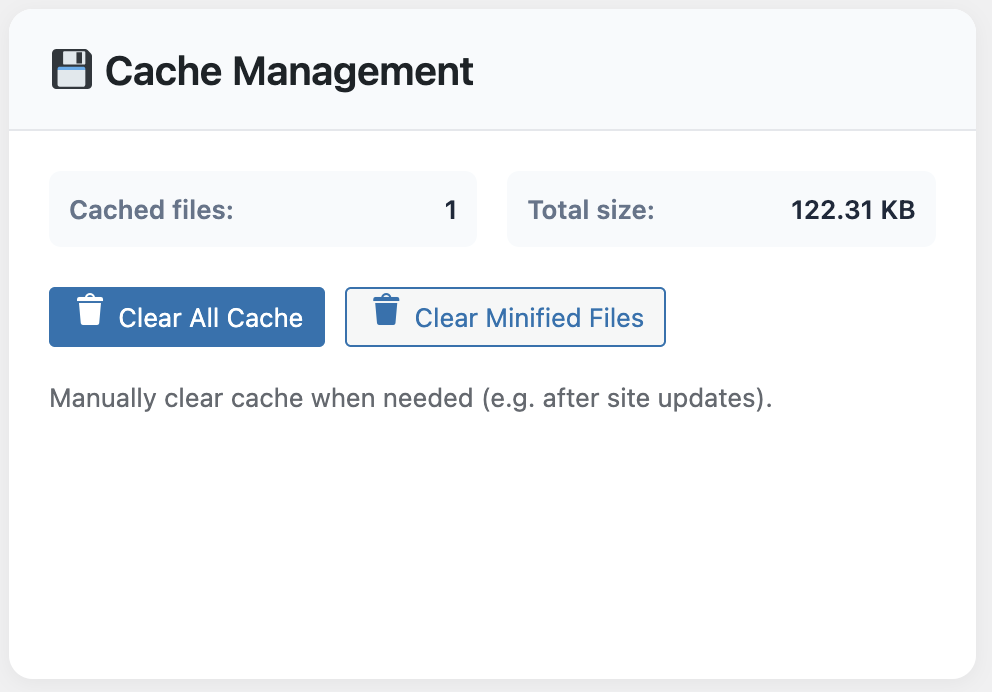
When you run a WooCommerce store, shaving a second off the checkout flow is worth more than a new hero banner. Earlier this year, we helped an artisanal coffee subscription scale from 600 to 3,500 monthly orders. The fastest win didn’t come from switching hosts or upgrading PHP—it came from installing WP Turbo Optimizer.
The owner, Giulia, was convinced she needed a €200/month CDN. Instead, we paired the free version of WP Turbo Optimizer (you can download it here) with her existing hosting. Within 48 hours the store’s Conversion Rate climbed from 2.1% to 2.9%. Below is the exact playbook we used.
Step 1: Benchmark the Pain
Cold cache LCP sat at 4.3 seconds on mobile. Server response lagged because WooCommerce was rebuilding cart fragments on every visit. We exported the baseline via the site’s Performance Dashboard before touching anything.
Baseline stats (Mobile, 4G throttled):
• LCP 4.3s • INP 380ms • CLS 0.11 • Checkout abandonment 68%
Step 2: Install & Configure the Free Plugin
WP Turbo Optimizer’s free tier already ships the caching engine, lazy loading and the cache inspector. After installation we selected the Storefront preset. The AI detection flagged the cart and checkout automatically, so there was no need to hand-code exclusions.
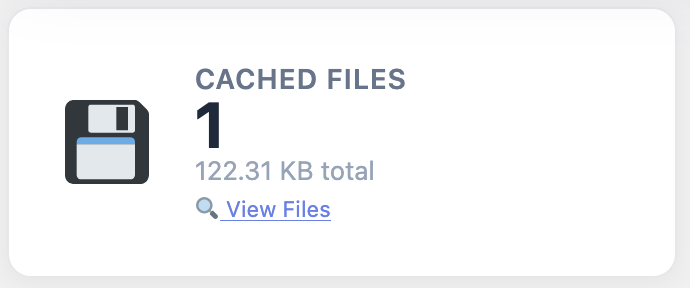
Notice the cached file list above: product pages stay cached for six hours, while customer dashboards bypass the cache so order data stays fresh. This balance is almost impossible to maintain manually.
Step 3: Upgrade to PRO for €39
Once the free tier proved stable we upgraded to the PRO license (WooCommerce product ID 300). For a single €39/year payment we unlocked the One-Click Boost routine and the Core Web Vitals monitor. That one button deferred three heavy marketing scripts and delivered the biggest speed leap of the project.
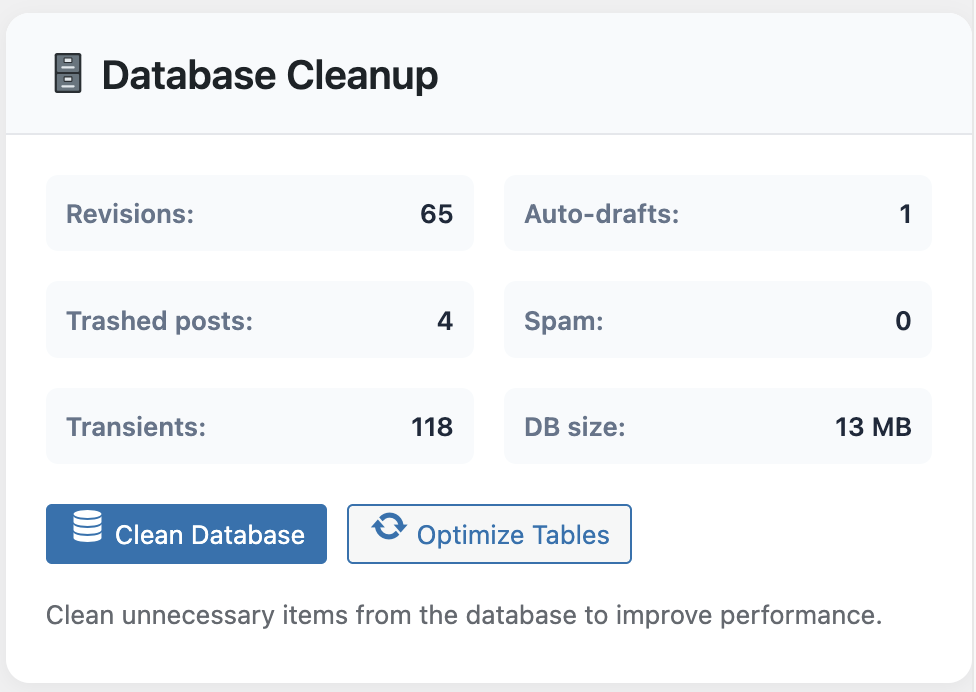
We also scheduled weekly database cleanups from inside WP Turbo Optimizer. WooCommerce loves to hoard transients; removing them shaved another 180ms off the Time to First Byte.
Step 4: Warm the Funnel, Watch the Metrics
- Run the built-in crawler against top categories and landing pages.
- Use the Core Web Vitals panel to confirm LCP stays under 2.5 seconds after the warm-up.
- Enable the floating Turbo widget in the admin bar so editors know whether a page is serving cached content.
Final Metrics (Two Weeks Later)
• LCP 1.9s • INP 180ms • CLS 0.04 • Checkout abandonment 42%
• Average order value +8.3% (faster pages = less drop-off before upsells)
Three Lessons From This Project
- Speed is a trust signal. Customers stopped questioning the checkout’s credibility once the loading spinner disappeared.
- Cache visibility matters. The owner checks the Cache Inspector every Monday and pre-warms new product launches with one click.
- Cost control beats guesswork. €39/year plus the free tools outran every “all-in-one” bundle we tested.
Replicate These Results on Your Store
Start with the free download, validate the numbers on staging, then unlock the AI presets and activity log with WP Turbo Optimizer PRO.
Buy WP Turbo Optimizer PRO (€39) →
Need a trial? Grab the free version here.
Caching isn’t just a technical checkbox; it’s a revenue lever. WP Turbo Optimizer keeps the technical heavy lifting invisible so merchants like Giulia can focus on roasting beans and fulfilling orders—not deciphering PageSpeed graphs.