

Turn Abandoned Carts into a Revenue Engine with WP Abandoned Cart Recovery
You pour energy into ads, SEO, content, partnerships, and polished product pages—yet carts still get abandoned. WP Abandoned Cart Recovery (Product ID 264) gives WooCommerce merchants a complete automation stack to intercept hesitant buyers, personalize offers, and convert drop-offs into loyal customers.
In this pillar guide you’ll architect an end-to-end recovery engine: diagnosing friction, orchestrating omnichannel flows, tailoring incentives, leveraging predictive data, syncing support, and creating evergreen nurture paths. For deeper context, pull in playbooks such as Increase WooCommerce Sales with Cart Recovery Emails that Convert and How to Reduce Cart Abandonment in WooCommerce – 7 Proven Strategies.
Step 1 · Map the Abandonment Problem with Data
Automation works only when it hits real friction points. Combine WooCommerce analytics with the behavioral tracking baked into WP Abandoned Cart Recovery:
- Time between cart creation and checkout initiation
- Devices and browsers with the highest abandonment rate
- Form fields where shoppers stall or bounce
- Coupon attempts, error messages, and discount friction
- Purchase history and loyalty status for returning buyers
Layer these insights on GA4 funnels, heatmaps, and qualitative notes gathered from WooCommerce Cart Recovery Automation Strategies that Actually Work. When you know the “why,” your automations feel tailored—not templated.
Step 2 · Design a Multi-Layered Automation Blueprint
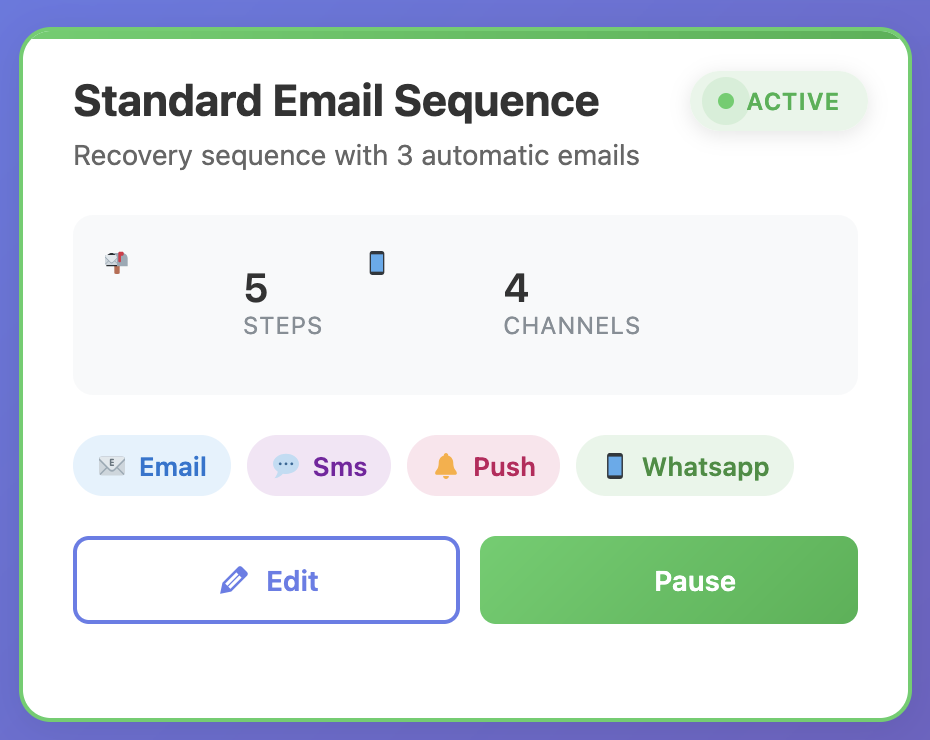
Think of recovery as a choreographed journey. The drag-and-drop builder lets you branch automations by opens, clicks, order value, product category, and lifetime value:
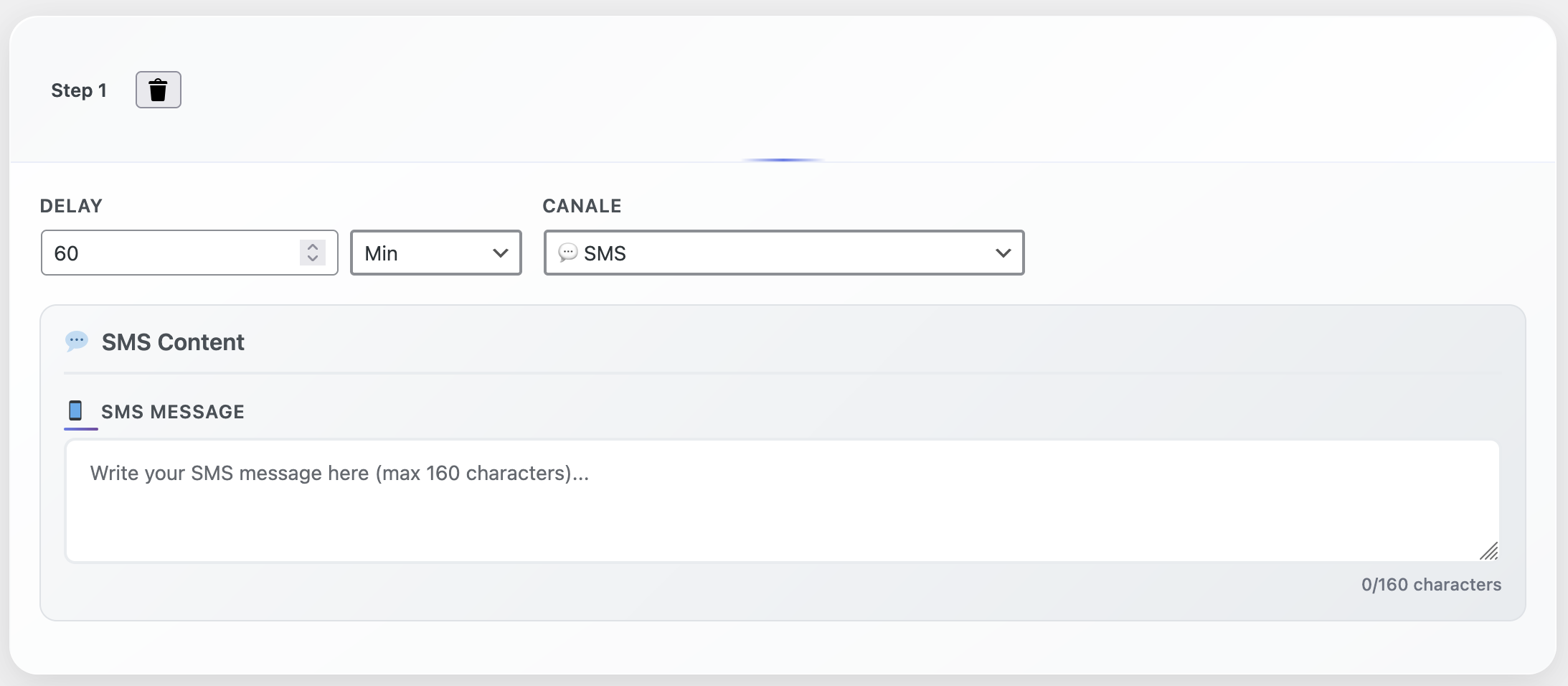
- Immediate reassurance (within 30 minutes): email with product recap, value propositions, and clear next steps.
- Urgency or incentive (after 6 hours): SMS or WhatsApp highlighting inventory signals and a limited-time offer when appropriate.
- Social proof (after 20 hours): push notification or email showcasing testimonials, UGC, or press mentions.
- Support-driven rescue (after 36 hours): auto-create a helpdesk/CRM ticket so a human can follow up with context.
- Nurture fallback (after 5 days): enroll contacts into a storytelling sequence as advised in How to Turn Your WP Dashboard into a Productivity Hub.
Step 3 · Personalize Every Touchpoint
Personalization is more than a first-name merge tag. Every cart is enriched with metadata: value, products, customer status, engagement score. Put it to work:
High-value carts (>$200): offer free expedited shipping, a bonus product, or a founder note.
First-time buyers: share “what happens next” FAQs and guarantees to reduce anxiety.
Returning customers: emphasize loyalty points, curated bundles, and how items complement past purchases.
Seasonal shoppers: reference upcoming events (Black Friday, holiday shipping cutoffs) and scarcity cues.
Step 4 · Test Messaging, Incentives, and Channels Relentlessly
High-performing programs test like clockwork. Inside WP Abandoned Cart Recovery, start with:
- Email subject line frameworks (“Still making up your mind?” vs “Your order is packed and ready”)
- CTA copy, color, and placement
- Delay between each touchpoint
- Incentive type (percent discount, free shipping, bonus accessory)
- Channel sequencing (email-first vs SMS-first vs push-first)
Document outcomes in an optimization log and roll proven winners into your master journey.
Step 5 · Integrate Support and Sales for High-Touch Recovery
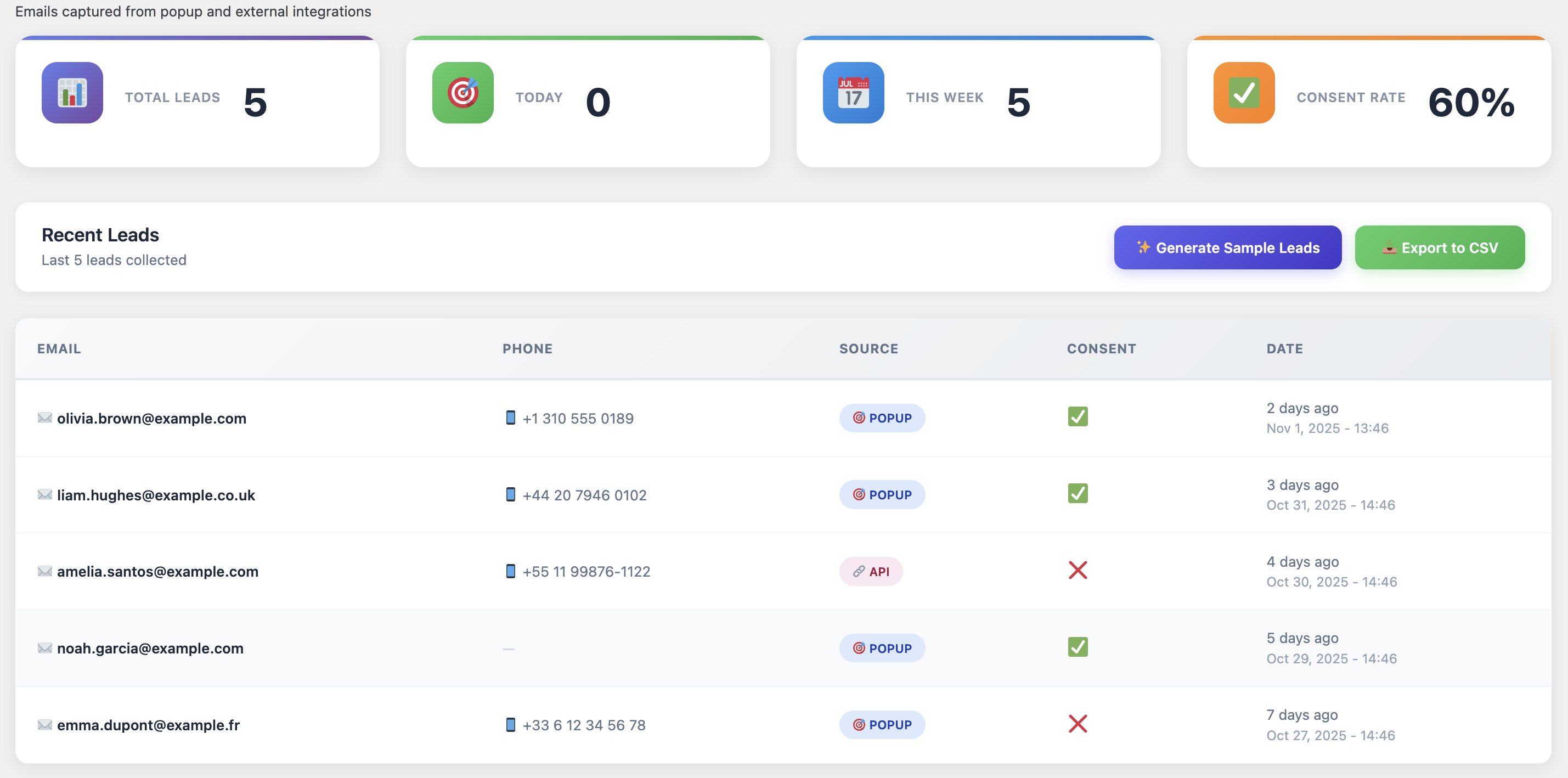
Automation surfaces where human intervention delivers leverage. When high-LTV carts stay inactive after two automated touchpoints, auto-create a ticket with product data, previous conversations, and obstacles noted. Suggested outreach:
“Hi Jamie, I saw you were considering the Deluxe Smart Blender earlier today. Need help choosing the best accessories? I can send a comparison guide that thousands of home chefs love—just reply and I’ll share it.”
For extra troubleshooting ideas, read Why Your WooCommerce Store Isn’t Converting and How to Fix It Fast.
Step 6 · Harness Predictive Analytics and Lead Scoring
The predictive engine ranks carts by likelihood to convert. Use the score to:
Prioritize human outreach: sales teams focus on high scores paired with strong cart value.
Tune incentives: reserve deeper discounts for medium scores; protect margins on high scores with value-based messaging.
Segment nurture flows: route low scores into long-term education campaigns.
Step 7 · Optimize Checkout UX with Automation Insights
Automation reveals the friction; your job is to eliminate it. If drop-offs spike on the shipping step, run a UX audit: simplify forms, clarify delivery expectations, add trust badges, enable express pay (Apple Pay, Google Pay), and implement inline validation. Cross-reference the UX advice in How to Turn Abandoned Carts into Sales with WooCommerce Automation Tools.
Step 8 · Build Evergreen Nurture Paths
Not every recovered cart buys immediately. Develop evergreen sequences that mix education, success stories, tutorials, and seasonal offers. Link to assets like The Complete Guide to WooCommerce Abandoned Cart Recovery 2025 and The Psychology Behind WooCommerce Cart Abandonment and How to Fix It to cement your authority.
Step 9 · Measure, Report, and Iterate
Create a weekly scorecard to track:
- Recovered revenue and percentage of carts converted
- Channel performance (email vs SMS vs WhatsApp vs push)
- Average incentive cost versus incremental revenue
- Segment response rate by cart value
- Impact on CLV and 30-day repeat purchase rate
Share the scorecard with stakeholders, document learnings, and plan the next round of experiments in your optimization log.
Case Study Snapshot · Fashion Brand Climbs from 22% to 41% Recovery
• Cart recovery rate up 19 percentage points (22% → 41%) in eight weeks
• Average order value among recovered carts +13% via targeted upsells
• SMS follow-ups achieved 48% response when paired with social proof
• Support tickets from uncertain buyers dropped 27% thanks to in-flow education
Discipline, empathy, and cross-team alignment on KPIs made the difference.
Resource Stack to Sustain Momentum
- Channel-specific copy templates maintained in a shared asset hub
- Modular visual library (features, testimonials, lifestyle, dashboards)
- Experiment backlog with documented learnings and next-test queue
- Training playbooks for onboarding new marketers or support reps
- Quarterly performance recaps covering wins, losses, and strategic pivots
To amplify your stack, explore Top WooCommerce Plugins to Skyrocket Your Store Conversions in 2025.
Quick-Reference Checklist
- ☑ Audit analytics and qualitative feedback to pinpoint friction
- ☑ Build omnichannel workflows inside WP Abandoned Cart Recovery
- ☑ Personalize messaging, incentives, and timing by segment
- ☑ Loop in support and sales for high-touch recovery opportunities
- ☑ Use predictive scoring to prioritize actions and safeguard margins
- ☑ Run continuous A/B tests and maintain an optimization log
- ☑ Align checkout UX improvements with automation insights
- ☑ Strengthen evergreen nurture paths for slower buyers