
12-Month License with Updates Included
Your Cart Recovery Pro purchase includes a full 12-month license with automatic updates, new features, security patches, and premium support. Stay current with the latest WooCommerce compatibility and recovery innovations.
- Automatic updates – Get all new features and improvements
- Security patches – Stay protected with timely updates
- WooCommerce compatibility – Always compatible with latest versions
- Premium support – Get help when you need it
Why Stores Lose Revenue to Abandoned Carts
The average WooCommerce store loses 69% of potential sales to cart abandonment. Without a recovery system, you’re leaving money on the table every single day. Cart Recovery Pro captures these high-intent shoppers through intelligent automation, premium design, and proven conversion tactics.
Part 1: Foundation & Strategy
Before diving into automation, define your abandonment strategy. What constitutes abandonment for your business? Is it 10 minutes of inactivity? A closed browser tab? A failed payment attempt?
Cart Recovery Pro records every trigger event, letting you categorize abandonment types:
- Early checkout exits – Shoppers who leave before entering shipping info
- Payment failures – Credit card declines or gateway errors
- Shipping hesitations – Carts abandoned after seeing shipping costs
- Coupon seekers – Visitors who exit to search for discount codes
Document your current recovery metrics, average order value, and customer lifecycle stages. This baseline data helps you measure ROI once optimization begins. For comprehensive strategies, explore our guide to reducing cart abandonment in WooCommerce.
Part 2: Installation & Configuration
Cart Recovery Pro installs in minutes. Upload, activate, and follow the guided wizard. The plugin automatically connects with WooCommerce to sync product details, pricing, and inventory in real-time.
Quick Setup Checklist
- Connect WooCommerce orders with Cart Recovery Pro’s data layer
- Configure recognition for logged-in customers, guest checkouts, and B2B accounts
- Set default sender profiles, brand colors, typography, and image assets
- Access the premium graphics library for modals, banners, and email blocks

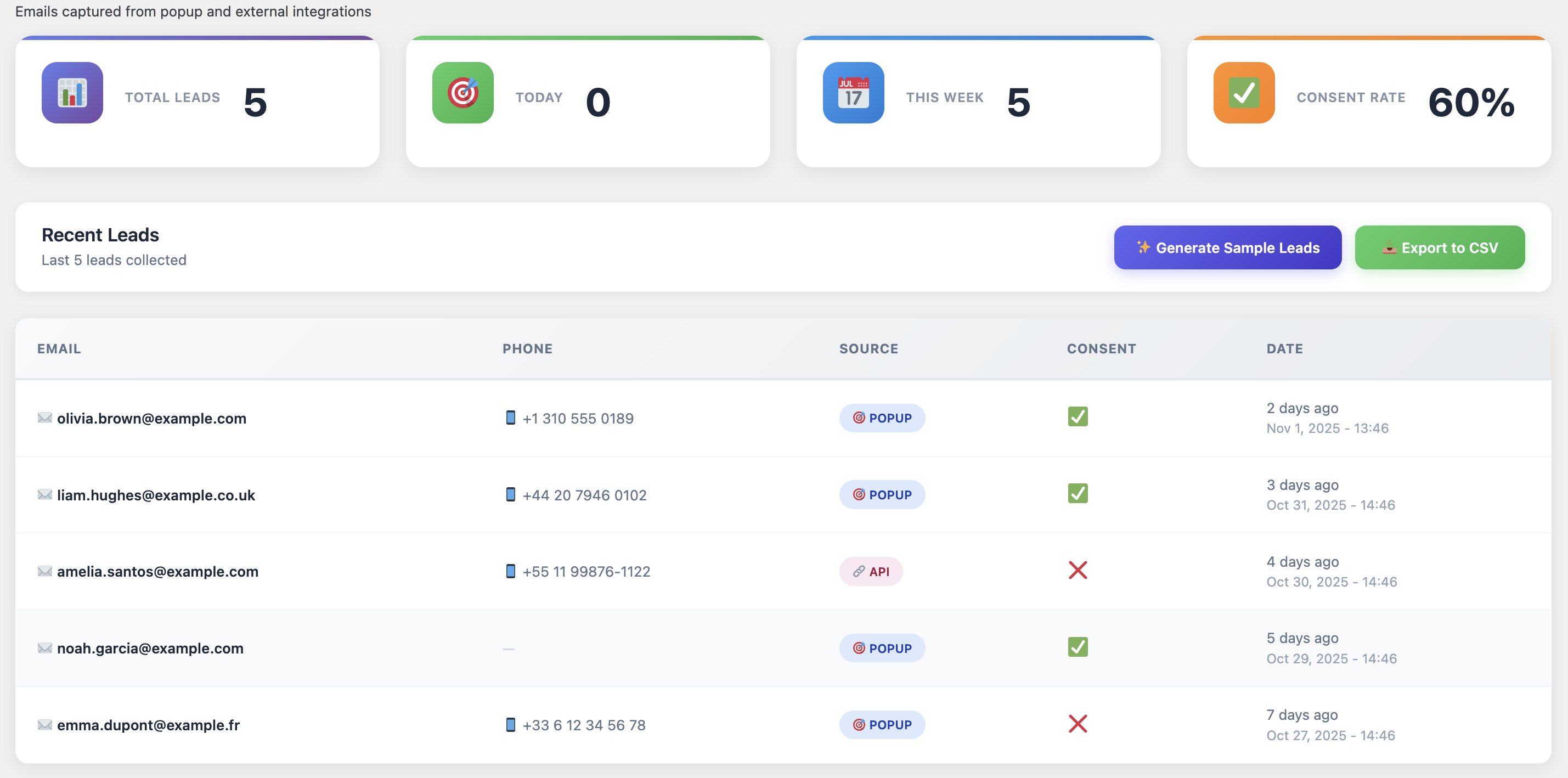
Real-time dashboard showing abandoned carts and recovery metrics
Part 3: Customer Journey Mapping
Map every micro-step from product page to order confirmation. Identify where shoppers hesitate—shipping info, coupon code visibility, payment options. Understanding these friction points is crucial for effective recovery. Learn more in our complete guide to WooCommerce abandoned cart recovery.
Friction Point 1: Shipping
Cart Recovery Pro overlays heatmap insights to show where shipping costs cause hesitation. Trigger popups offering free shipping thresholds.
Friction Point 2: Payment
Event tracking reveals payment gateway issues. Automate retry workflows and offer alternative payment methods via SMS or WhatsApp.
Friction Point 3: Trust
Display security badges, guarantees, and testimonials in recovery emails. Build confidence before asking for payment.
For deeper conversion optimization insights, explore why your WooCommerce store isn’t converting and how to fix it fast.
Part 4: Omnichannel Automation Workflows
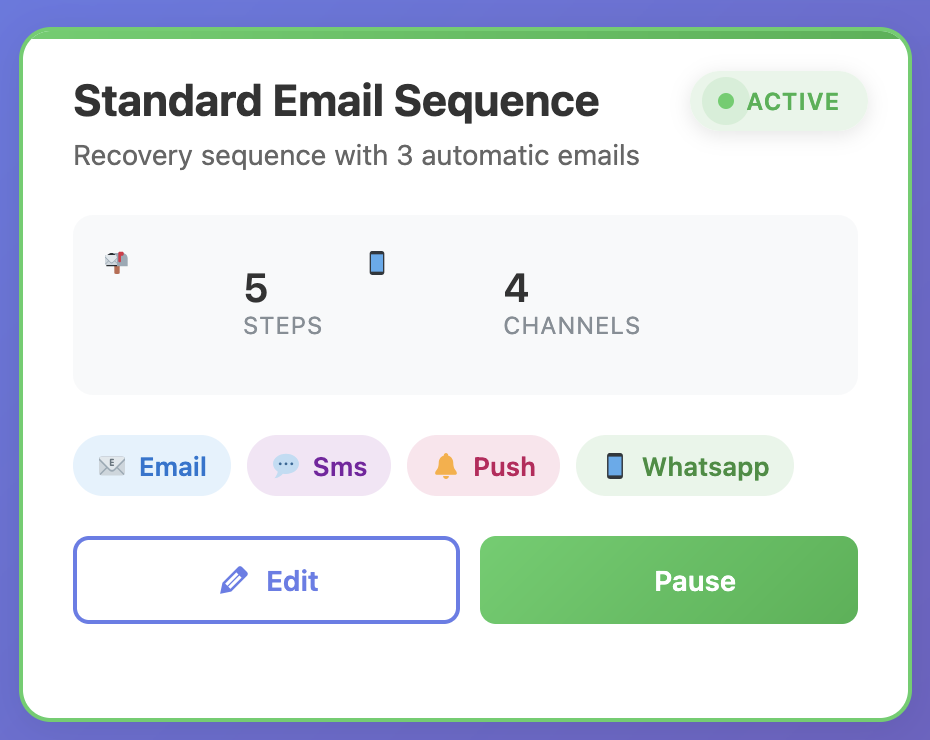
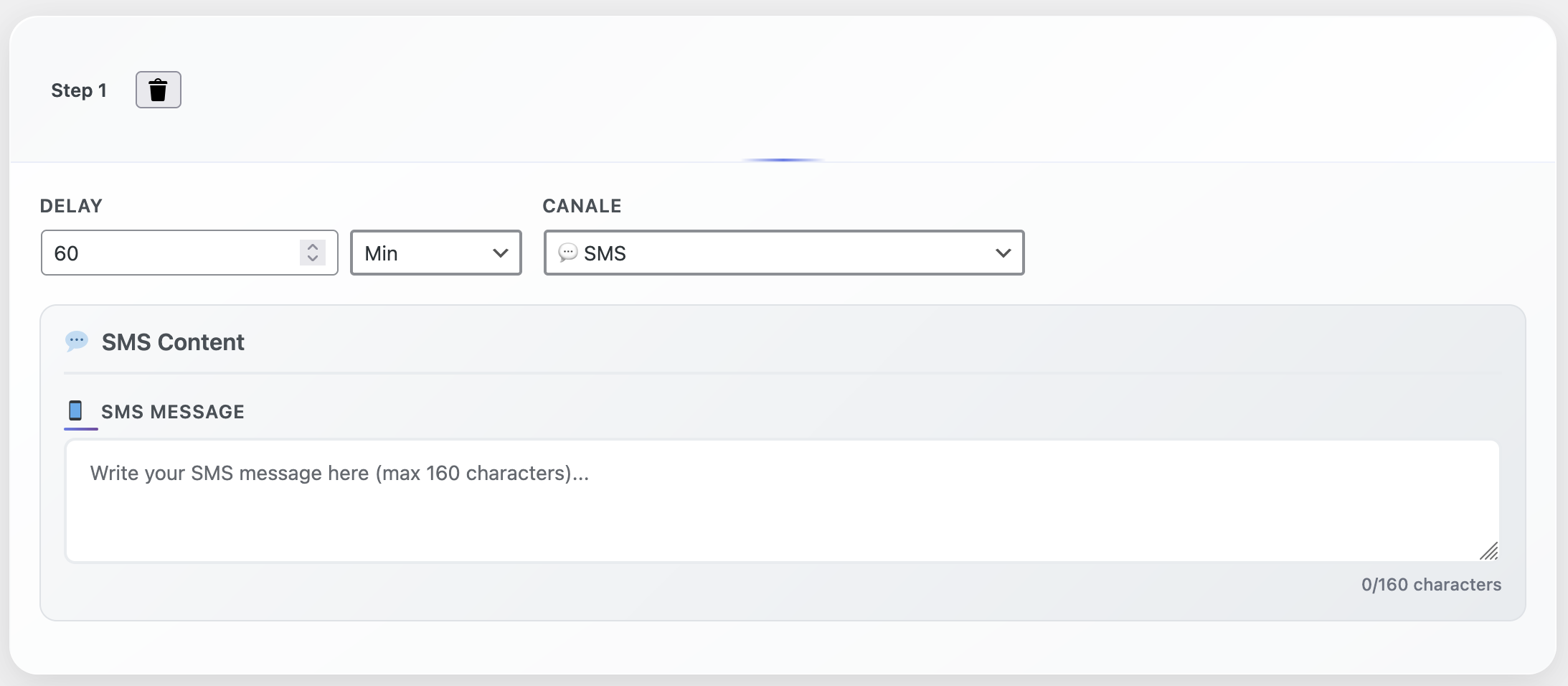
Design intelligent workflows that escalate based on cart value, customer segment, and abandonment reason. Discover proven automation strategies in our guide on how to turn abandoned carts into sales with WooCommerce automation tools.
The Proven 5-Step Recovery Sequence
- Email Reminder (15 min) – Gentle nudge with product images and cart link
- SMS Alert (2 hours) – Mobile-optimized message for high-value carts
- Push Notification (6 hours) – Browser notification with discount offer
- WhatsApp Message (24 hours) – Personal touch for VIP customers
- Live Support Escalation (48 hours) – Human intervention for carts over €250
Drag-and-Drop Builder
Create complex workflows without coding
Branching Logic
Segment by cart value and product type
Real-Time Analytics
Track performance across all channels
Part 5: Premium Conversion Assets
Premium visuals win attention and drive clicks. Cart Recovery Pro includes a conversion-tested template gallery with gradient CTAs, luxury product grids, and testimonial sliders. For email-specific strategies, see our guide on increasing WooCommerce sales with cart recovery emails that convert.
Mobile-First Design
Every template is mobile-responsive with bulletproof buttons and retina-ready imagery. Tested across 50+ devices and email clients for maximum deliverability.
Part 6: Smart Incentive Strategy
Balance urgency with profitability. Cart Recovery Pro calculates margin impact in real-time, preventing over-discounting.
Incentive Tiers by Customer Type
First-Time Customers
10-15% discount + free shipping
Returning Customers
Free shipping or loyalty points
High-Value Carts (€250+)
Personalized offer via WhatsApp
Scarcity & Urgency Elements
- Countdown timers showing limited-time offers
- Inventory alerts (“Only 3 left in stock”)
- Social proof (“127 people viewed this cart today”)
- Expiring discount codes with clear deadlines
Part 7: Multi-Channel Configuration
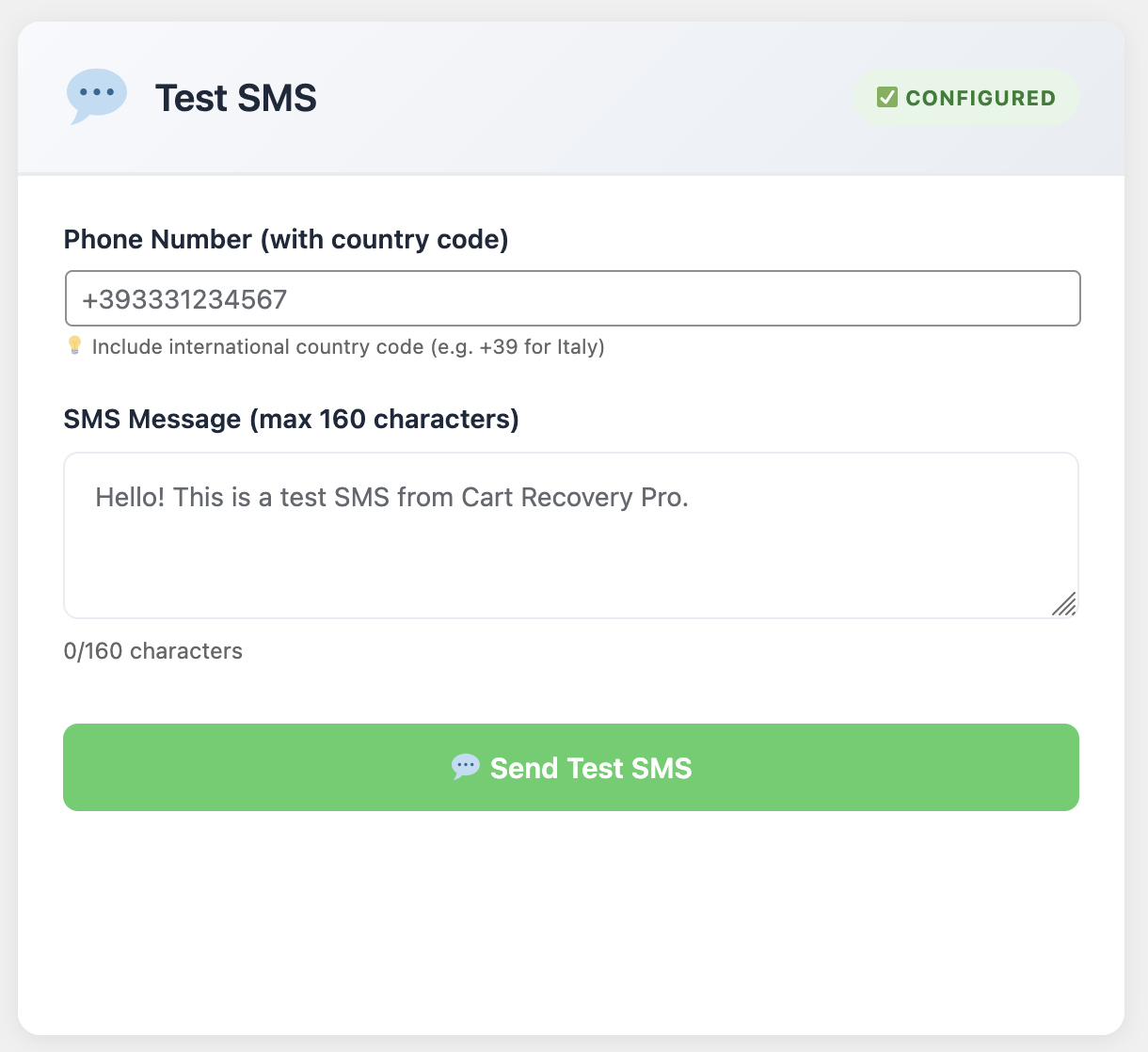
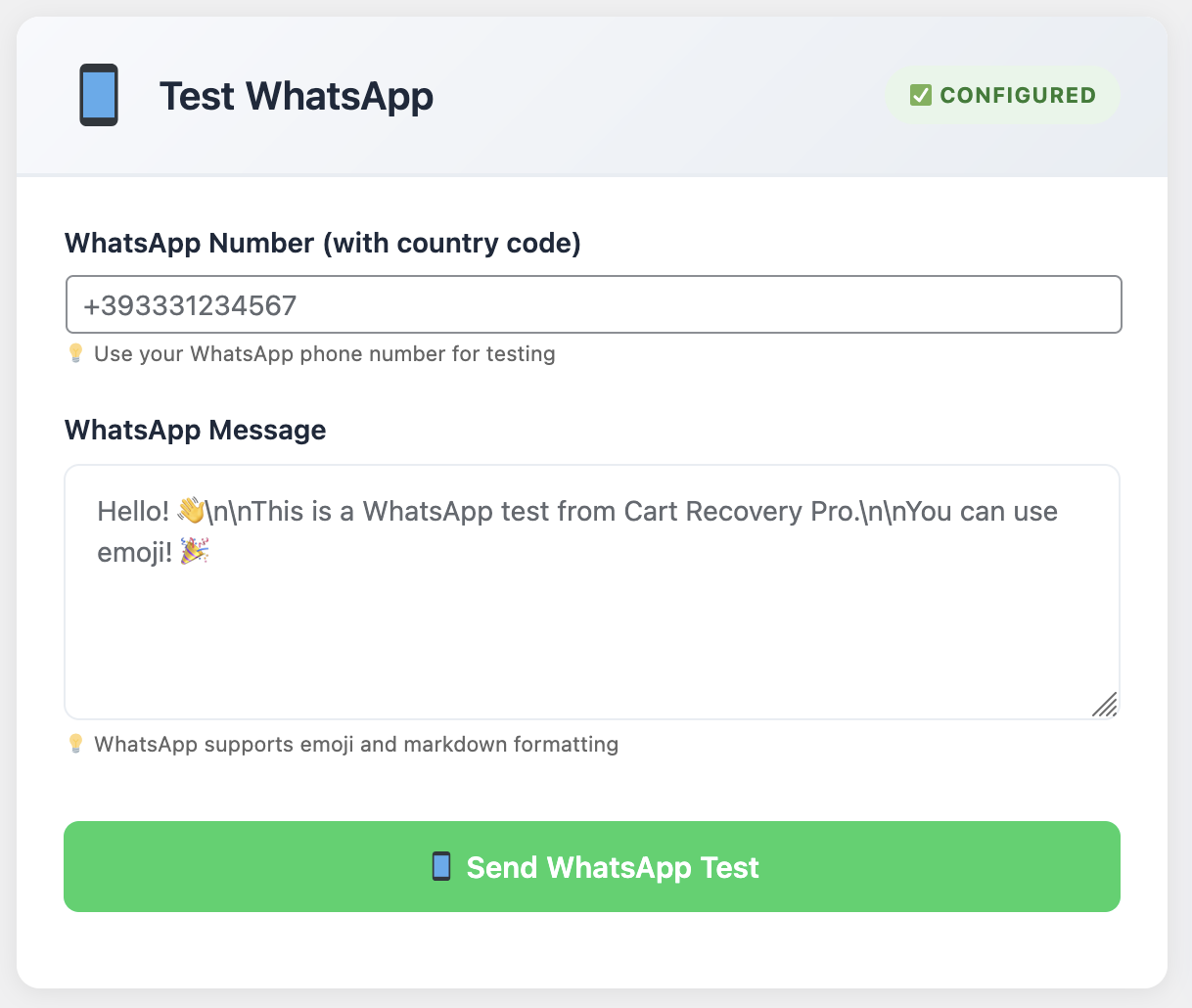
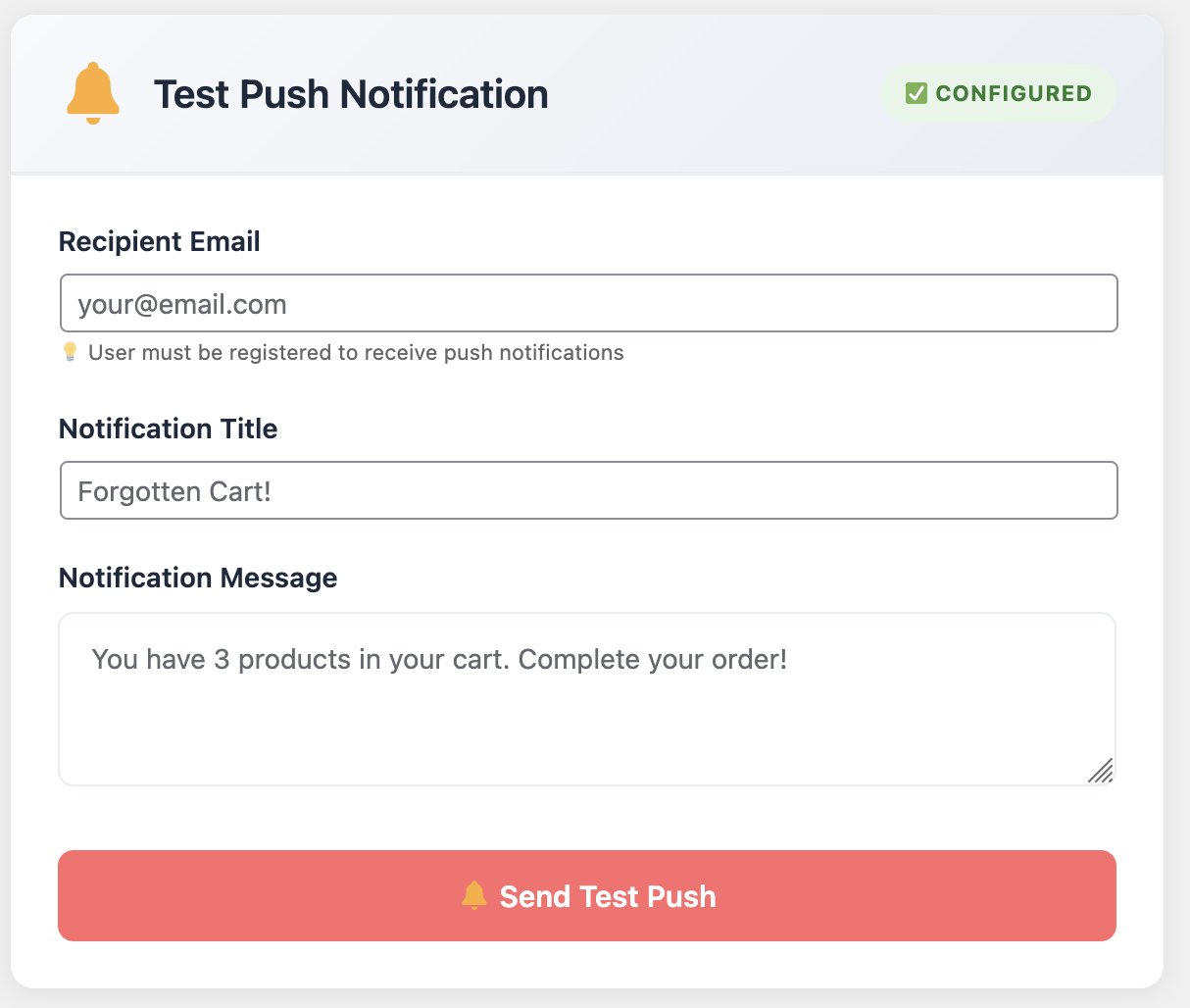
Cart Recovery Pro supports email, SMS, WhatsApp, and push notifications. Configure each channel for maximum reach and engagement. Learn about essential 5 WooCommerce email sequences every store needs to recover lost sales.
Part 8: Real-Time Monitoring & Alerts
Enable Slack, Microsoft Teams, or email alerts when high-value carts remain unattended. Cart Recovery Pro surfaces customer details, items, and potential order value.
SLA Targets & Best Practices
- €100-250 carts: Automated email sequence within 15 minutes
- €250-500 carts: SMS alert + email within 30 minutes
- €500+ carts: Live support outreach within 15 minutes
- VIP customers: WhatsApp message within 1 hour
Part 9: Analytics & Performance Tracking
Measure open rates, click rates, recovered revenue, average time to recovery, and incentive utilization. Visualize trends over weeks and months to identify seasonality and channel performance.
Export insights for your leadership team or investors. Compare your metrics against industry benchmarks from WooCommerce cart recovery automation strategies that actually work.
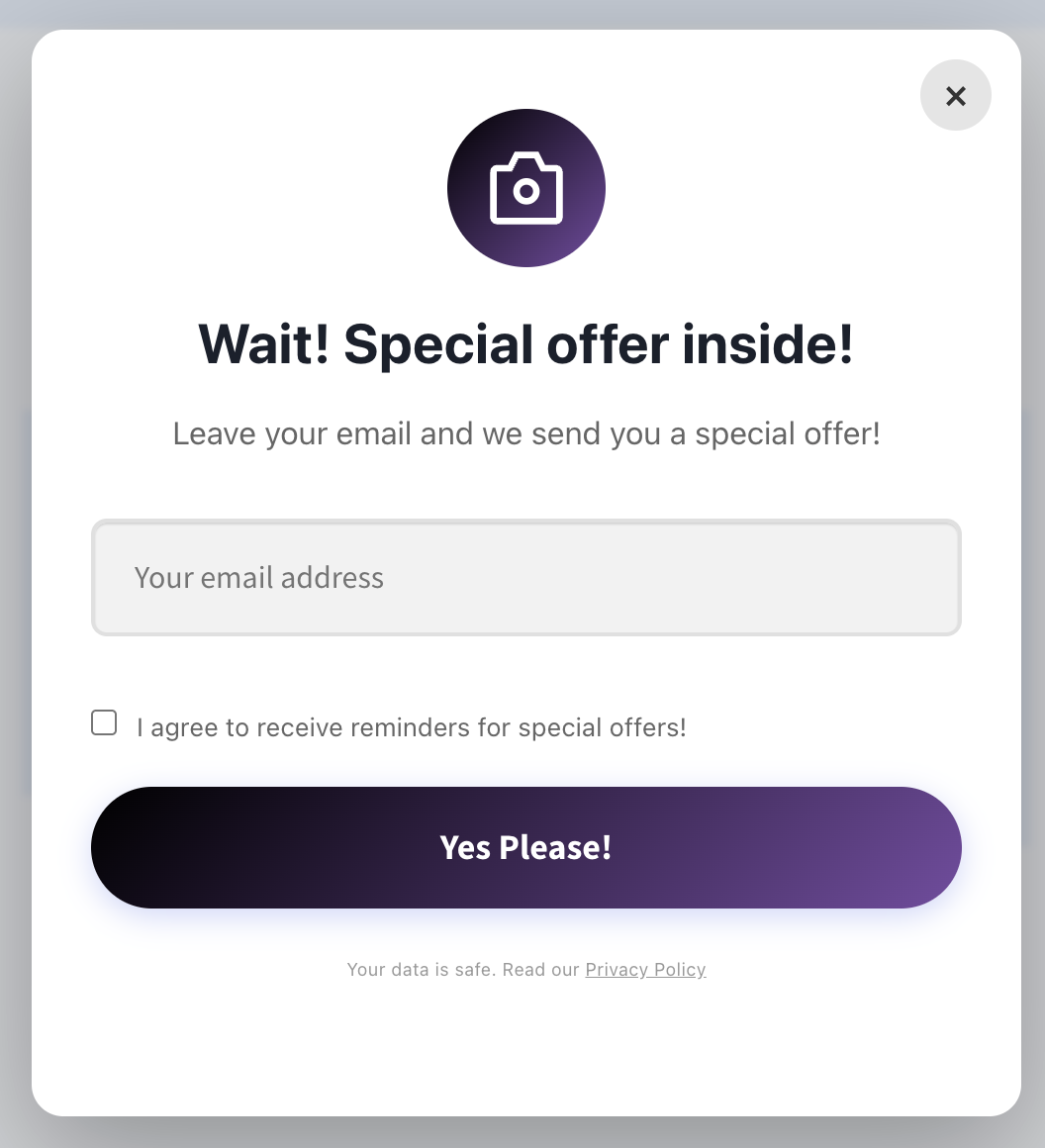
Part 10: Advanced Popup & Gamification
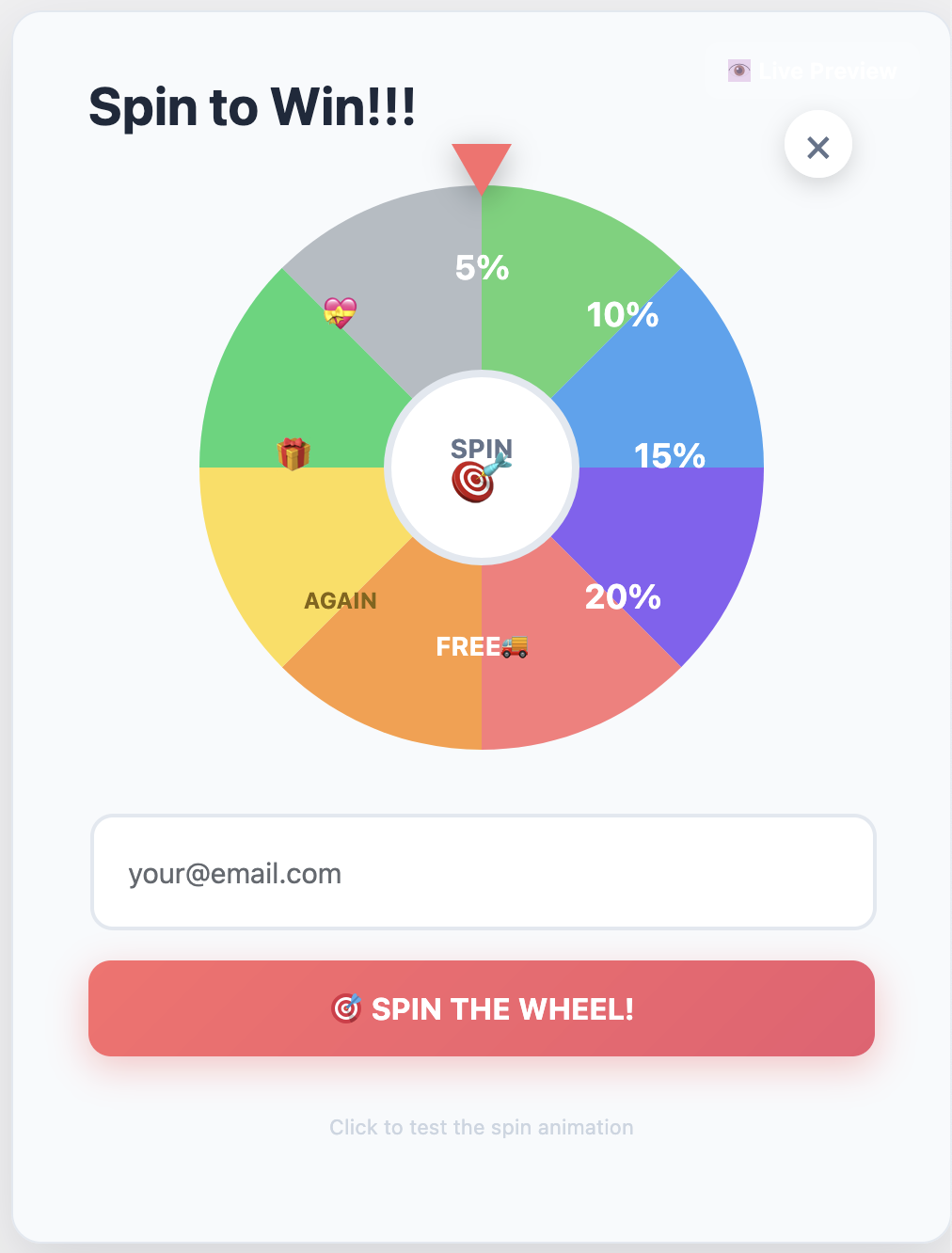
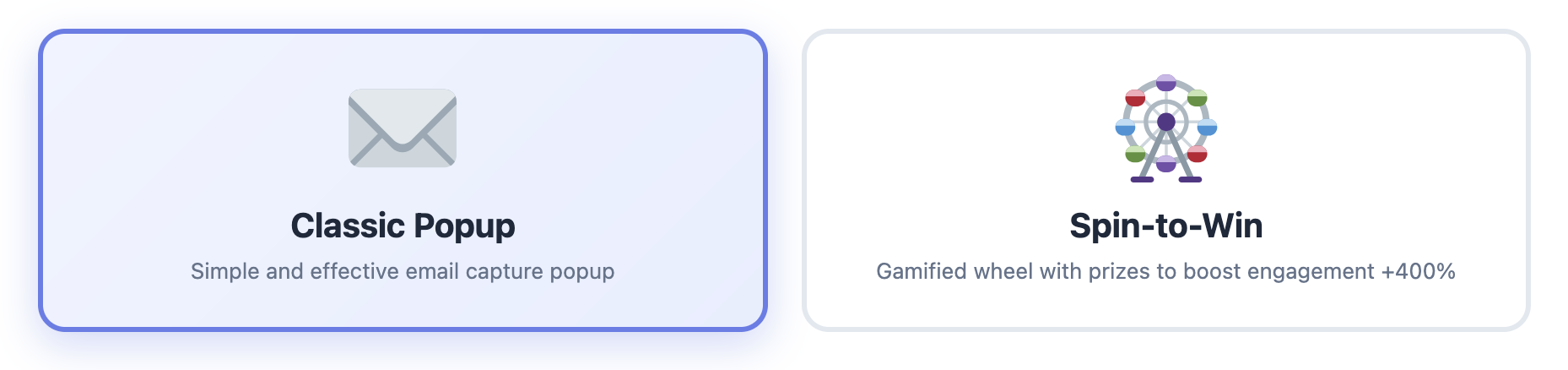
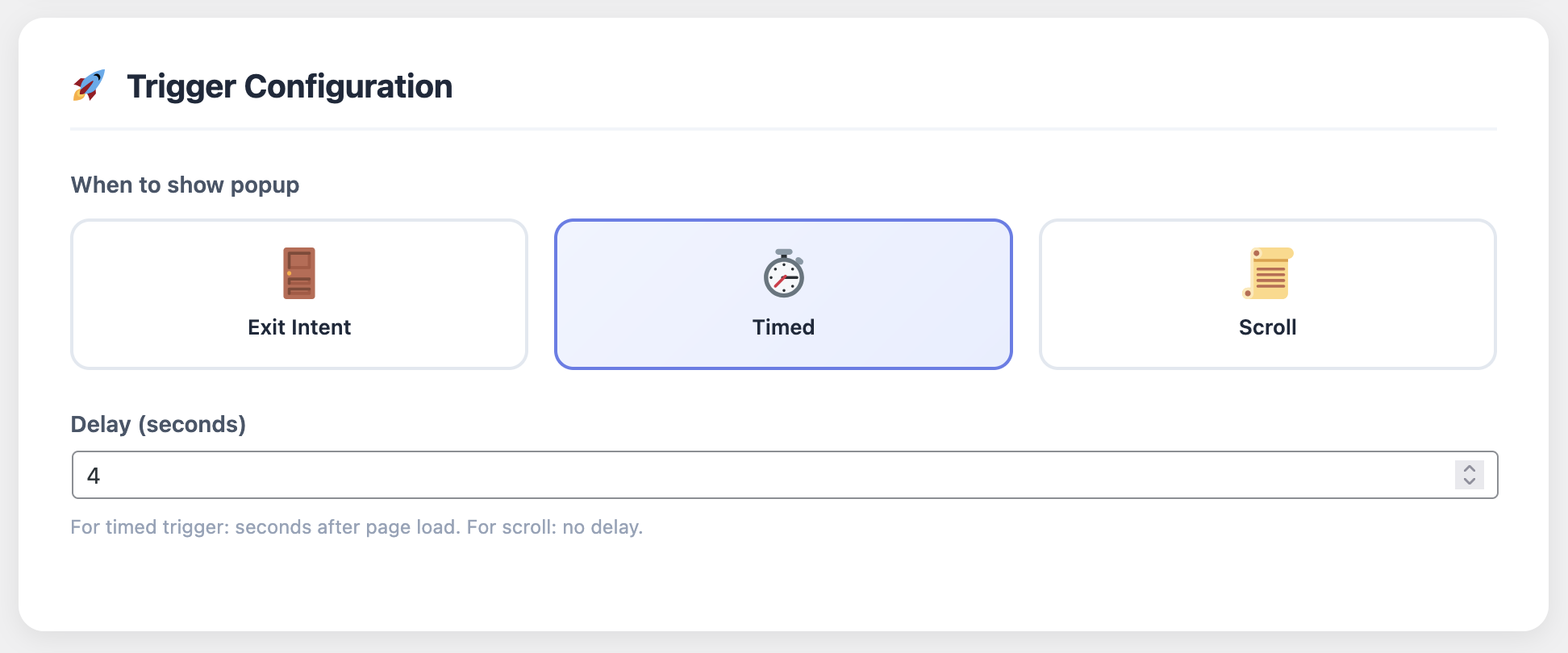
Increase engagement with exit-intent popups and gamification elements. Cart Recovery Pro includes spin-to-win wheels, scratch cards, and discount reveal mechanics. Compare features with our best WooCommerce abandoned cart plugins comparison.
Gamification Best Practices
- Offer discounts between 5-15% to maintain profitability
- Limit spins to once per email address to prevent abuse
- Use countdown timers to create urgency
- Show social proof (“2,847 people won discounts today”)
Part 11: Continuous Optimization
Schedule monthly performance reviews. Rotate subject lines, update hero imagery for seasonal campaigns, and introduce new incentive tiers as product lines evolve.
Optimization Checklist
- Test alternative CTA text and button colors
- Reorder email sections based on heatmap data
- Refine product recommendations using purchase history
- Document hypotheses, outcomes, and next steps
- Duplicate workflows and run A/B tests simultaneously
Cart Recovery Pro makes it easy to duplicate workflows and run tests simultaneously, ensuring iterative improvement without downtime.
Part 12: Multi-Store & Localization
If you manage multiple storefronts or localized sites, create reusable templates and automation blueprints. Cart Recovery Pro supports multi-store setups, language localization, and region-specific incentives.
Template Library
Clone workflows, adjust branding, and deploy within minutes
Language Support
Translate emails, SMS, and popups into 40+ languages
Regional Rules
Set currency, shipping, and incentive rules by region
Quick Start Optimization Checklist
✓ Data & Integration
- Verify WooCommerce data syncing
- Connect CRM and analytics platforms
- Test email deliverability
✓ Automation Setup
- Review automation timelines quarterly
- Adjust for seasonality
- Set up multi-channel workflows
✓ Creative & Assets
- Refresh creative assets every 90 days
- Update seasonal imagery
- Test mobile responsiveness
✓ Profit Protection
- Monitor incentive usage
- Set margin thresholds
- Review discount impact monthly
✓ Team Processes
- Document escalation playbooks
- Train support teams
- Set SLA targets
✓ Performance Review
- Export monthly reports
- Compare against benchmarks
- Plan next optimization cycle
Key Metrics & Industry Benchmarks
Track these metrics to measure success and identify optimization opportunities. For advanced email marketing strategies, explore the ultimate WooCommerce email marketing toolkit:
Email Performance
Open Rate: 45-55% (excellent)
Click Rate: 15-22% (good)
Unsubscribe: <0.5% (target)
Recovery Metrics
Recovery Rate: 12-20%
Avg Recovery Time: 2-4 hours
Revenue per Email: €2-5
Channel Performance
SMS: 98% open, 35% click
WhatsApp: 85% open, 28% click
Push: 60% open, 12% click
Leverage Cart Recovery Pro’s dashboard to compare performance across automation recipes. Share wins with your marketing, product, and finance teams to align priorities. For conversion optimization without coding, see our guide on boosting WooCommerce conversions with smart email automation.
Future-Proof Your Recovery Strategy
As privacy policies evolve and attribution becomes harder, owning first-party data and delivering exceptional experiences becomes critical. Cart Recovery Pro equips you with both—robust data ownership and premium UX.
Keep investing in customer understanding, creative excellence, and automation sophistication to stay ahead in 2025 and beyond.
Invest in Cart Recovery Pro Today
→
⭐ 30-day money-back guarantee | Lifetime updates | Premium support
FAQ: Optimizing with Confidence
How do I handle GDPR compliance?
Cart Recovery Pro includes consent tracking, preference centers, and automated opt-out management to keep your workflows compliant. All data is stored securely and customers can manage their preferences at any time.
Can I integrate with BI tools?
Yes. Export data via CSV, schedule email reports, or push events to Looker, Power BI, or Google Data Studio using the webhook module. All analytics data is available via REST API.
What if I run promotions frequently?
Use promo calendars inside Cart Recovery Pro to schedule template swaps, update creative, and automate coupon start/end dates. Set rules to pause recovery emails during site-wide sales.
Does it work with guest checkouts?
Absolutely. Cart Recovery Pro captures email addresses from guest checkouts and sends recovery sequences. You can also prompt guests to create accounts for better tracking.
How quickly can I see results?
Most stores see recovered carts within 24-48 hours of setup. Full optimization takes 2-4 weeks as you refine messaging and timing based on your audience data.
What’s the ROI typically?
Stores typically recover 12-20% of abandoned carts, generating €5,000-€50,000+ in additional monthly revenue depending on traffic volume and average order value.