
Manage To‑Do Lists Inside WordPress (with Dashboard Sticky Notes)
If you are searching for a WordPress to‑do list plugin, consider a native approach: build task lists directly in the admin using dashboard sticky notes. This method keeps tasks where work happens and delivers lightweight task management in WordPress—no external apps required.

Compact, readable notes for everyday task management
Why Sticky Notes Beat Traditional To‑Do Plugins
- Zero context switching: tasks live beside posts, products, and orders
- Fast capture: one‑click note, color, save
- Visual priority with colors and pinned Top notes
- Share with teammates and send email notifications
Recommended Setup (5 Minutes)
Install Quick Notes PRO — a dashboard sticky notes solution that doubles as a lightweight task management WordPress system.

Dashboard sticky notes widget
Build a To‑Do System (Colors, Categories, Tags)
Color Key
- Red = Urgent · Yellow = Today · Blue = Info · Orange = Waiting · Green = Done
Categories & Tags
- Categories: Content, Marketing, Support, Ops
- Tags: #review, #backlog, @owner, #Q3-2025
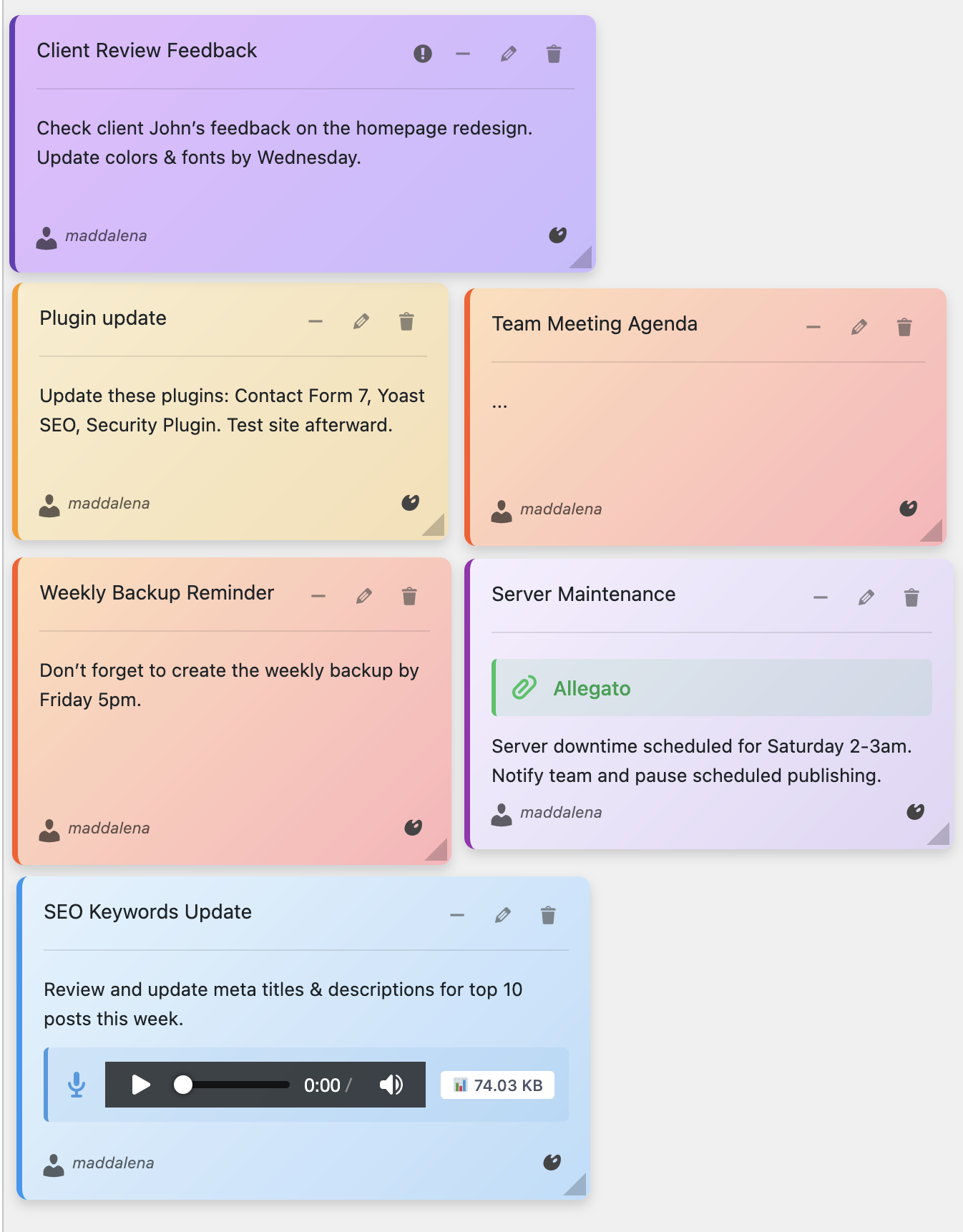
Color-coded task lists
Daily Workflow (3 Steps)
- Create 3–5 red/yellow notes for today’s priorities
- Convert completed notes to green → archive weekly
- Use Top notes for SOPs and recurring checklists
Voice Notes = Faster Task Context
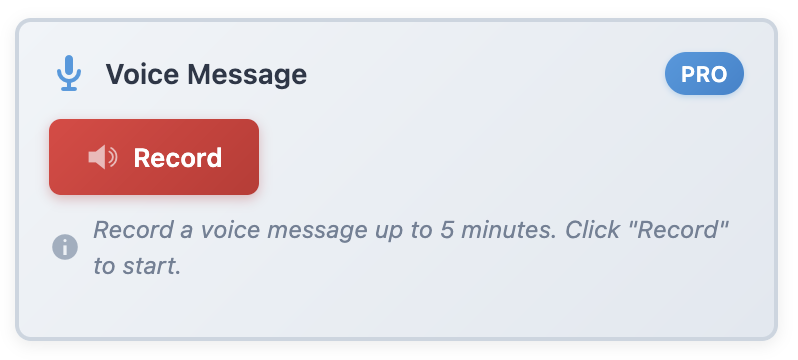
Record up to 5‑minute voice memos when typing is too slow
Turn Your Dashboard Into a To‑Do Command Center
Get Quick Notes PRO and manage tasks natively inside WordPress.