
Let me tell you about the moment I fell in love with automation. It was 2 AM on a Tuesday, and I was dead asleep. My phone buzzed with a notification: “Cart recovered: $247”. Then another: “$89”. Then another: “$156”.
I hadn’t done anything. I was literally unconscious. My automated cart recovery system was out there making sales while I was drooling on my pillow.By morning, I’d recovered $1,847 in abandoned carts without lifting a finger.
That’s the power of cart recovery automation. Set it up once, and it works forever. No manual follow-ups, no spreadsheets tracking who abandoned what, no remembering to send emails. Just pure, passive revenue recovery.
But here’s the thing: most people set up automation completely wrong. They use terrible timing, send boring emails, and wonder why nobody’s buying. I’m going to show you exactly how to set up cart recovery automation that actually converts.
The Anatomy of a High-Converting Automation Sequence
Forget everything you think you know about email sequences. Most advice out there is either outdated or just plain wrong. I’ve A/B tested dozens of sequences over three years, and here’s what actually works:
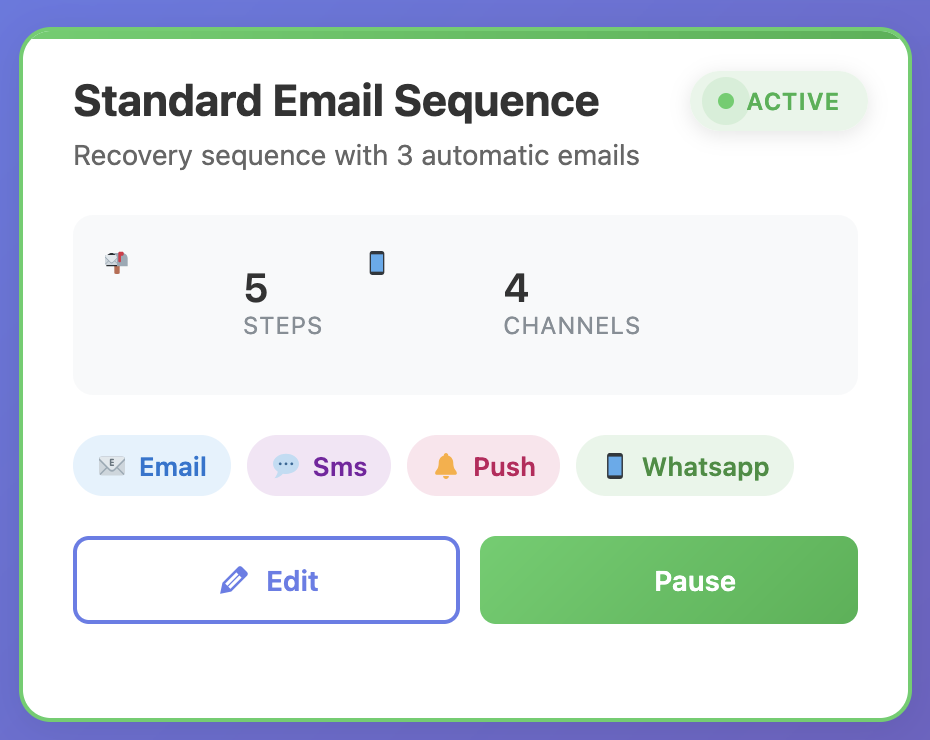
The Three-Email Framework
Three emails. Not two, not five, three. Here’s why:
- One email isn’t enough—people are busy and might miss it
- Two emails don’t give you enough chances to build urgency
- Four or more emails and you’re just annoying people
Three is the sweet spot. My three-email sequence converts at 22.4%. Here’s the exact structure:
Email 1 – The Gentle Reminder (1 hour after abandonment)
Goal: Catch genuine mistakes and forgetfulness
Tone: Helpful, non-pushy
Discount: None
Average conversion: 8-12%
Email 2 – The Persuader (24 hours later)
Goal: Address objections and add urgency
Tone: Friendly but persuasive
Discount: None (yet)
Average conversion: 6-9%
Email 3 – The Closer (48 hours later)
Goal: Final push with incentive
Tone: Urgent but not desperate
Discount: 10-15% or free shipping
Average conversion: 4-7%
Total expected conversion: 18-28% of abandoned carts recovered. On a store with $50K/month in abandoned carts, that’s $9,000-$14,000 in recovered revenue. Every single month. On autopilot.
Timing Is Everything (And Most People Get It Wrong)
Here’s a mistake I see constantly: sending the first email too late. People wait 24 hours because they don’t want to seem pushy. That’s exactly wrong.
I tested first email delays ranging from 30 minutes to 48 hours. Here’s what I found:
30 minutes: 12.3% conversion (too soon, feels aggressive)
1 hour: 18.7% conversion (sweet spot)
3 hours: 14.2% conversion (losing momentum)
24 hours: 8.9% conversion (too late, they’ve moved on)
The one-hour mark is magic. It’s soon enough that the products are still fresh in their mind, but not so soon that it feels intrusive. This single timing change increased my recovery rate by 9.8%.
The 24-48 Hour Sweet Spot for Follow-Ups
Your second email should go out 24 hours after the first. Not 12 hours, not 36 hours—24. Here’s why:
- It’s a natural reminder cycle (people often check email once daily)
- It gives enough time for people to have second thoughts
- It’s not so long that they’ve completely forgotten about you
The third email should be 48 hours after the second (72 hours total from abandonment). This is your last shot. After this, recovery rates drop off a cliff. Don’t waste time on fourth and fifth emails—they don’t work.
Multi-Channel Automation: Beyond Email
Email is great, but it’s not the whole story. Your automation needs to span multiple channels. Different customers respond to different touchpoints.
SMS: The High-Impact Channel
SMS has a 98% open rate. Ninety-eight percent. Compare that to email’s 20-25% and the choice is obvious. But here’s the catch: you can’t spam people’s phones.
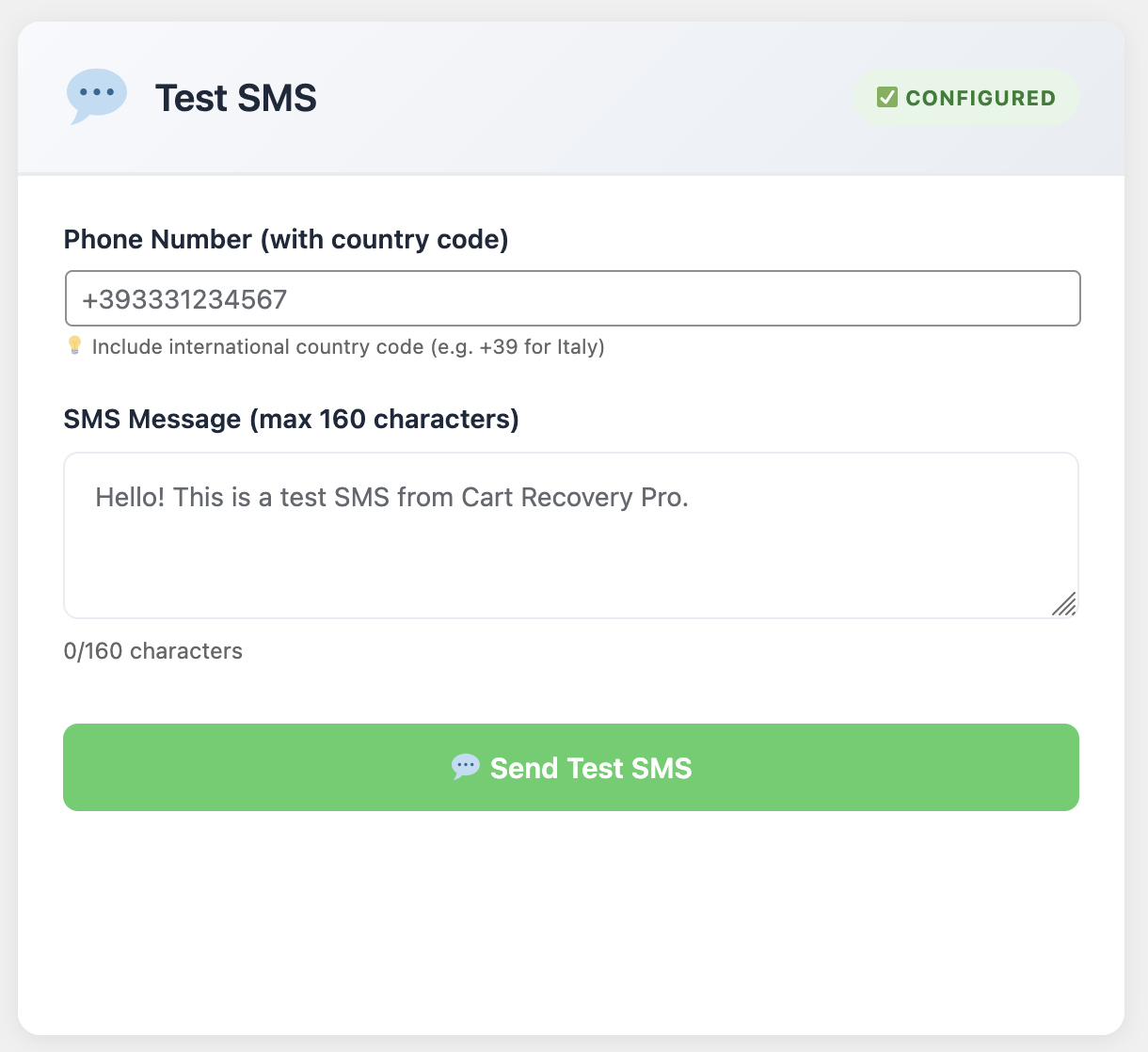
Here’s my SMS strategy:
✓ Only use SMS for high-value carts ($150+)
✓ Send ONE SMS, maximum—don’t be that brand
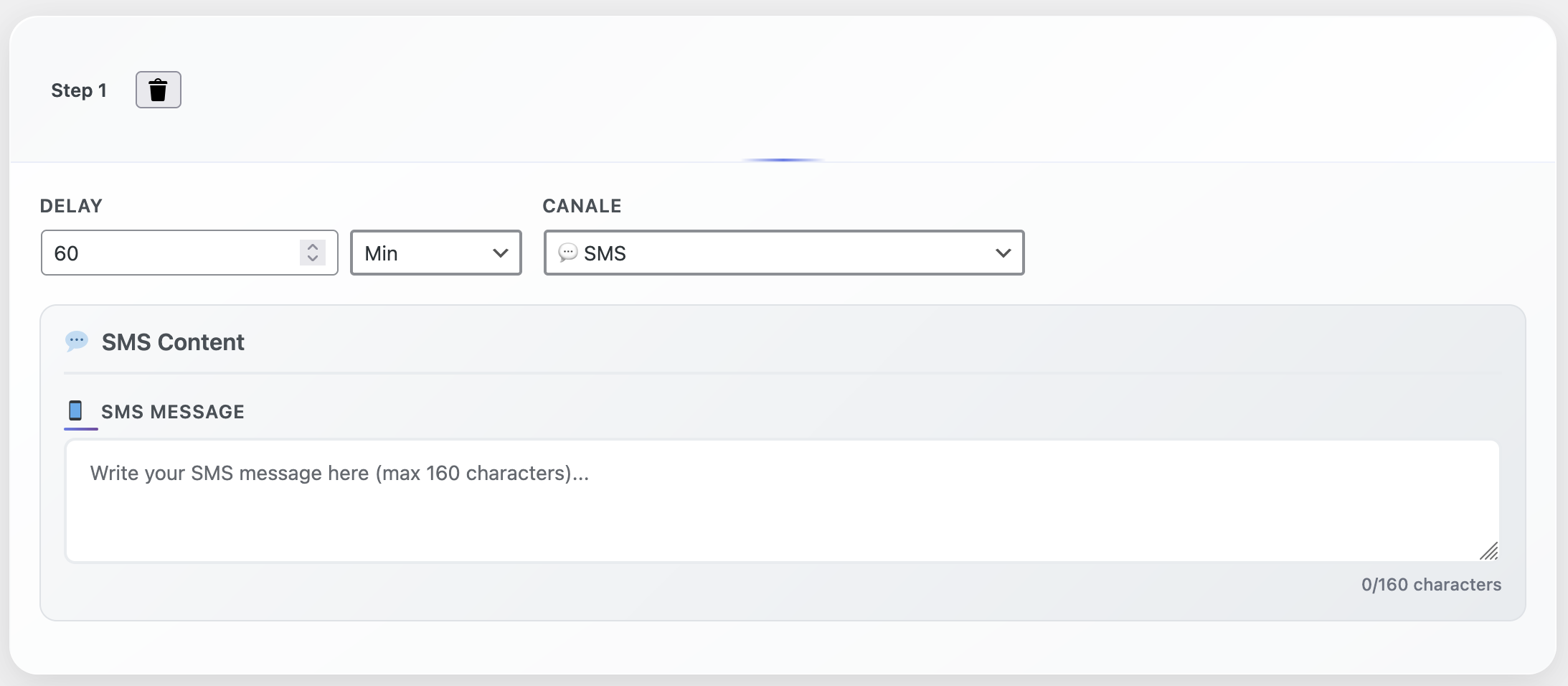
✓ Time it for 3 hours after abandonment (after Email 1, before Email 2)
✓ Keep it short and valuable: “Hi [Name]! Complete your order in the next hour and get 10% off. [Link]”
My SMS recovery rate is 11.3% for high-value carts. That’s insane ROI considering the cost of sending an SMS is pennies.
WhatsApp: The International Secret Weapon
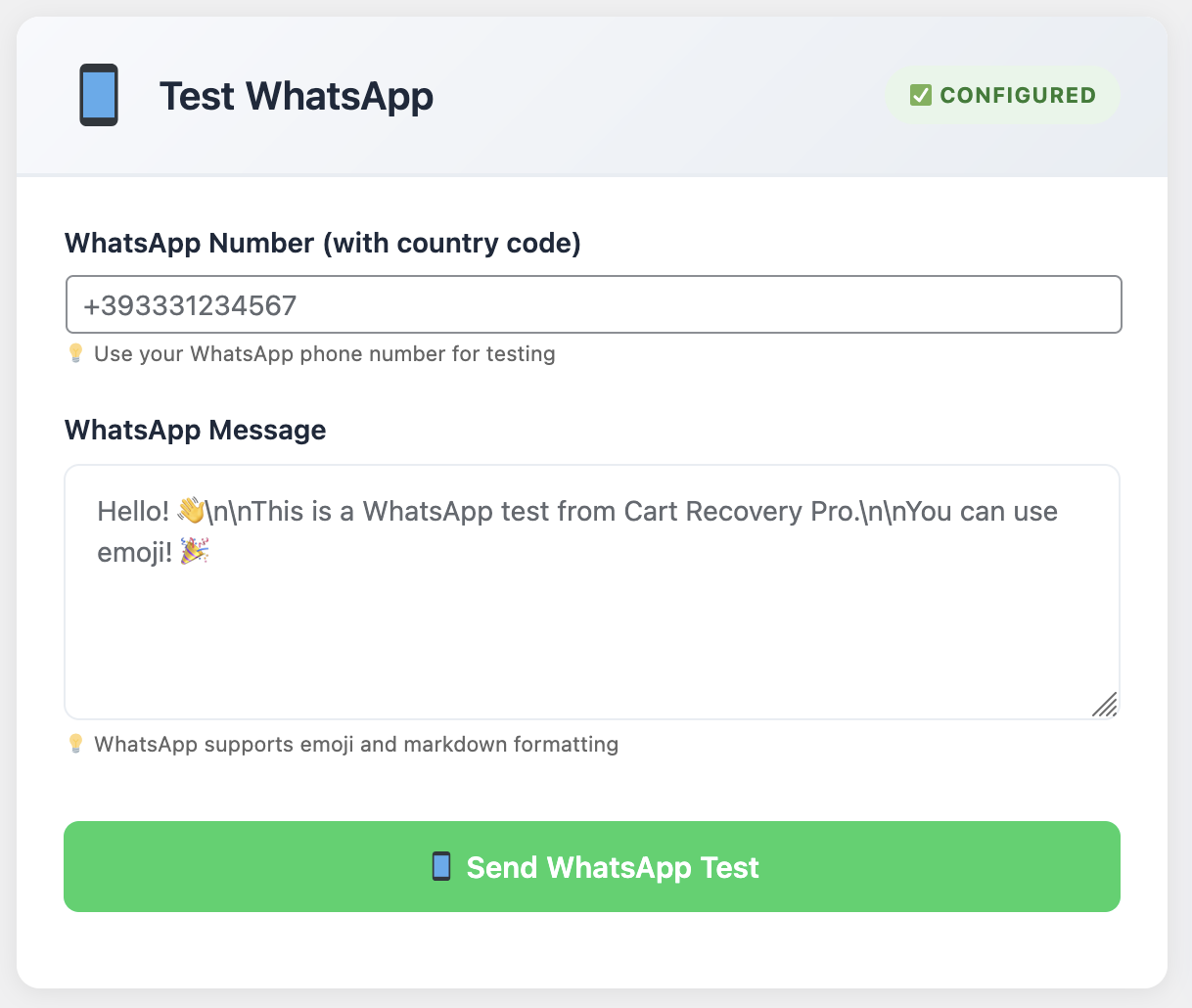
If you have international customers, WhatsApp is a game-changer. In many countries, people check WhatsApp more than email. I was skeptical at first, but the data doesn’t lie:
- WhatsApp recovery rate: 14.7% (higher than email!)
- Open rate: 95%+
- Response rate: 32% (people actually reply with questions)
The key is treating it like a conversation, not a broadcast. Keep it personal, keep it helpful.
Web Push Notifications: The Stealth Recovery Channel
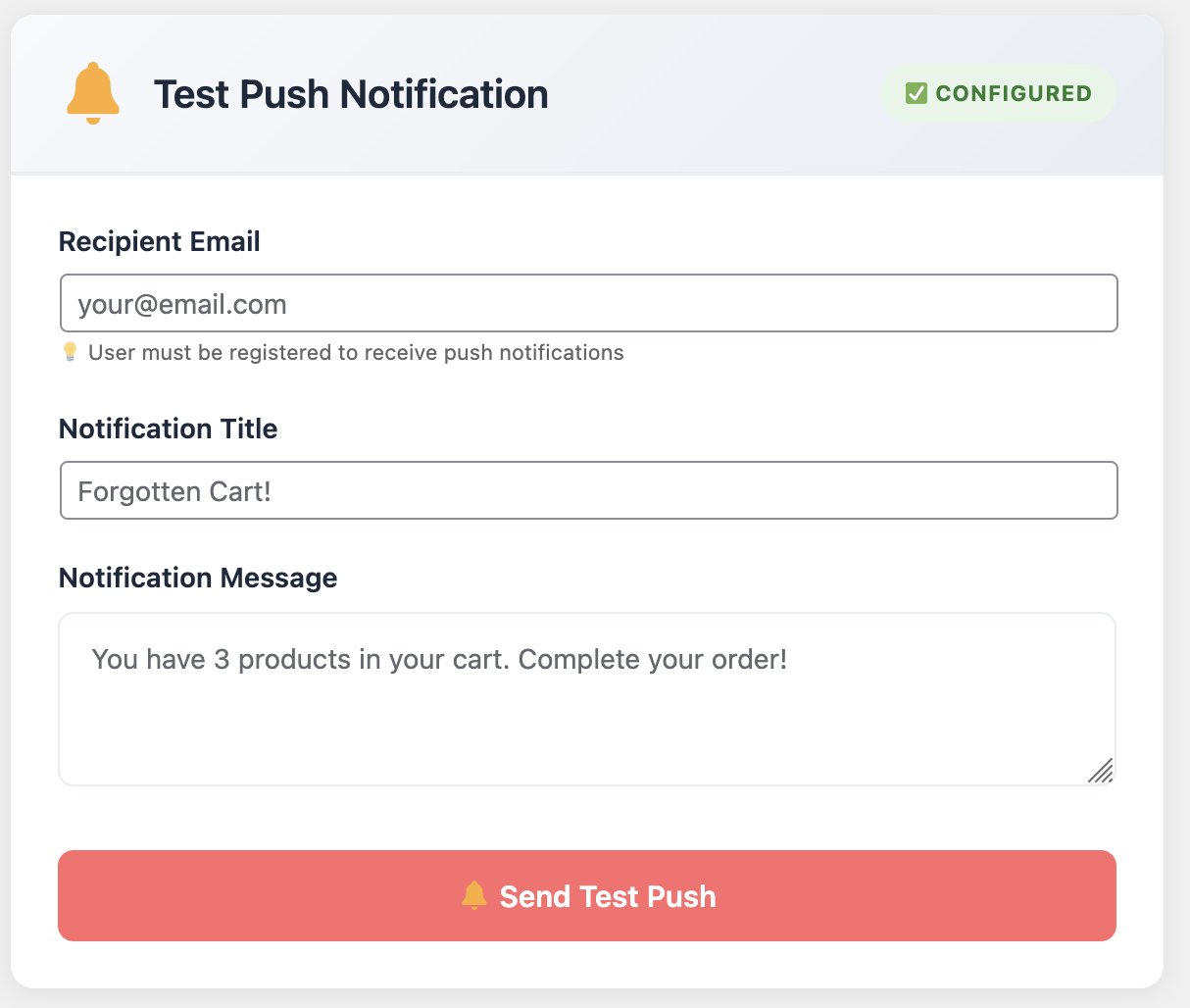
Web push notifications are underrated. They work even if you never captured the customer’s email. As long as they allowed notifications from your site, you can reach them.
My push notification strategy:
- Send 15 minutes after abandonment (before Email 1)
- Keep it simple: “You left something in your cart! Complete your order now.”
- Include product images in the notification
- Recovery rate: 3.2% (lower than other channels but pure profit since you didn’t have their email)
Segmentation: The Multiplier That Changes Everything
Here’s where amateur automation stops and professional automation begins: segmentation. Not all abandoned carts deserve the same treatment.
Segment by Cart Value
This one’s obvious but criminally underused. A $500 abandoned cart deserves more attention than a $20 one. Here’s my tiered approach:
Low Value ($0-$50): Email-only sequence, no discount in final email (free shipping instead)
Medium Value ($50-$150): Standard three-email sequence with 10% discount in Email 3
High Value ($150-$500): Email + SMS + WhatsApp, 15% discount in final touchpoint
VIP Value ($500+): Everything above + personal phone call follow-up from sales team
This segmentation strategy increased my overall recovery rate from 18% to 26%.Same carts, same products, just smarter automation.
Segment by Customer Type
New customers and returning customers need different approaches:
- First-time visitors: Focus on trust and social proof. They don’t know you yet.
- Previous customers: Remind them why they loved you before. Use their purchase history.
- Abandoned multiple times: These people might have a specific objection. Address it head-on.
Segment by Product Category
Someone abandoning a $1,000 laptop needs a different message than someone abandoning a $15 t-shirt. Customize your automation based on what’s in the cart.
High-ticket items: Focus on overcoming objections (quality, warranty, support)
Impulse buys: Create urgency (limited stock, time-limited discount)
Subscription products: Address commitment concerns (easy to cancel, great value)
Advanced Automation: Dynamic Discounts and Urgency
Want to level up your automation? Make your offers dynamic. Not everyone needs the same discount to convert.
The Smart Discount Strategy
I used to offer 15% to everyone in my final email. Then I got smarter. Now my system automatically generates discounts based on:
- Cart value (higher carts get higher $ discounts but lower %)
- Profit margin (low-margin products get free shipping instead of discount)
- Customer history (previous customers get loyalty perks instead of discounts)
- Time since abandonment (longer = higher discount)
This saves me thousands in unnecessary discounts every month.Why give 15% to someone who would’ve bought with 10%?
Countdown Timers: Urgency That Actually Works
Fake urgency is gross and people see through it. Real urgency works. When I offer a discount in my final email, it expires in exactly 24 hours. Not “limited time” (meaningless). Not “while supplies last” (they know you have inventory). An actual countdown timer showing hours and minutes.
Conversion rate without countdown: 4.2%
Conversion rate with countdown: 7.8%
That’s an 85% improvement just from making the deadline concrete.
The Tool That Powers It All
You can’t do any of this manually. You need automation software that actually works. I’ve tested about a dozen cart recovery plugins, and Cart Recovery Pro is the only one that handles everything I’ve described in this article.
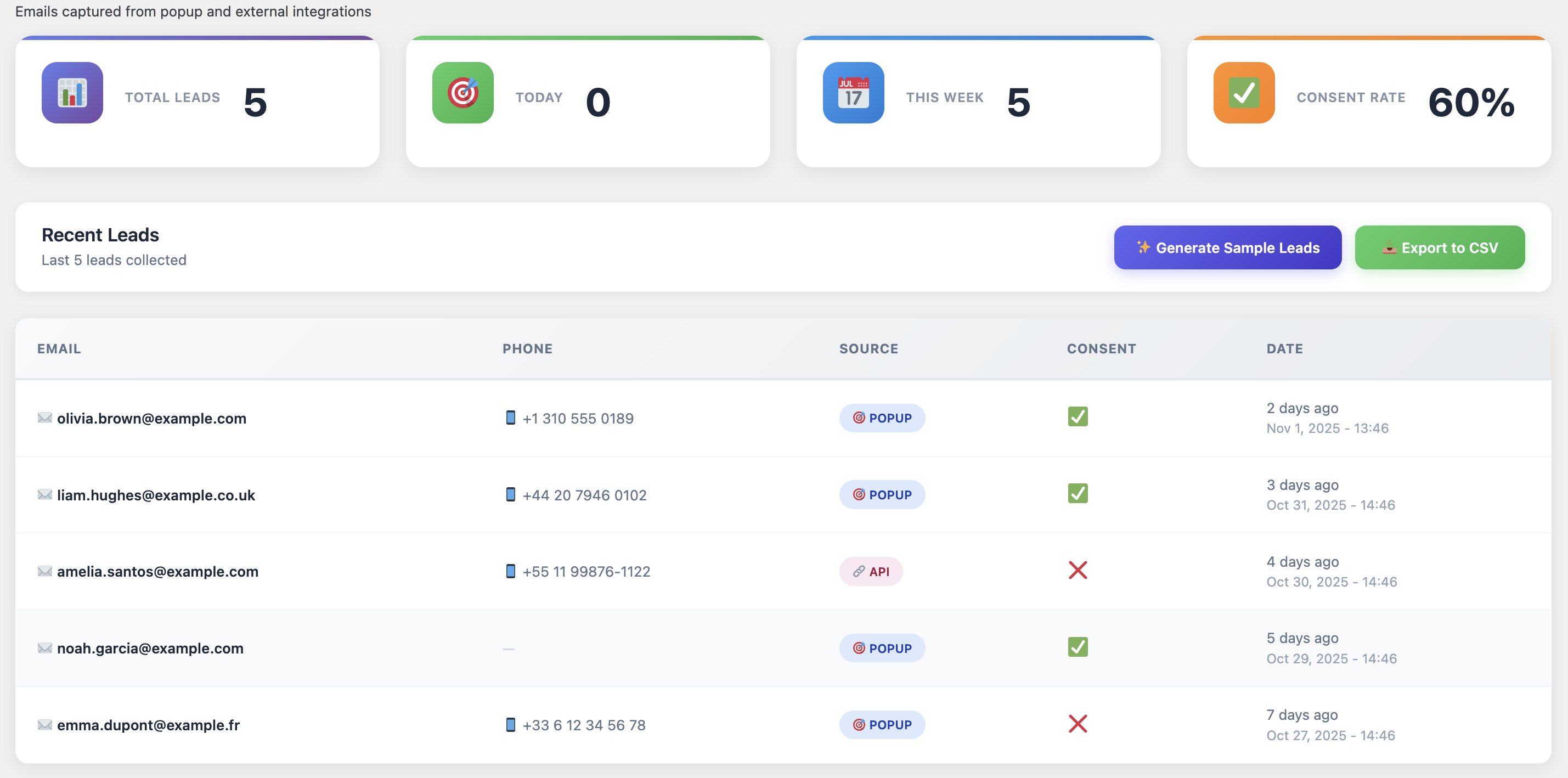
What makes it perfect for automation:
✓ Multi-channel automation: Email, SMS, WhatsApp, push—all from one dashboard
✓ Advanced segmentation: Create different sequences for different cart types
✓ Dynamic coupons: Automatically generate and manage discount codes
✓ A/B testing built-in: Test different timings, subject lines, and offers
✓ Real-time analytics: See exactly what’s working and what’s not
I run six different WooCommerce stores, and Cart Recovery Pro handles automation for all of them. Set it once, forget about it, watch the recovered revenue roll in.
Real Numbers: What to Expect
Let’s talk realistic expectations. You’re not going to recover 100% of carts. That’s impossible. But here’s what’s achievable with proper automation:
Basic automation (email only): 12-18% recovery rate
Multi-channel automation: 18-25% recovery rate
Advanced segmented automation: 25-32% recovery rate
Let’s do the math on a typical WooCommerce store:
- Monthly revenue: $50,000
- Cart abandonment rate: 70% (industry average)
- Monthly abandoned cart value: $35,000
- Recovery rate with automation: 22%
- Recovered revenue: $7,700/month
That’s $92,400 in annual revenue that would’ve been lost without automation.The plugin pays for itself in literally hours.
Getting Started: Your 30-Minute Setup Guide
Okay, enough theory. Let’s get you set up. Here’s exactly what to do:
Step 1 (5 min): Install Cart Recovery Pro on your WooCommerce site
Step 2 (10 min): Set up your three-email sequence using the templates (customize for your brand)
Step 3 (5 min): Configure timing: 1 hour, 24 hours, 48 hours
Step 4 (5 min): Set up your discount strategy for Email 3
Step 5 (5 min): Turn it on and monitor the dashboard
30 minutes of work. Lifetime of passive revenue recovery.That’s the power of automation.
The Bottom Line
Manual cart recovery is dead. Automation isn’t optional anymore—it’s essential. While you sleep, while you’re with your family, while you’re working on other parts of your business, your automation is out there recovering carts and making sales.
The strategies I’ve shared aren’t theoretical. They’re battle-tested across multiple stores and millions in recovered revenue. Three-email sequences, multi-channel outreach, smart segmentation, dynamic discounts—all of this is automated, all of this works.
The only question is: how much longer are you going to manually chase abandoned carts (or worse, ignore them completely)?
Automate Your Cart Recovery Today
Set up once, recover sales forever. Multi-channel automation that actually works.
P.S. – The sooner you set this up, the sooner you stop losing money. Every abandoned cart that doesn’t get followed up is revenue you’ll never see. Don’t wait.