
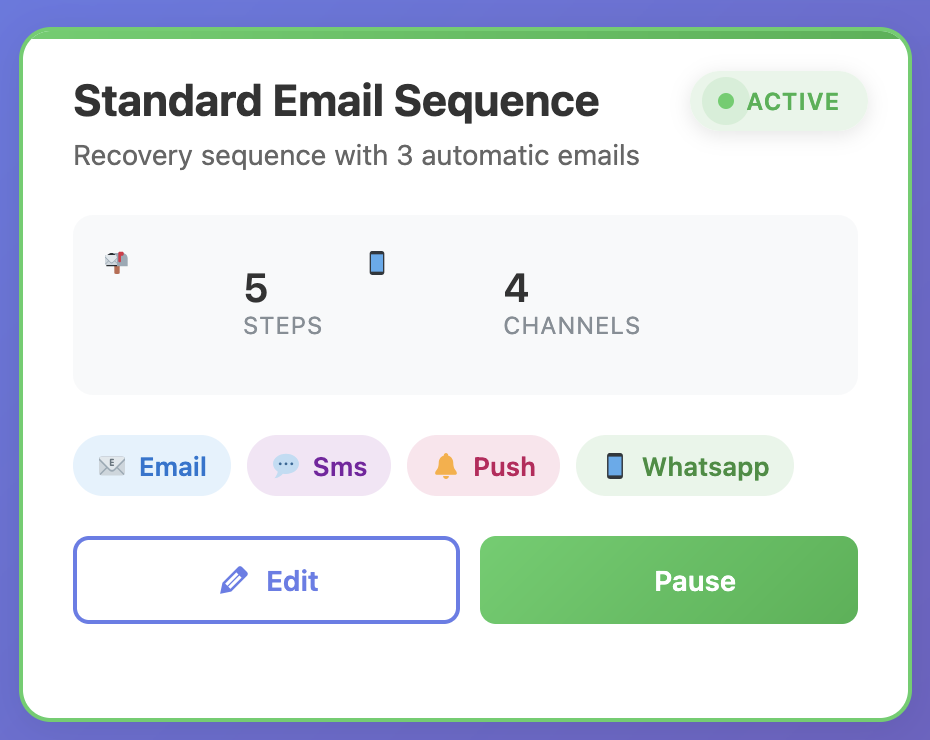
Follow-up automation is the difference between one-time sales and long-term loyalty. Yet many WooCommerce stores still rely on scattered reminders, manual emails, or disconnected apps that break when you need them most. This article shows you how to orchestrate follow-ups like a seasoned marketing automation leader—with WP Abandoned Cart Recovery (Product ID 264) as your workflow engine.
We’ll build a complete follow-up stack that covers pre-purchase nurturing, post-purchase onboarding, repurchase reminders, customer support escalations, and review generation. You’ll learn to map customer journeys, design multi-channel sequences, personalize content at scale, and track ROI with surgical precision. We’ll also reference field-tested insights from Ultimate Checklist of Best Practices for WordPress Dashboard Notes and How to Leave Notes for WordPress Clients the Smart Way to help your team collaborate effectively.
1 · Define the Follow-Up Mission
Every follow-up should have a clear objective. We suggest organizing workflows into five mission categories:
- Recover: Rescue abandoned carts or stalled checkouts.
- Onboard: Help new customers adopt the product quickly.
- Engage: Nurture relationships, share educational content, and encourage repeat visits.
- Delight: Request feedback, collect reviews, recognize loyalty.
- Win back: Reactivate lapsing or churned customers with tailored offers.
Document every mission in a shared playbook. WP Abandoned Cart Recovery allows you to tag workflows and contacts with mission labels, so you always know how each sequence supports broader revenue goals.
2 · Map the Customer Journey
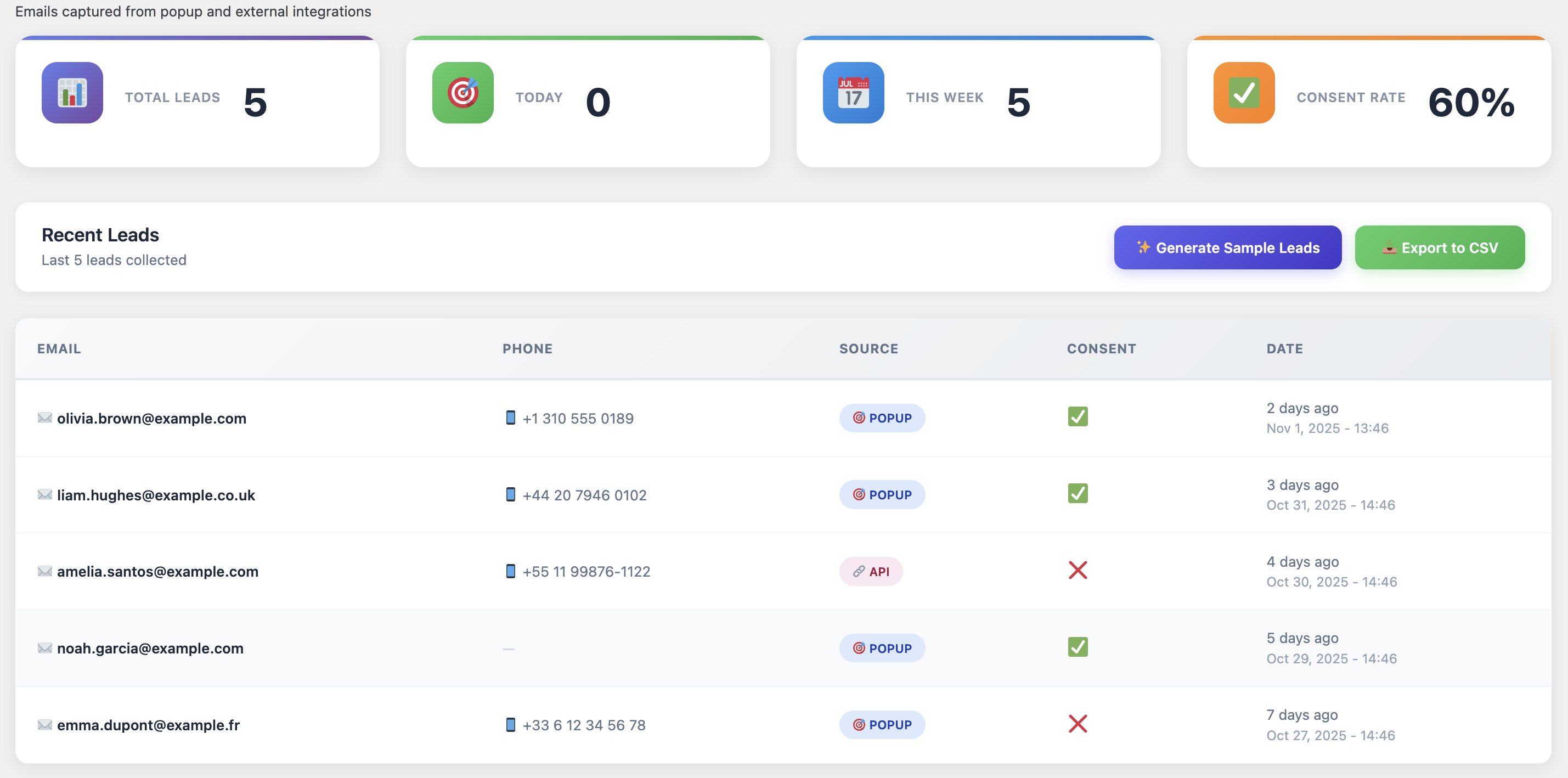
Journey mapping bridges the gap between theory and execution. Identify the touchpoints from first visit to long-term loyalty:
• Awareness → Consideration → Conversion → Onboarding → Repeat Purchase → Advocacy
• For each stage, list triggers, customer goals, objections, and preferred channels.
• Note internal owners responsible for creative, support, and analytics.
Store the map inside your documentation hub and review it quarterly. The more aligned your teams are, the more cohesive your follow-ups feel.
3 · Build Automation Frameworks in WP Abandoned Cart Recovery
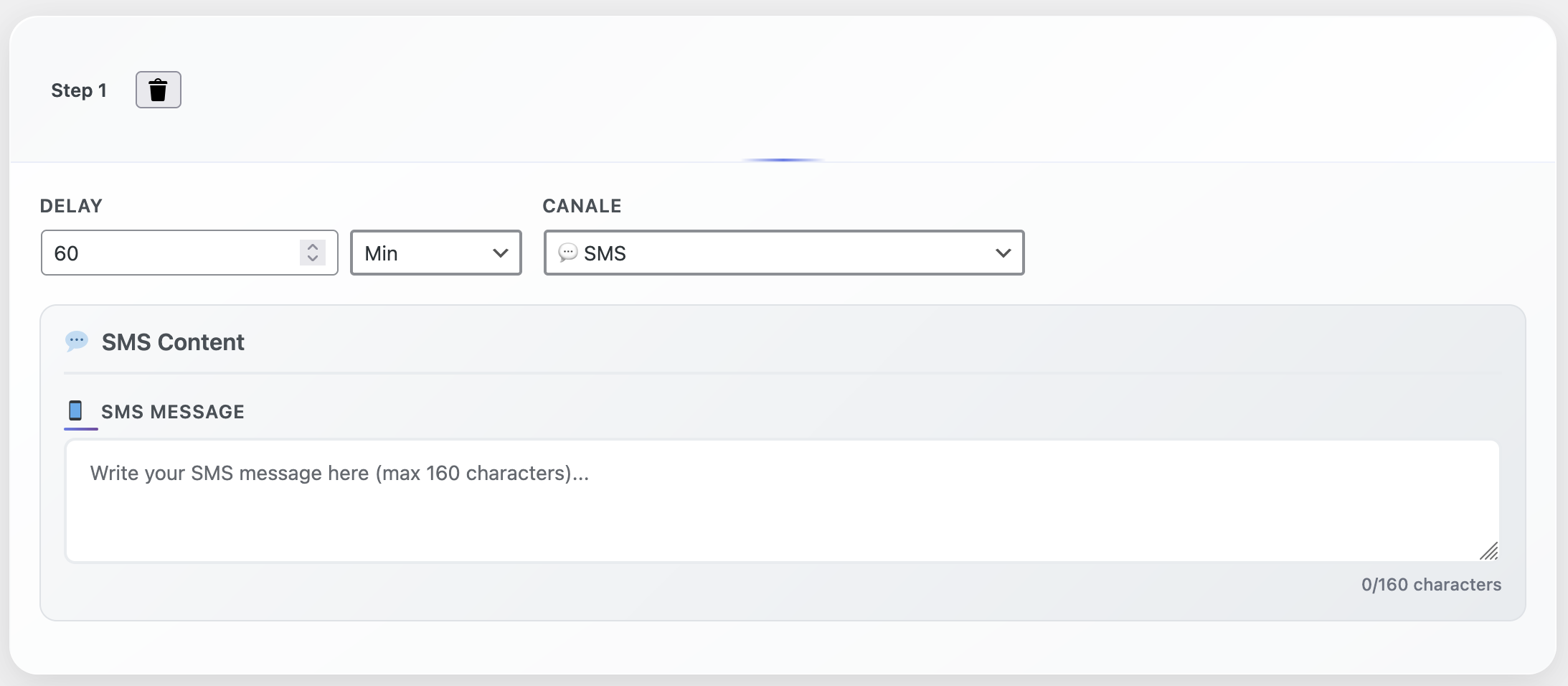
The plugin’s workflow builder allows you to combine triggers, branches, and actions visually. Create templates such as:
- Cart Recovery Sequence: Email (15 min) → SMS (2 hours) → WhatsApp (20 hours) → Support ticket (36 hours).
- Post-Purchase Onboarding: Thank-you email → Product setup guide → Video tutorial → Upsell reminder.
- Review Collector: Delivery confirmation → Review request → Social proof showcase → Referral program invite.
- Replenishment Reminder: Triggered X days after purchase for consumables, with tailored tips or bundles.
- VIP Appreciation: Triggered when lifetime spend crosses thresholds, delivering exclusive perks.
Each template is reusable—clone it, adjust segments, and launch in minutes.
4 · Personalize Every Touchpoint
Generic copy undermines automation. Use the plugin’s dynamic tags to tailor:
- Product names, images, and benefits based on cart contents or purchases.
- Customer metadata like first purchase date, loyalty tier, or location.
- Behavior-driven incentives—free shipping for high-value carts, concierge support for VIPs, educational content for researchers.
- Channel priority based on historical engagement (SMS-first for mobile-first buyers, email-first for desktop shoppers).
Embed dynamic social proof: “Customers in Austin love the Midnight Navy Hoodie” builds relevance instantly.
5 · Coordinate Multi-Channel Delivery
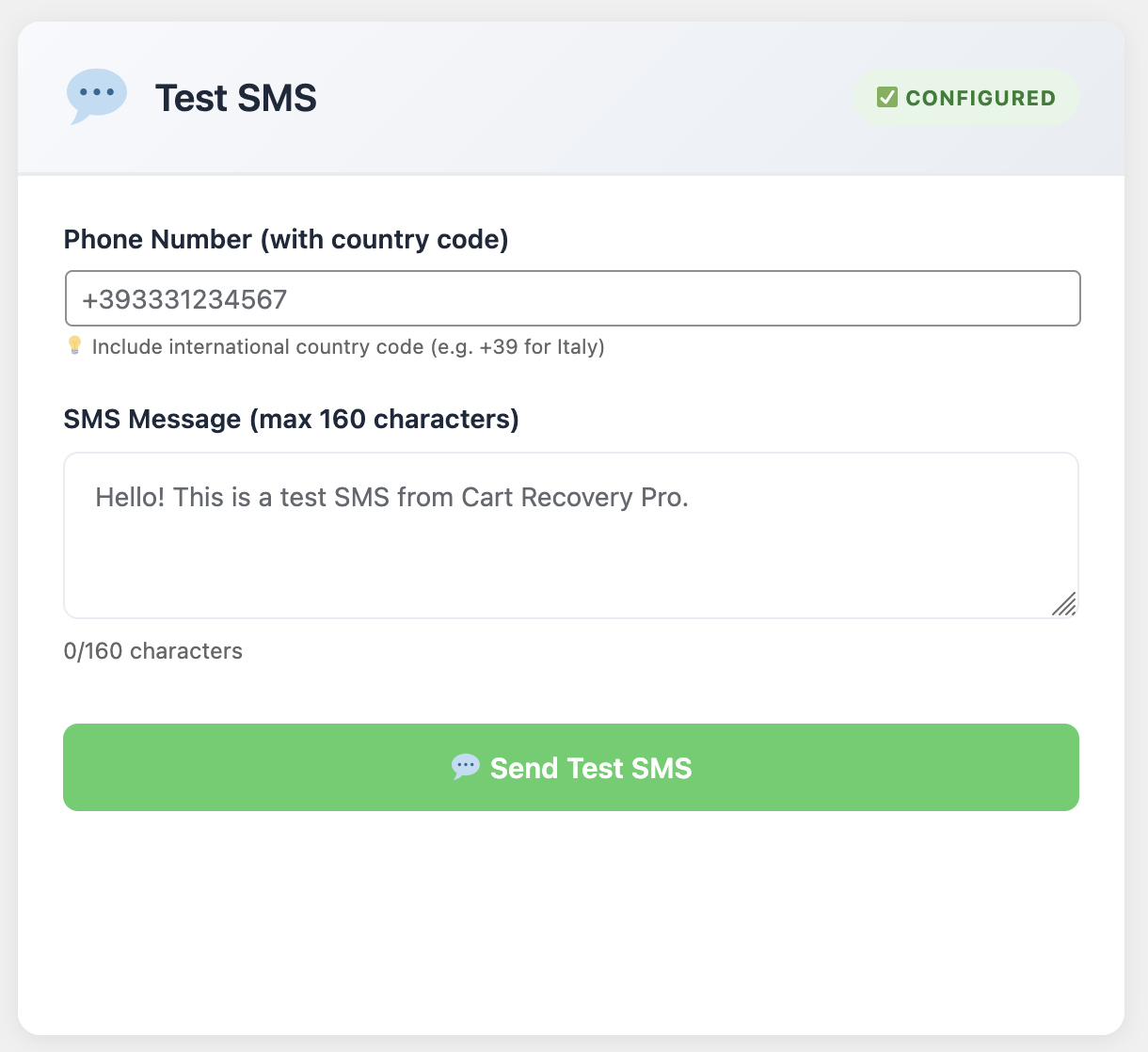
Email alone isn’t enough. Combine:
Email: Deep storytelling, visuals, product education.
SMS: Time-sensitive alerts, confirmation messages, personalized nudges.
WhatsApp: Conversational support, order updates, VIP concierge.
Push notifications: Instant reminders for logged-in users or PWA subscribers.
Set frequency caps and suppression rules so that customers who take action are automatically removed from subsequent steps.
6 · Integrate Support and Sales Teams
Follow-ups work best when your entire organization is aligned. WP Abandoned Cart Recovery creates internal notifications, tasks, and helpdesk tickets. Build workflows such as:
- If a VIP customer abandons a cart above $250, notify sales via Slack and open a CRM task.
- If a customer clicks “Need help” within an email, escalate to live chat with conversation history.
- If an SMS bounces, reroute to email and flag the contact for phone verification.
These touchpoints ensure shoppers never feel ignored, regardless of channel.
7 · Track Performance with Granular Metrics
Measure every sequence. Key metrics include:
- Open, click, and reply rates by channel and segment
- Conversion rate per workflow and per step
- Revenue attributed to each automation mission
- Average time to recovery for abandoned carts
- Impact on customer lifetime value and retention rate
Visualize results in dashboards and share them during weekly growth meetings. Celebrate milestones like “Recovered $10K this week” to keep teams engaged.
8 · Experiment, Iterate, and Archive Learnings
Professional automation teams never stop testing. Ideas to try:
• Experiment with storytelling vs. direct response copy.
• Rotate incentives: free shipping, bonus gifts, loyalty points.
• Adjust timing delays to match customer timezone or browsing patterns.
• Test different senders (brand vs. founder vs. support team).
• Embed interactive elements like polls or quizzes.
Document each experiment’s hypothesis, setup, outcome, and next steps. Build an archive accessible to marketing, sales, and support so learnings compound.
9 · Case Study · Subscription Brand Reduces Churn by 29%
A subscription wellness brand implemented the playbook above using WP Abandoned Cart Recovery:
• Churn dropped by 29% after introducing a nurturing sequence during inactive periods.
• Renewal reminders with SMS + email increased on-time payments by 18%.
• Cross-sell follow-ups generated $68K in incremental revenue in one quarter.
• Customer satisfaction scores rose to 4.7/5 thanks to proactive support automations.
Their success came from combining empathetic messaging with disciplined testing and cross-team alignment.
Follow-Up Command Center Checklist
- ✅ Clear mission objectives for every automation
- ✅ Journey maps covering awareness to advocacy
- ✅ Workflow templates cloned and customized in WP Abandoned Cart Recovery
- ✅ Dynamic personalization for copy, offers, and channel routing
- ✅ Multichannel orchestration with frequency guards
- ✅ Integrated support and sales escalation paths
- ✅ Reporting dashboards tied to revenue and retention
- ✅ Ongoing experimentation and documented learnings
- ✅ Cross-functional rituals to keep teams aligned
Launch Your Professional-Grade Follow-Up System
Your customers deserve timely, relevant, and helpful follow-ups. Your team deserves automation that is intuitive, reliable, and measurable. WP Abandoned Cart Recovery (Product ID 264) delivers both—pre-built workflows, segment-driven personalization, and analytics that prove ROI.
Automate Like a Pro—Starting Today
Install the plugin, import the follow-up templates, connect your channels, and customize the messaging. The system will start rescuing carts, onboarding customers, and growing loyalty from day one.
Automate smartly, measure relentlessly, and watch every follow-up become a moment that deepens customer trust.