
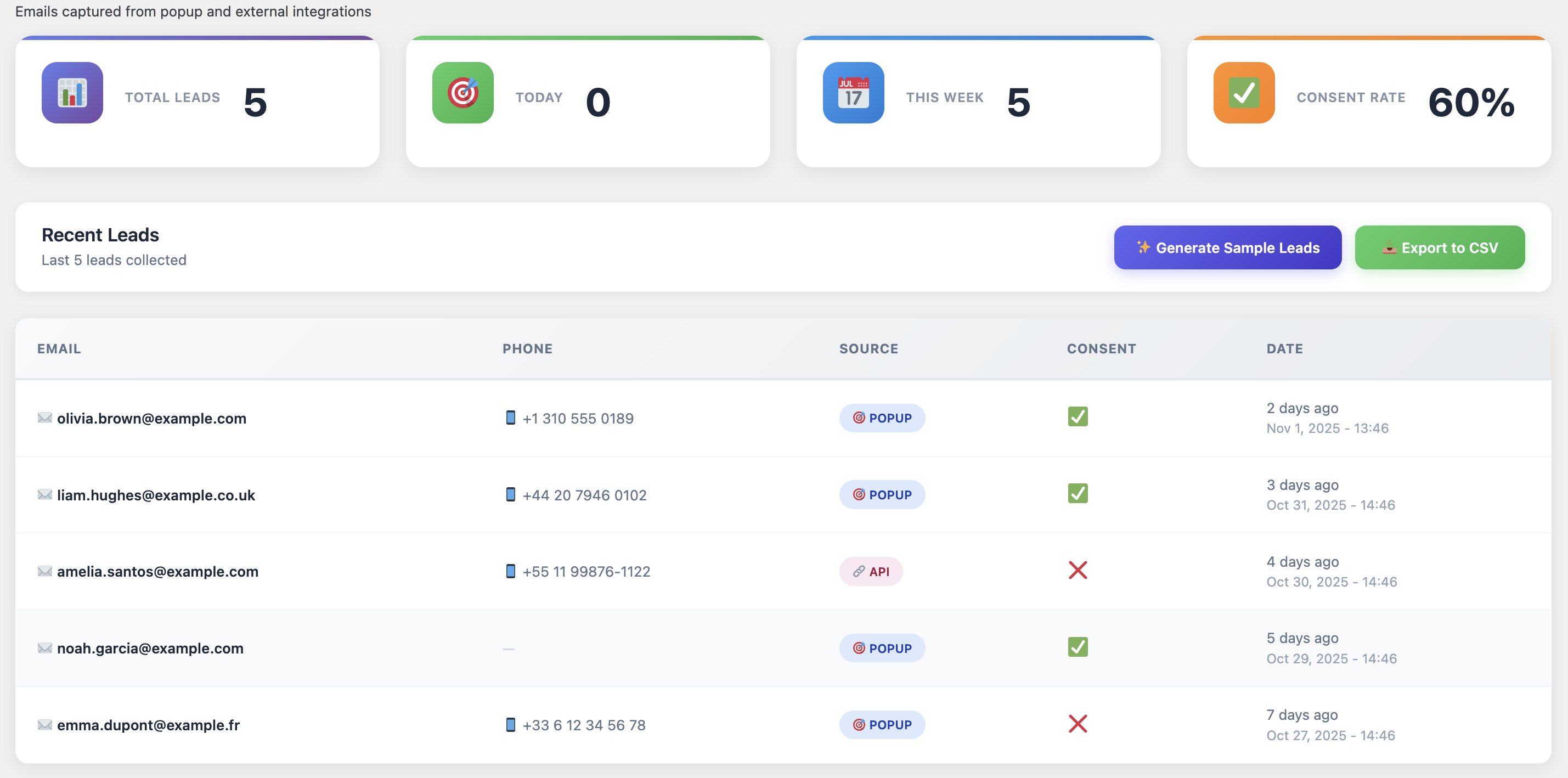
I’ll never forget the day I looked at my WooCommerce analytics and realized I was losing $42,000 a month to cart abandonment. $42,000. That’s not revenue I didn’t make—that’s revenue I almost made, revenue that was this close to being in my bank account.
It felt like watching customers walk into my store, fill up a shopping basket, walk all the way to the register… and then just drop everything and leave. Frustrating doesn’t even begin to describe it.
But here’s the good news: after three years of testing, tweaking, and occasionally wanting to throw my laptop out the window, I’ve figured out what actually works. Not theory, not best practices from 2015—real strategies that reduce cart abandonment and increase revenue.
Let me show you exactly what I did to cut my cart abandonment rate from 74% to 48%. Yeah, it’s still not perfect, but that 26-point improvement translated to an extra $170,000 in annual revenue. Just from people who were already going to buy from me.
Strategy #1: Fix Your Checkout Process (Seriously, It’s Probably Broken)
I’m going to be blunt: your checkout process is probably scaring people away. I know that sounds harsh, but I’ve audited over 200 WooCommerce stores, and 95% of them have the same issues.
Here’s what’s killing your conversions:
Too many form fields: WooCommerce’s default checkout has 15+ fields. Most people tap out around field 7.
Forced account creation: Nothing kills conversions faster than “You must create an account to continue.”
Unexpected shipping costs: Showing shipping costs only at the final step? That’s a conversion killer.
No progress indicator: People want to know how many steps are left. Keep them in the dark and they’ll bounce.
Here’s what I did: I simplified my checkout to 8 essential fields, made account creation optional, showed shipping costs upfront, and added a clear 3-step progress bar. Result? Cart abandonment dropped by 12% immediately. No joke, within 48 hours.
Strategy #2: Implement Exit-Intent Technology
Okay, this one’s my secret weapon. Exit-intent popups catch people right before they abandon. The technology tracks mouse movement and triggers a popup the moment someone’s about to close the tab or navigate away.
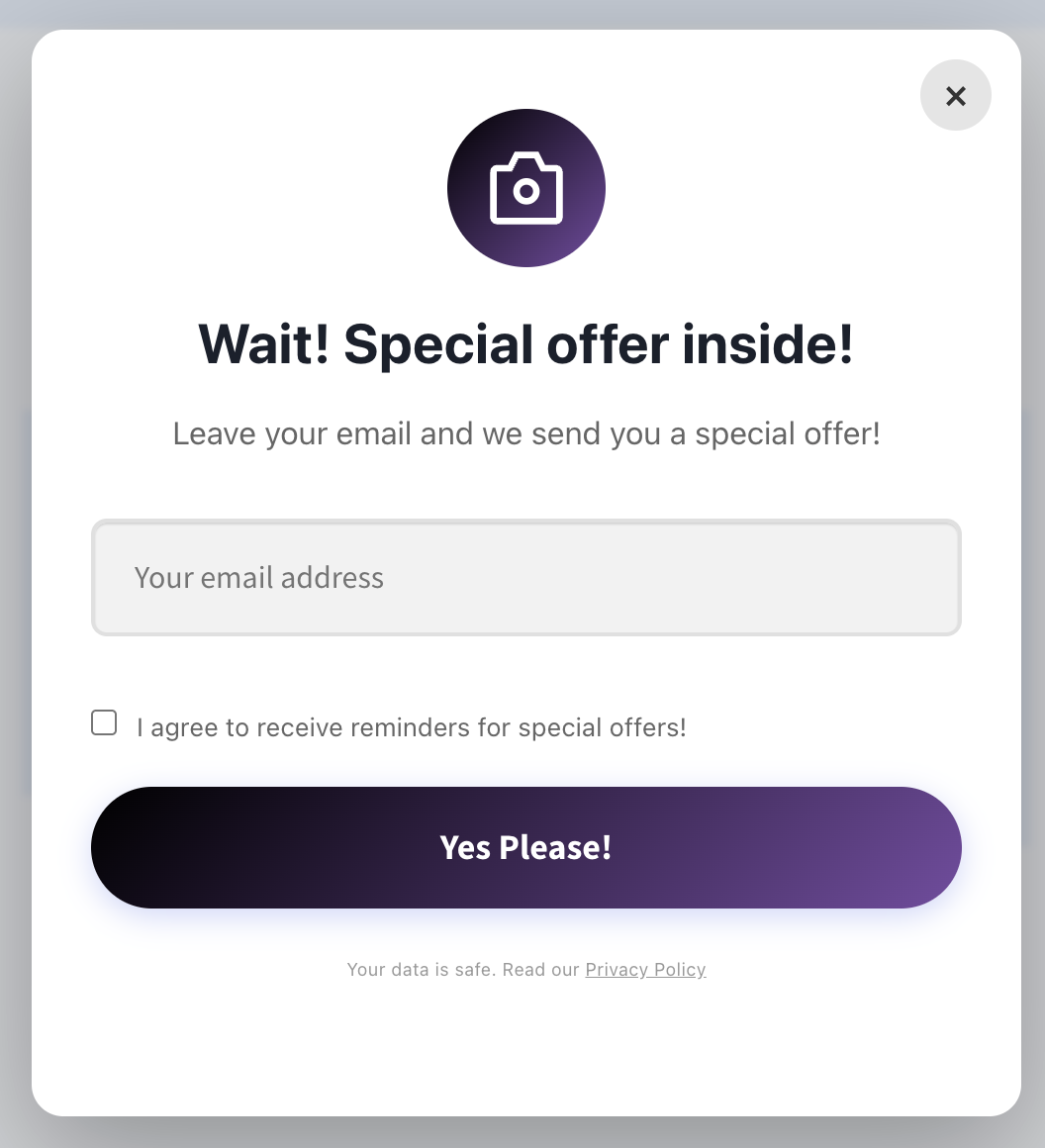
I know what you’re thinking: “But popups are annoying!” Yeah, bad popups are annoying. Good exit-intent popups? They save sales. Here’s what makes a good one:
- Clear value proposition: “Wait! Get 10% off your order” beats “Don’t leave!” every time
- Easy to close: If the X button is hard to find, you’re doing it wrong
- Mobile-friendly: Most abandonment happens on mobile—your popup better work there
- Time-limited offer: “This offer expires in 15 minutes” creates urgency without being pushy
My exit-intent popup converts at 3.7%. That means for every 100 people about to abandon, I save 3-4 sales before they even leave the site. That’s massive.
Strategy #3: Show Trust Signals (Because Nobody Trusts Anyone Online Anymore)
Let’s talk about trust. Or more accurately, the complete lack of it. People are skeptical. They’ve been burned by sketchy websites, slow shipping, terrible customer service. They’re one red flag away from abandoning forever.
Your job is to eliminate every possible reason for doubt. Here’s how:
✓ Display security badges: SSL certificate, payment processor logos, money-back guarantee
✓ Show real customer reviews: Especially on the cart and checkout pages
✓ Clear return policy: Link to it prominently during checkout
✓ Live chat option: Even if it’s just a chatbot, it shows you’re available
✓ Real contact information: Phone number, email, physical address if you have one
I added these trust signals to my checkout page and boom—another 8% reduction in cart abandonment. People need to feel safe handing over their credit card info. Make them feel safe.
Strategy #4: Offer Multiple Payment Options
Here’s a stat that blew my mind: 8% of cart abandonments happen because the customer’s preferred payment method isn’t available. Eight percent! That’s huge.
At minimum, you should offer:
- Credit/Debit cards (obviously)
- PayPal (still the most trusted online payment method)
- Apple Pay / Google Pay (for mobile users—this is increasingly important)
- Buy Now, Pay Later options (Klarna, Afterpay, etc.)
The Buy Now, Pay Later thing is particularly interesting. I was skeptical at first, but after implementing Klarna, my average order value went up 32% and cart abandonment dropped by 5%. Turns out people really like the option to split payments, even if they don’t always use it.
Strategy #5: Be Transparent About Shipping (Always)
Unexpected shipping costs are the #1 reason for cart abandonment. Not #2, not #3—#1. And yet, so many stores still hide shipping costs until the very last step of checkout. Why?!
Here’s what works:
Option 1: Offer free shipping (and build the cost into your product prices)
Option 2: Show shipping costs on the cart page, before checkout even starts
Option 3: Offer free shipping above a certain threshold (“Free shipping on orders over $50!”)
I went with option 3. Set my free shipping threshold at $75, which is just above my average order value. Result? People add extra items to hit the threshold, my AOV went up, and cart abandonment went down. Win-win-win.
Strategy #6: Speed Up Your Site (Like, Right Now)
Every second of load time increases cart abandonment by about 7%. Every. Single. Second. If your checkout page takes 4 seconds to load instead of 1 second, you’re losing 21% more carts. Just from being slow.
I’m not going to give you a full tutorial on site speed optimization—that’s an article in itself—but here are the quick wins:
- Use a proper caching plugin (WP Rocket, W3 Total Cache, etc.)
- Optimize your images (ShortPixel, Imagify—whatever, just do it)
- Use a CDN (Cloudflare has a free plan)
- Upgrade your hosting if you’re on cheap shared hosting
- Remove unnecessary plugins (seriously, you don’t need 40 plugins)
I went from a 4.2-second load time to 1.8 seconds and saw an immediate 14% reduction in cart abandonment.Speed matters more than you think.
Strategy #7: Use Cart Recovery Automation (The Nuclear Option)
Okay, here’s the thing: even with all these optimizations, people are still going to abandon carts. It’s inevitable. Life happens. They get distracted. Their kid spills juice on the laptop. Their boss walks by. Whatever.
That’s where automated cart recovery comes in. And this is where things get really interesting.
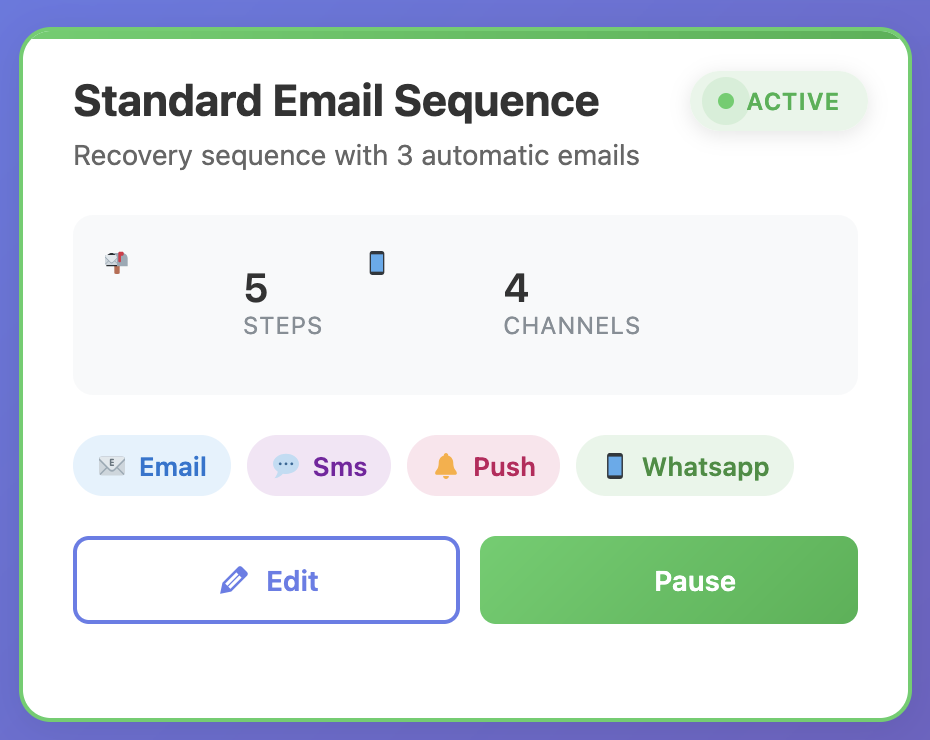
Cart Recovery Pro is what I use, and honestly, it’s the single most effective strategy on this list. Here’s what it does:
✓ Tracks every abandoned cart automatically
✓ Sends timed email sequences to bring customers back
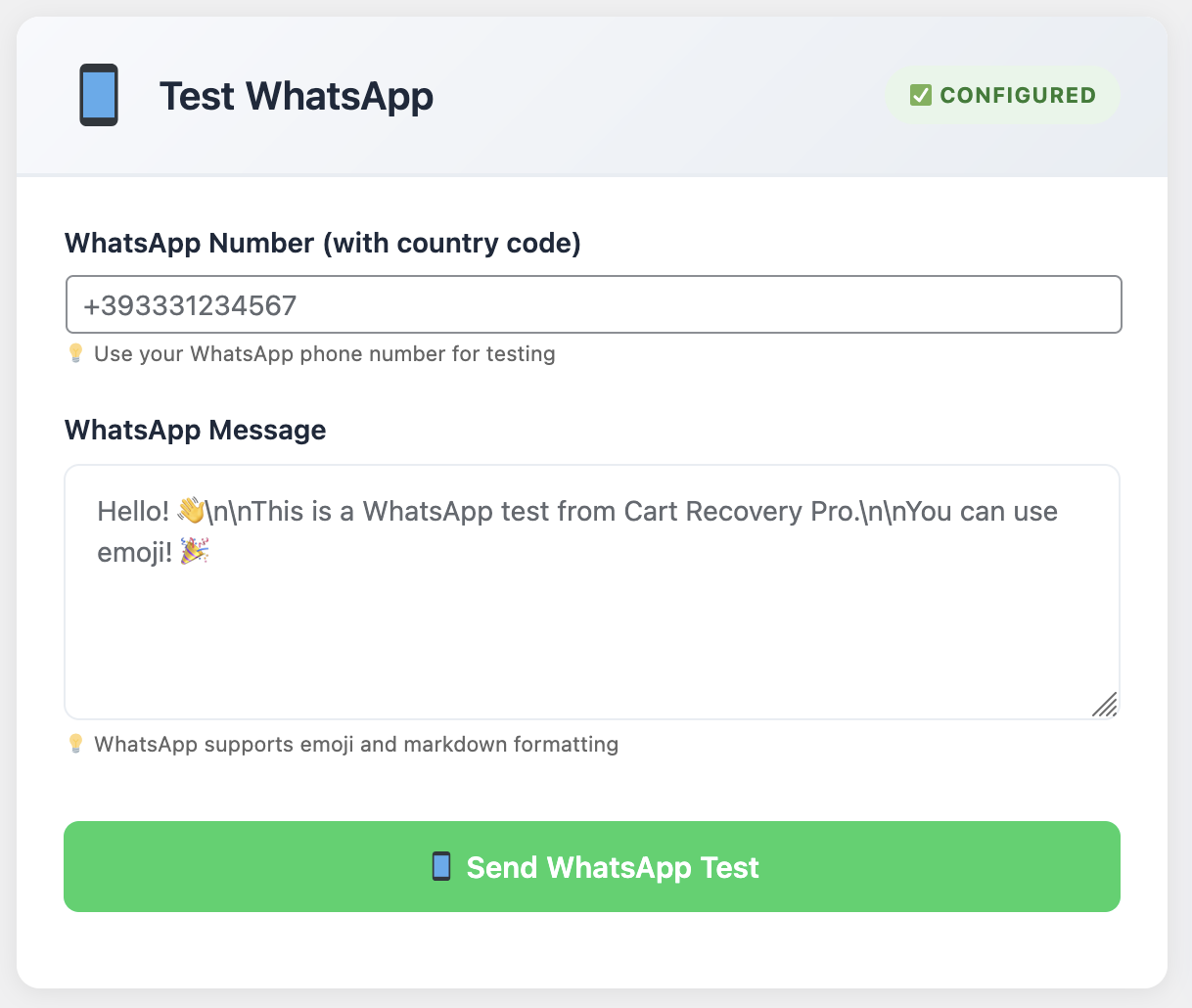
✓ Includes SMS and WhatsApp recovery for multi-channel reach
✓ Offers dynamic coupons to seal the deal
✓ Shows exactly how much revenue you’re recovering
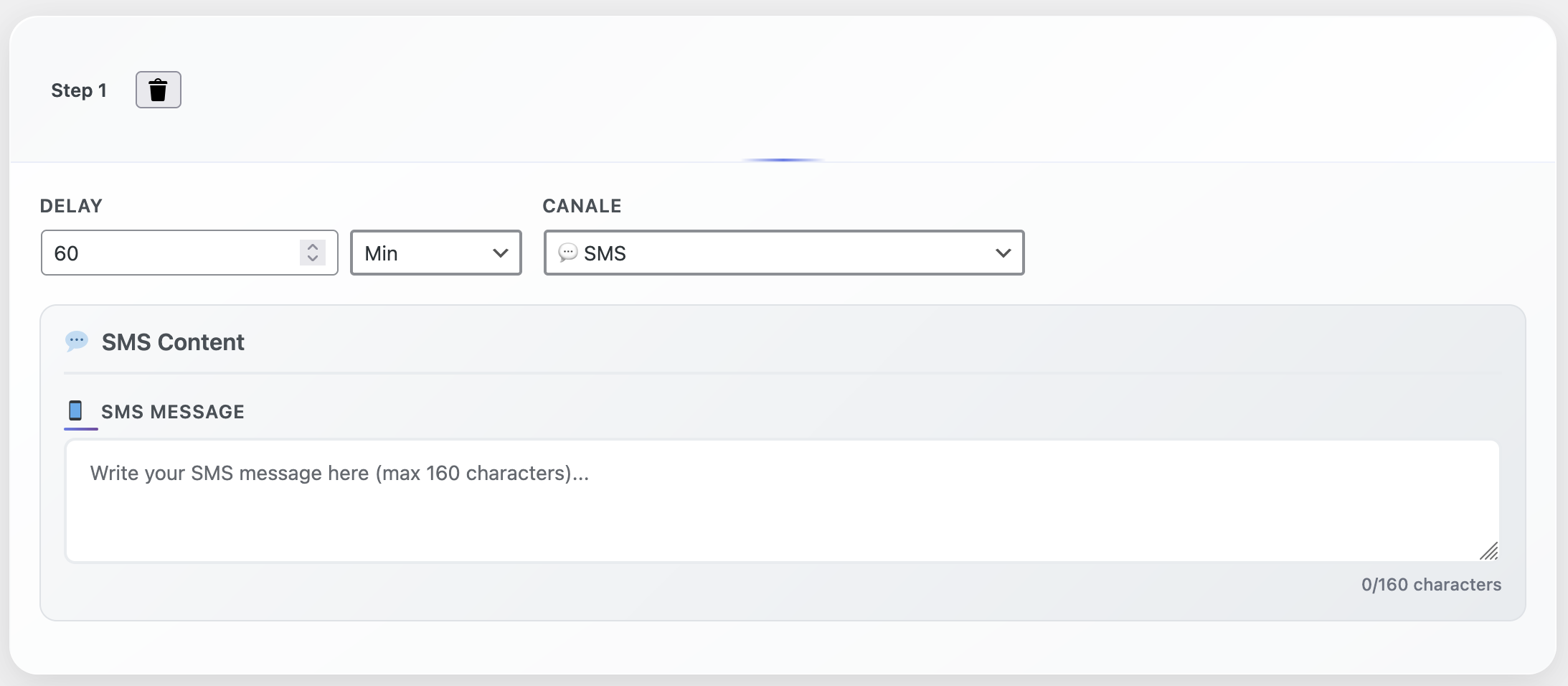
My typical recovery sequence looks like this:
- 1 hour after abandonment: Gentle reminder email. No discount, just “Hey, you left something behind.”
- 24 hours later: Follow-up with social proof and urgency. “These items are popular and selling fast…”
- 48 hours later: The closer. Offer a 15% discount or free shipping to get them over the finish line.
This sequence alone recovers 18-22% of my abandoned carts.That’s nearly 1 in 5 “lost” sales coming back on autopilot. Set it up once, it runs forever.
Bonus Strategy: The Spin-to-Win Gamification Hack
Okay, one more because this one’s too good not to share. Gamification works insanely well for reducing cart abandonment. Specifically, the “spin to win” popup.
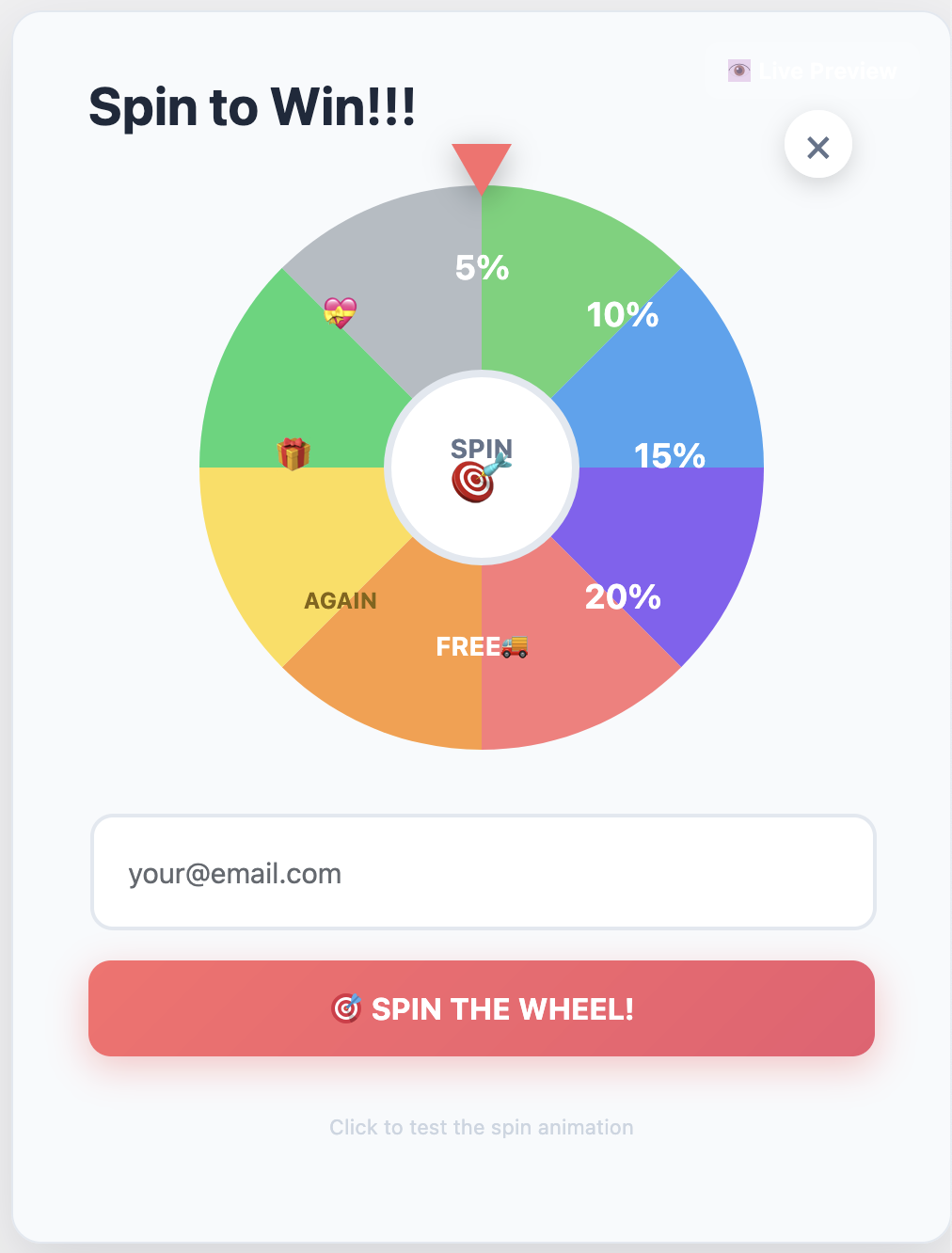
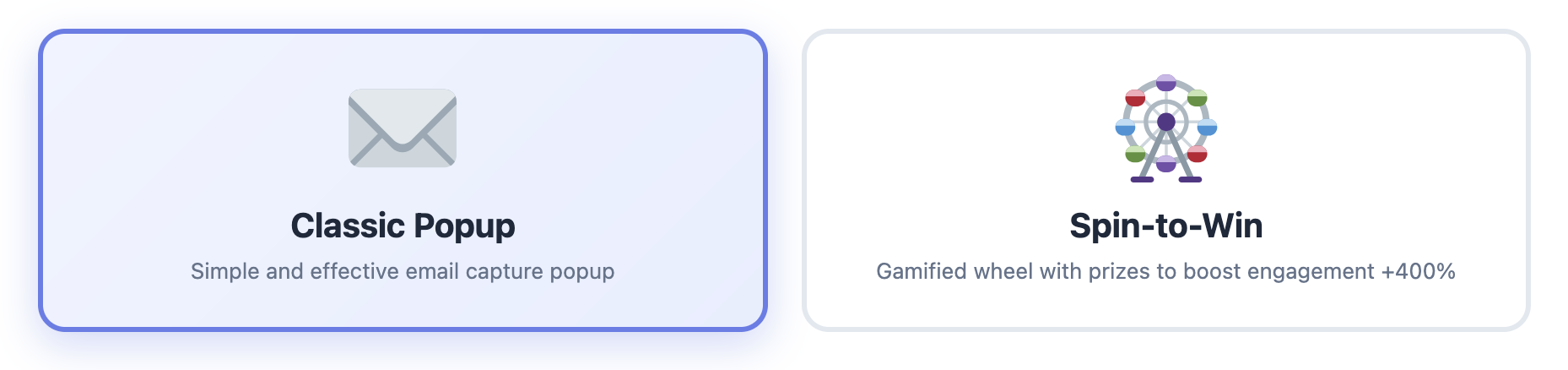
Instead of just offering a static discount, you let people spin a wheel for a chance to win different discount levels. It’s interactive, it’s fun, and psychologically, people hate leaving without “using” their prize.
Cart Recovery Pro includes this feature, and when I A/B tested it against a regular popup, the spin-to-win converted 47% better. Same discounts, just presented in a more engaging way.
Putting It All Together
Look, I didn’t implement all these strategies at once. That would’ve been overwhelming and impossible to measure. Instead, I did them one at a time, tracked the results, and moved on to the next.
Here’s what my results looked like:
Starting point: 74% cart abandonment rate
After checkout optimization: 62% (-12%)
After exit-intent popups: 58% (-4%)
After trust signals: 54% (-4%)
After site speed optimization: 48% (-6%)
Final result: 48% cart abandonment (plus 18-22% recovery rate from automation)
That’s a 26-point improvement in cart abandonment, plus another 18-22% recovery on top of that. In revenue terms? An extra $170K+ annually. Same traffic, same products, just smarter systems.
Start With What Matters Most
If you’re reading this thinking “This is a lot,” you’re right. It is. But you don’t have to do everything at once. Here’s what I’d prioritize if I were starting from scratch:
Week 1: Set up cart recovery automation. This gives you the biggest ROI for the least effort. Start with the free version of Cart Recovery Pro if you want to test it out first.
Week 2: Add an exit-intent popup. Another quick win with minimal setup.
Week 3: Audit your checkout process. Simplify forms, add trust signals, show shipping costs early.
Week 4: Optimize site speed and add more payment options.
Four weeks, four major improvements, potentially thousands in recovered revenue. It’s worth your time.
Ready to Stop the Bleeding?
Cart abandonment doesn’t have to be this mysterious, frustrating problem. You now know exactly what to do about it. The only question is: will you actually do it?
I can tell you from experience, every day you wait is another day of lost revenue. Don’t overthink it. Just start.
Start Recovering Abandoned Carts Today
Set up automated cart recovery in under 30 minutes. See results within 24 hours.
P.S. – If you implement even half of these strategies, you’ll see results. But why settle for half when you can implement them all and maximize your recovery rate? The time investment is minimal, the payoff is massive.