

Rankings slip when small details go unnoticed. After auditing thousands of drafts for our internal brands and agency partners, we documented the tips that consistently move WordPress sites onto page one—especially when leveraged through Xpert SEO Manager. Treat this playbook like your weekly checklist.
Tip 1 – Anchor Each Draft Around a Question Cluster
AI Overview rewards direct answers. Before writing, use the plugin’s AI prompt to fetch related questions, then insert them as H2/H3 headings. Reference internal resources like memo tools or automation guides for proof. The analyzer will confirm whether you hit the question quota.
Tip 2 – Refresh Metadata with Conversion Hooks
Stop obsessing over keywords alone. Use emotional and outcome-driven language along with focus phrases. We revisited the meta copy for our pillar guide, swapped “Complete Overview” with “Boost Rankings with One Tool,” and CTR jumped 18% in two weeks.
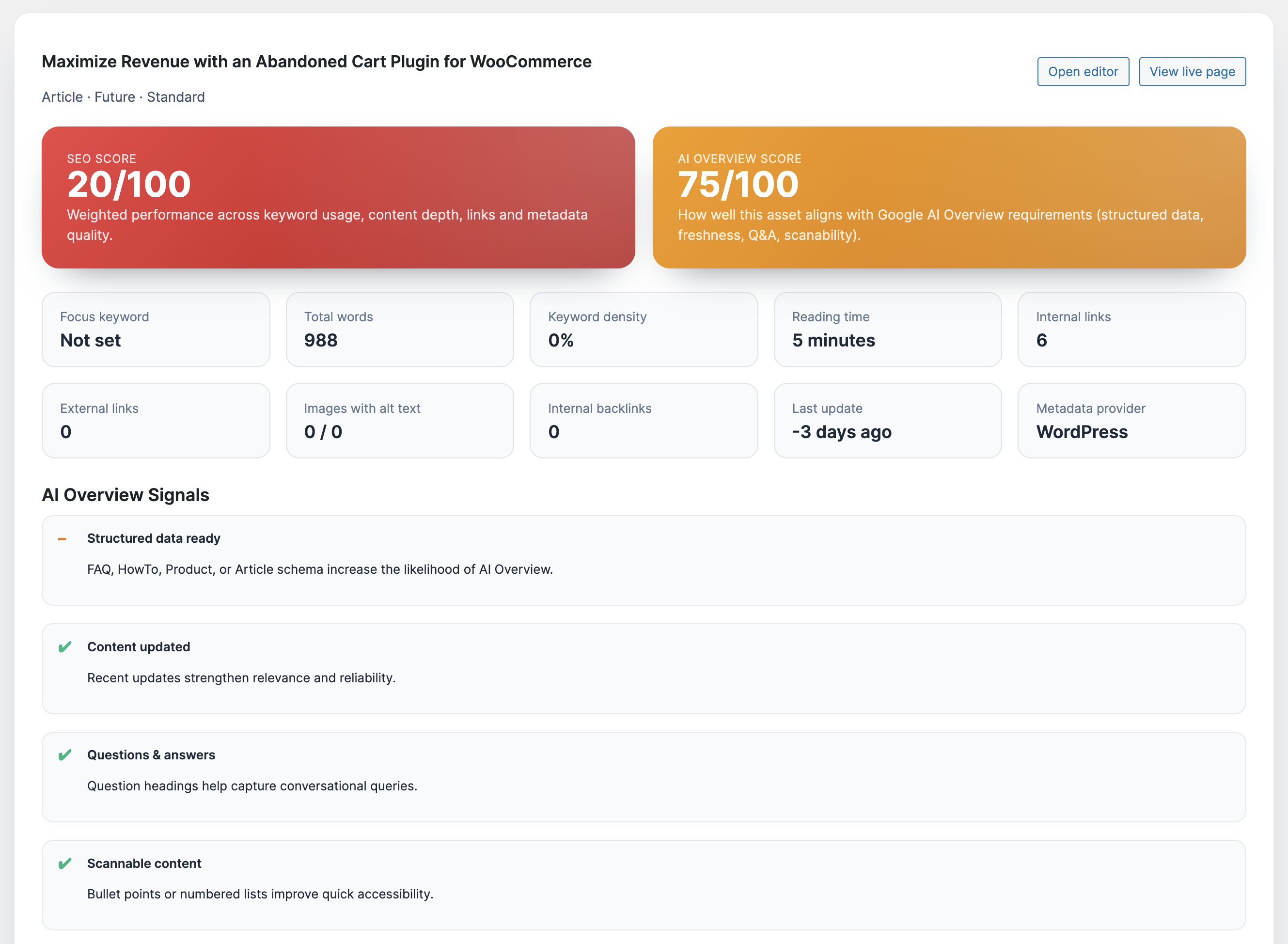
Tip 3 – Stack Schema Types Strategically
Combine Article + FAQ for informational pieces, Product + Review snippets for offers like Dashboard Quick Notes, and ItemList for comparisons. The schema engine warns you when properties break and ensures Google sees the right entities.
Tip 4 – Aggressively Repurpose Stats
Stats and proof unlock AI Overview mentions. Mine your own case studies like checkout speed cuts or ranking lifts and drop them into new posts. The analyzer checks whether you cited any fresh stats before you publish.
Tip 5 – Build Mini Content Upgrades Inside Posts
Use the plugin’s CTA blocks to add checklists, templates, or download prompts mid-article. When we embedded a “Freshness Sprint” worksheet inside our showdown, average time on page increased by 36%—a strong engagement signal for rankings.
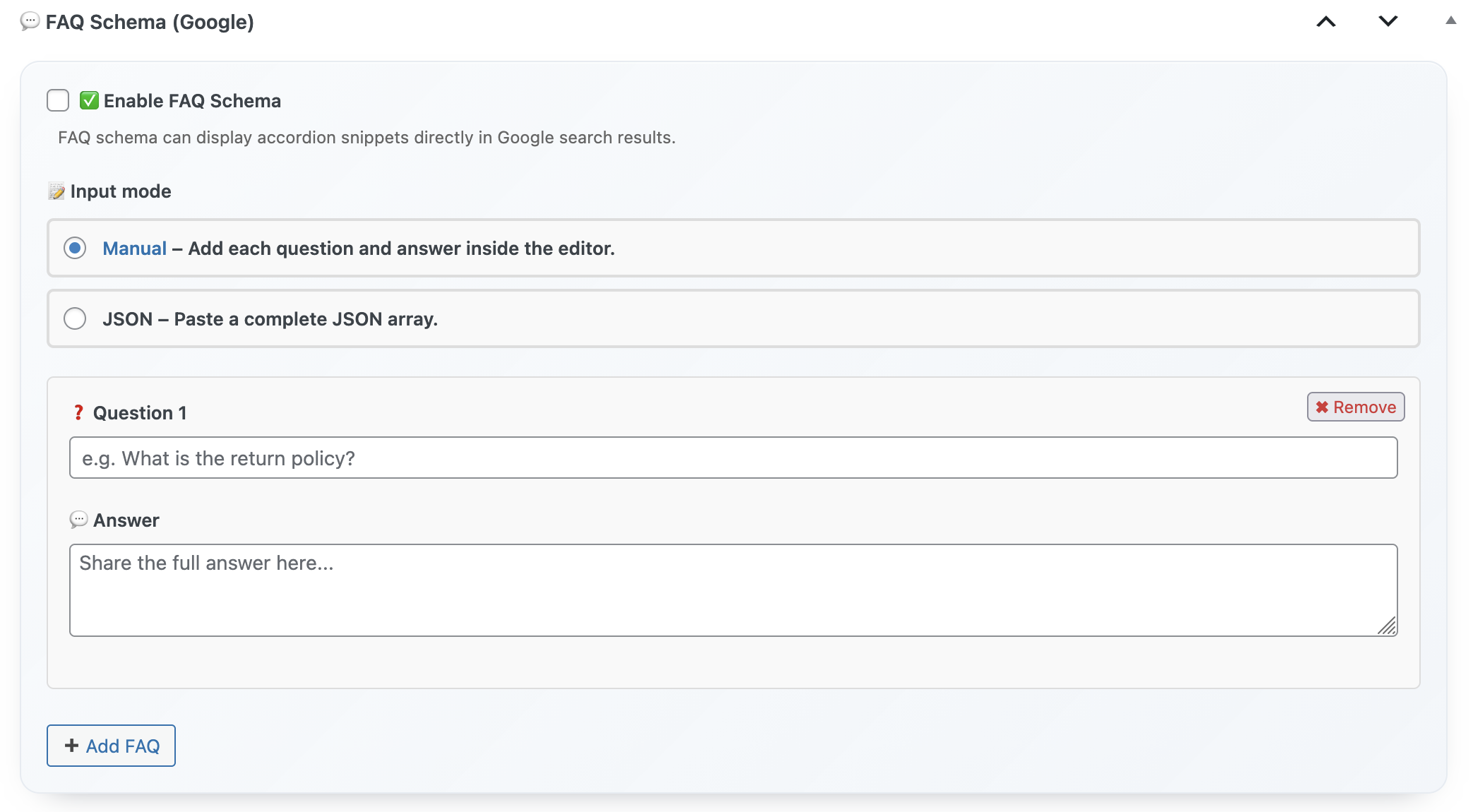
Tip 6 – Automate Internal Link Debt
Every Friday, run the internal link recommender. Add at least three cross-links from new posts to cornerstone URLs like WooCommerce case studies. This habit keeps PageRank flowing to assets that already convert.
Tip 7 – Schedule Analyzer Rechecks
Set the analyzer to re-run every 30 days for high-value posts. You’ll get alerts when schema breaks or AI readiness declines. This saved our abandoned cart guide from losing its snippet after a WooCommerce update.
Tip 8 – Localize Intent Quickly
Use AI prompts to adapt content for different regions or languages. We repurposed English articles into Italian landing pages for WP plugin shoppers by swapping CTAs, currency, and schema currency codes. Rankings followed because the plugin ensured metadata matched the locale.
Tip 9 – Pair Backlink Insights with Outreach Sprints
Whenever the backlink widget shows a new mention, send a thank-you email and offer an updated quote. This keeps referring domains engaged and often secures follow-up links. We run this play whenever posts like quick notes tutorials get referenced by productivity blogs.
Tip 10 – Tie Every Ranking Win to a Product CTA
Google rewards sites that satisfy search intent. When visitors see a relevant CTA—like upgrading to Xpert SEO Manager—they convert, send positive engagement signals, and justify future content investment.
Weekly Rankings Sprint
- Run analyzer on 3 URLs stuck on page two.
- Add schema + FAQ to any post missing structured data.
- Refresh metas and embed one new stat.
- Implement internal link suggestions.
- Review backlink widget and launch outreach.
Boost Your Rankings with a Single Tool
These tips work because they’re executed inside one streamlined workflow. Install the plugin, follow the analyzer, and watch rankings respond.
Questions? Ping info@xpertplugins.com and our technical SEOs will review your current setup, recommend custom tips, and help you execute them inside WordPress.