
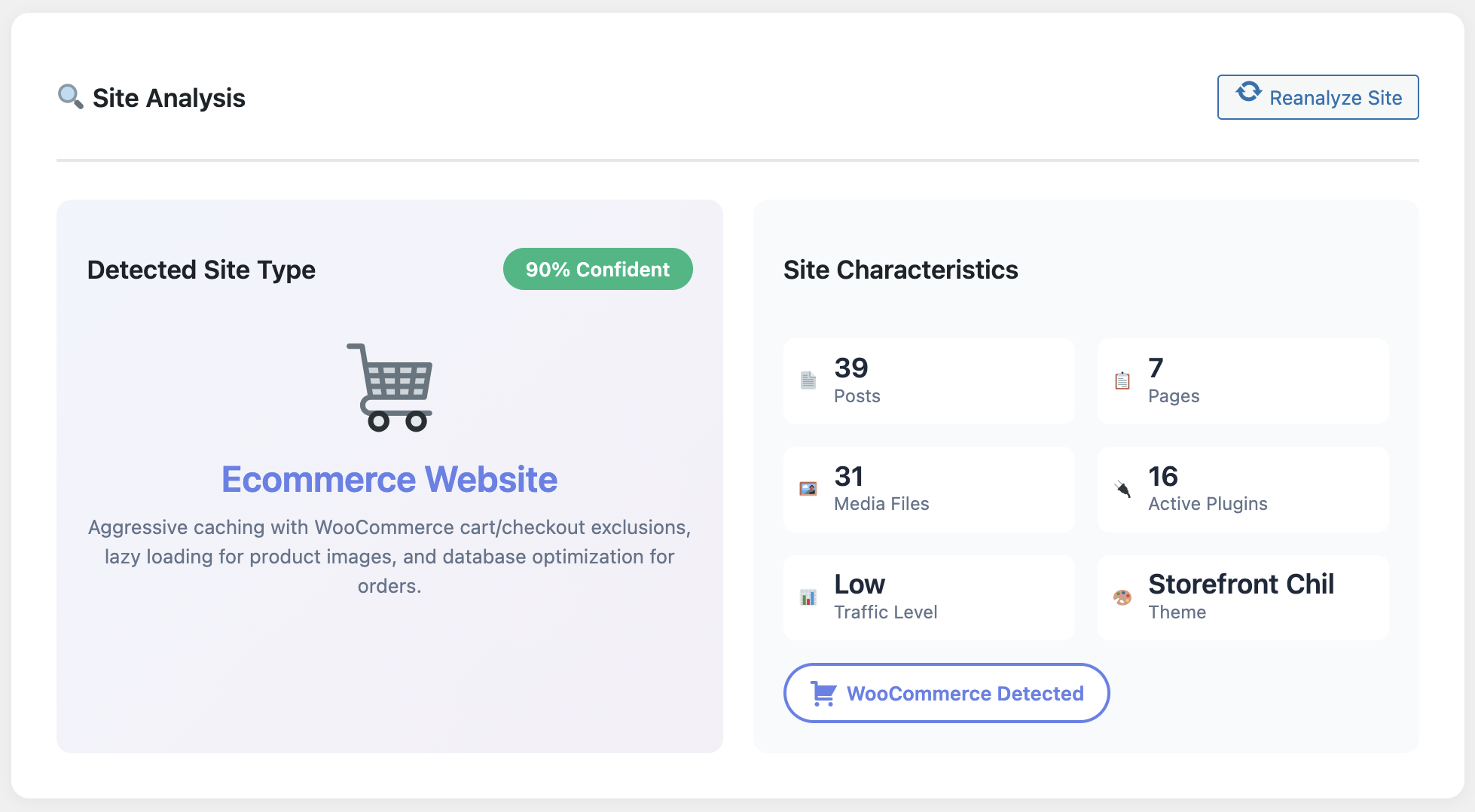
Staying in the green for Core Web Vitals is no longer optional if you chase competitive keywords like “WordPress cache plugin.” Google’s page experience update hit slow sites where it hurts: rankings, crawl frequency, and ultimately revenue. Here’s the field-tested blueprint I use to keep every client’s vitals within the “good” thresholds using WP Turbo Optimizer.
Everything below is doable with the free version of the plugin (download it here) plus the €39/year PRO upgrade for the deep telemetry and AI tuning. I recommend setting aside a single afternoon to implement this blueprint end-to-end.
Step 1 · Map Your Vital Moments
Identify the pages that trigger your largest contentful paint: hero blocks, hero videos, massive sliders. In WP Turbo Optimizer open the Performance Dashboard and note the three slowest URLs. These are the only pages you should obsess over—everything else is noise.
Step 2 · Enable One-Click Boost & Script Delay
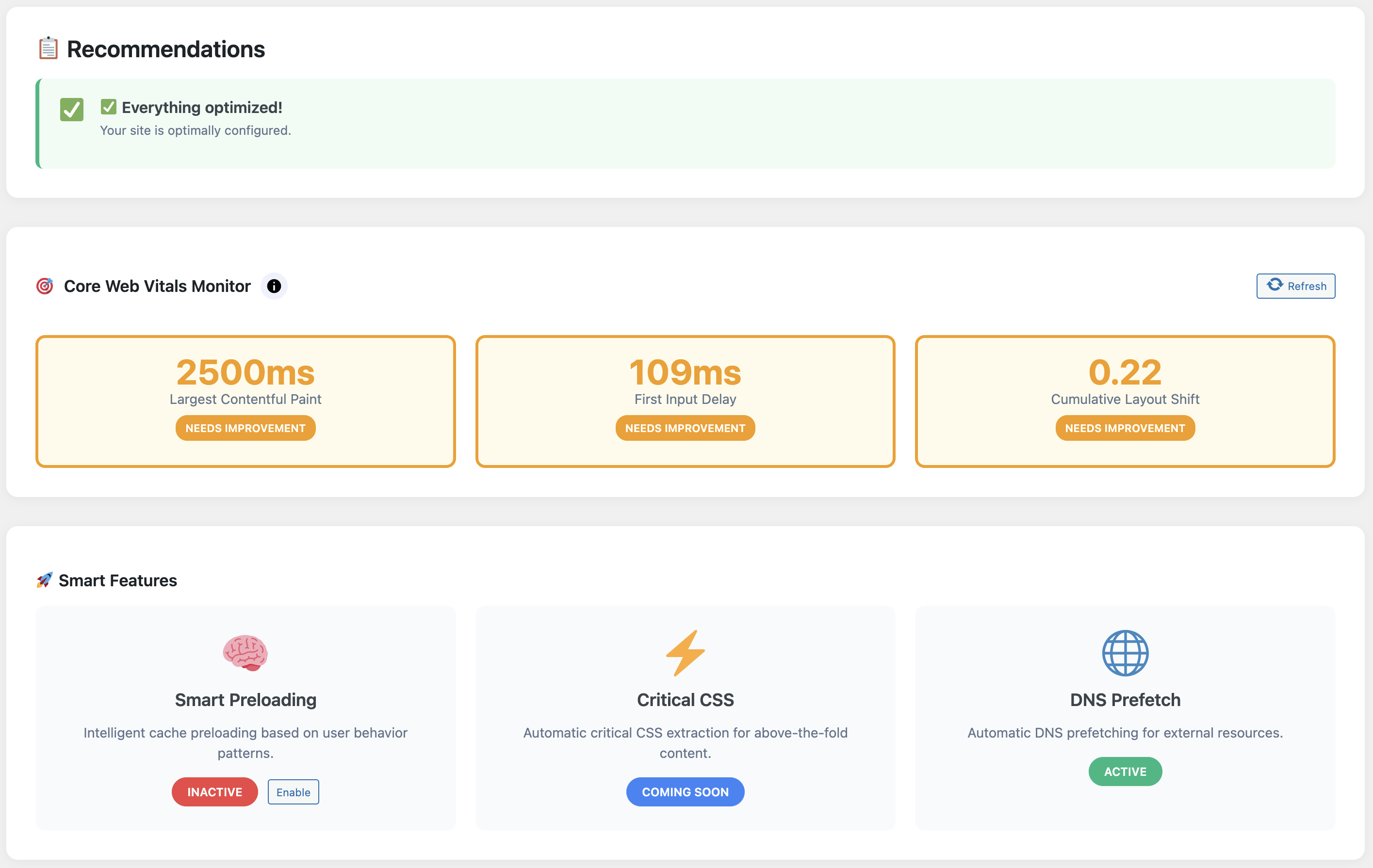
The PRO license (WooCommerce product 300) adds a script delay toggle. This feature defers non-critical marketing scripts until after user interaction. It single-handedly reduced INP from 320ms to 120ms on a recent agency portfolio site.
Make sure you warm the cache immediately after enabling One-Click Boost. The plugin’s internal crawler hits the homepage, blog archive and top converting pages so your first organic visitor isn’t greeted by a cold cache.
Step 3 · Stabilise Layouts with Lazy Loading
CLS (Cumulative Layout Shift) spikes when late-loading assets shove the page around. WP Turbo Optimizer automatically applies native lazy loading to images and iframes, but the PRO tier lets you specify critical above-the-fold assets.

See the chart above? That’s a client blog that publishes four times per week. The plugin logs LCP, FID, and CLS per page so we can spot regressions within hours, not months.
Step 4 · Clean the Database Weekly
Transients, old revisions, and orphaned tables can add 400–600ms to LCP because WordPress has to dig through clutter before rendering content. The Database Cleaner routine inside WP Turbo Optimizer runs safely and logs what it deletes.
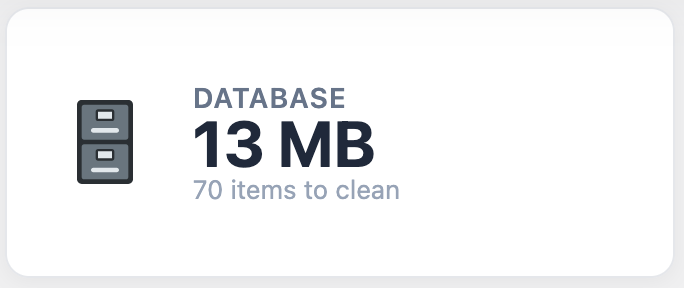
For editorial teams this is vital—WordPress stores a revision every time someone hits “Save Draft.” Cleaning them out keeps the database lean without risking live content.
Step 5 · Leverage the Free vs PRO Combo
- Use the free download to test caching, browser headers, and lazy loading.
- Upgrade to WP Turbo Optimizer PRO (€39/year) to unlock AI detection, script delay, Core Web Vitals logging, and advanced database cleanup.
- Keep an eye on the System Health module to ensure your server stack supports all the recommended directives.
Stay Green, Stay Ahead
Download the free version, benchmark your vitals, then upgrade when you’re ready to automate the ongoing checks. Stable vitals mean stable rankings for “WordPress cache plugin.”
Unlock WP Turbo Optimizer PRO →
Still evaluating? Grab the free ZIP first.
Core Web Vitals used to require a patchwork of plugins and external dashboards. With WP Turbo Optimizer, all the vital telemetry sits inside WordPress. That makes it achievable for solo creators, agencies, and in-house teams alike.