

Build a Recovery Engine That Converts
Transform abandoned carts into recovered revenue with a systematic approach. Cart Recovery Pro provides the tools, templates, and automation needed to build a premium recovery system that works around the clock.
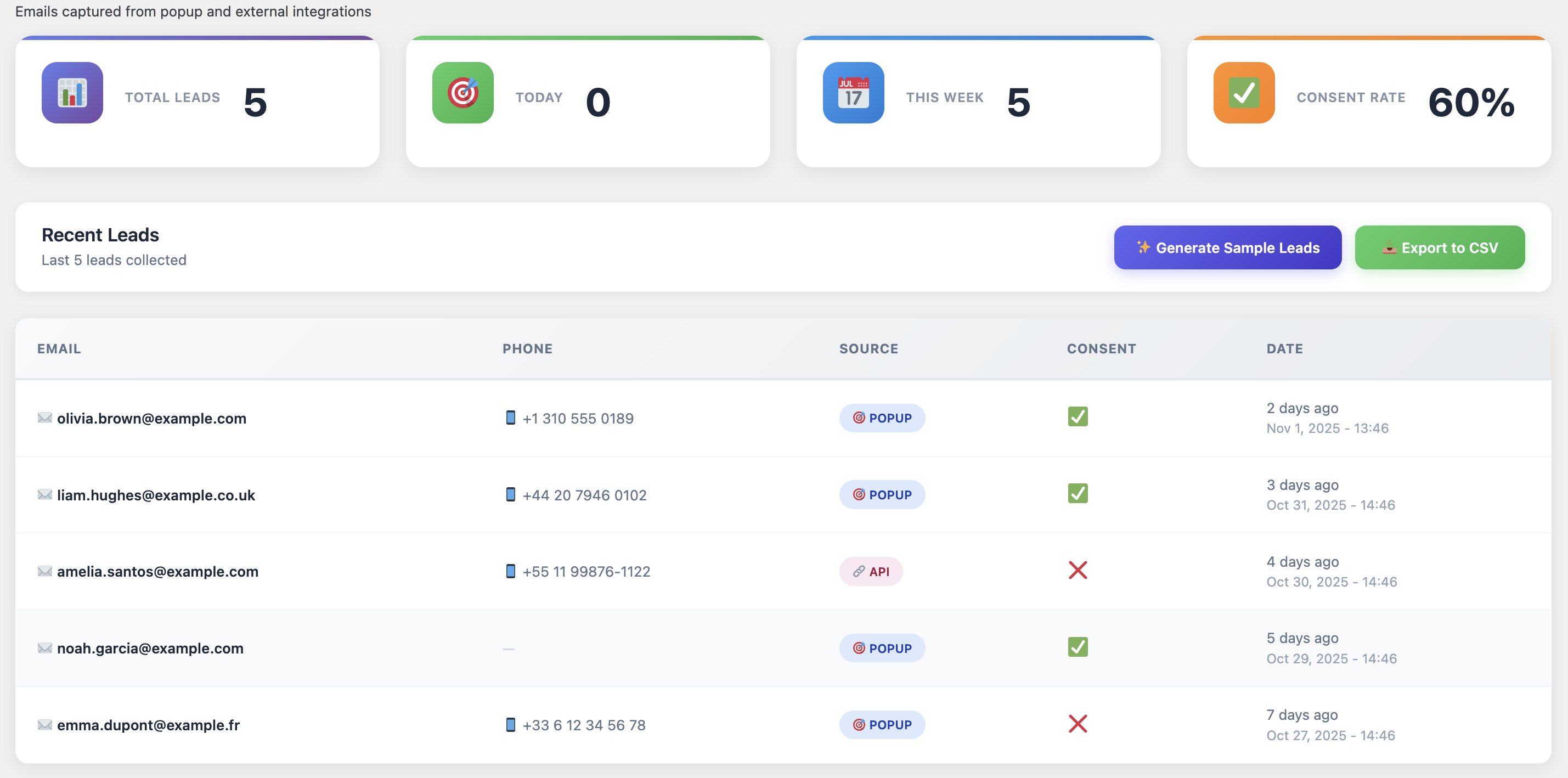
Cart Recovery Pro includes a built-in funnel visualizer that highlights abandonment hotspots, letting you prioritize fixes before scaling. Note the sources driving traffic to your checkout—paid ads, organic posts, email campaigns—and document messaging tone, as consistency across touchpoints improves recovery engagement.
Sync Marketing Integrations
A modern recovery system touches multiple platforms. Connect Cart Recovery Pro to your ESP (Mailchimp, Klaviyo, ActiveCampaign), CRM (HubSpot, Pipedrive), and support stack (Intercom, Zendesk).
Each integration synchronizes tags, coupon usage, and recovery status in real time. If you rely on customer data platforms or BI dashboards, leverage the webhook module to push events externally. This enables holistic reporting while keeping WooCommerce as the single source of truth. For more guidance on omni-channel automation, revisit how to turn abandoned carts into sales with WooCommerce automation tools.
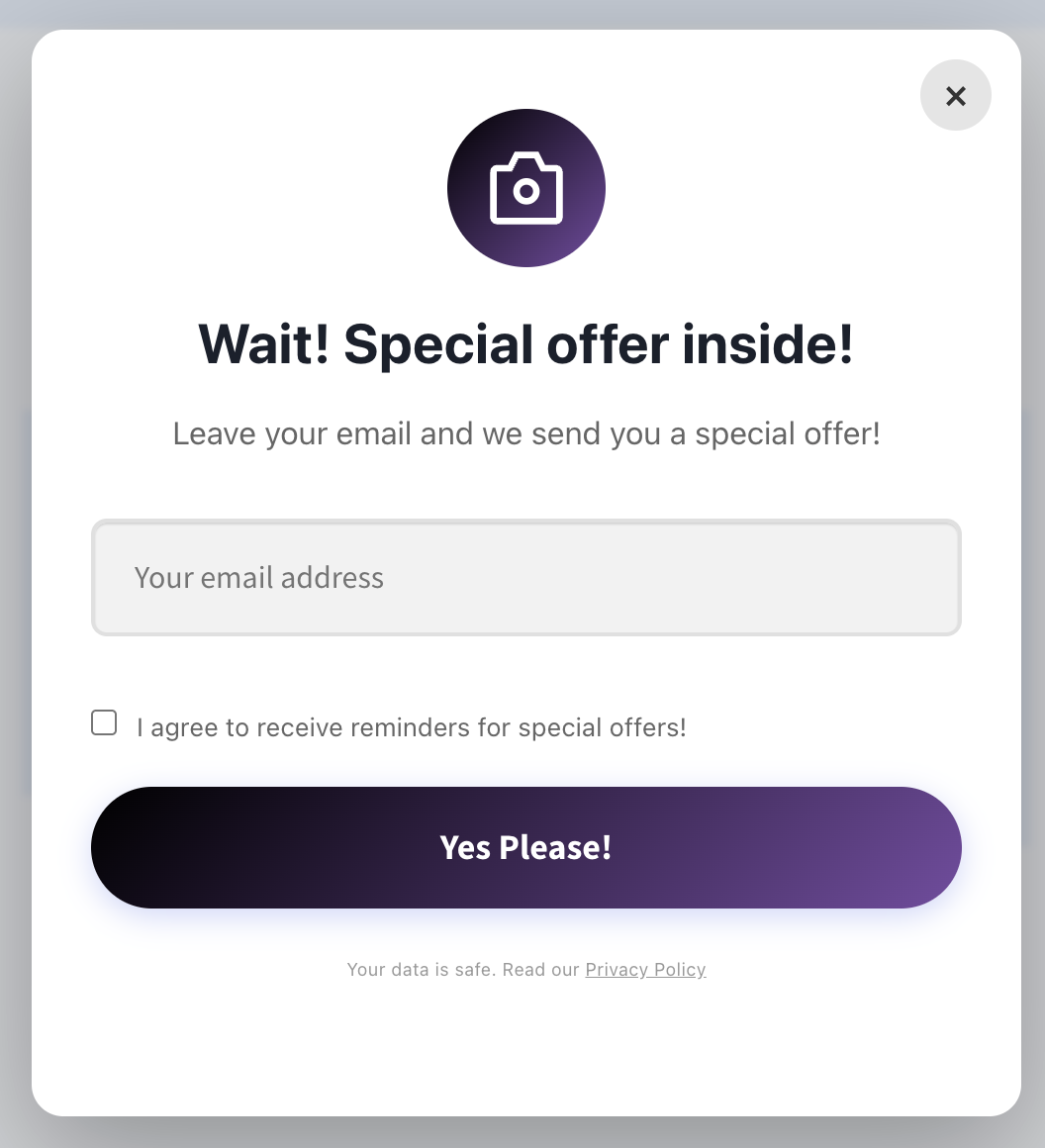
Define Multichannel Workflows
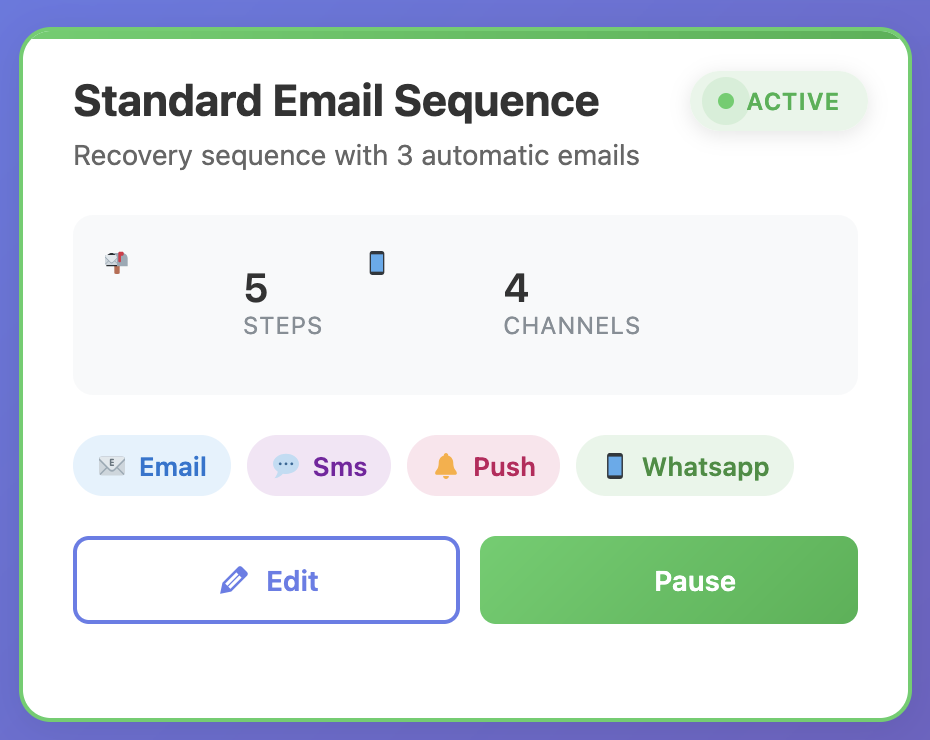
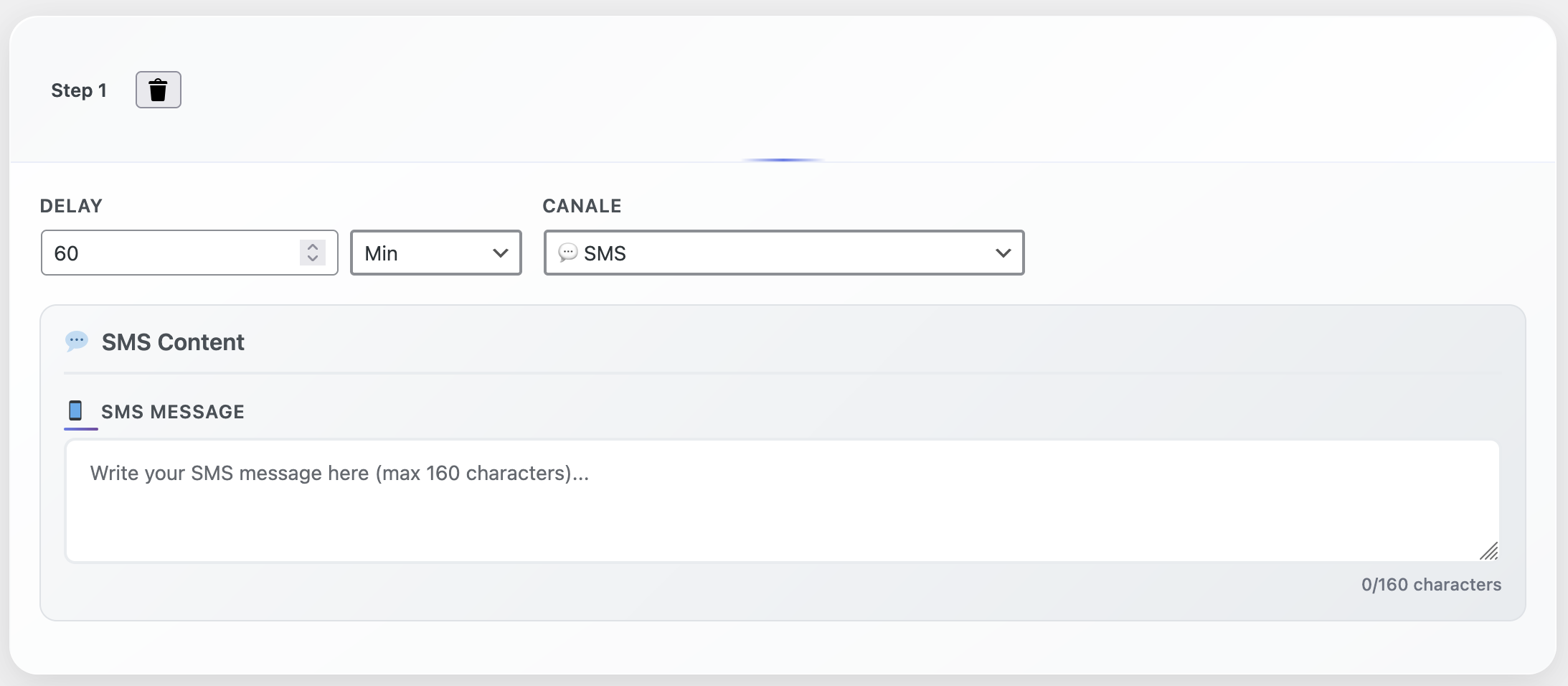
Build an automation ladder that reacts to shopper behavior. Example: send a gentle reminder after 30 minutes, a social-proof email after 12 hours, and an SMS with a loyalty reward after 24 hours if the cart remains untouched.
Conditional Logic Options
- Cart value thresholds
- Customer lifetime spend
- Product category rules
- Click but no purchase branches
Cart Recovery Pro allows conditional logic based on cart value, customer lifetime spend, and product category. You can branch sequences if the user clicks but does not purchase, or skip incentives for high-margin products to protect profits. The drag-and-drop builder visualizes every branch, making maintenance effortless. Learn more in our guide on how to automate your WooCommerce follow-ups like a pro.
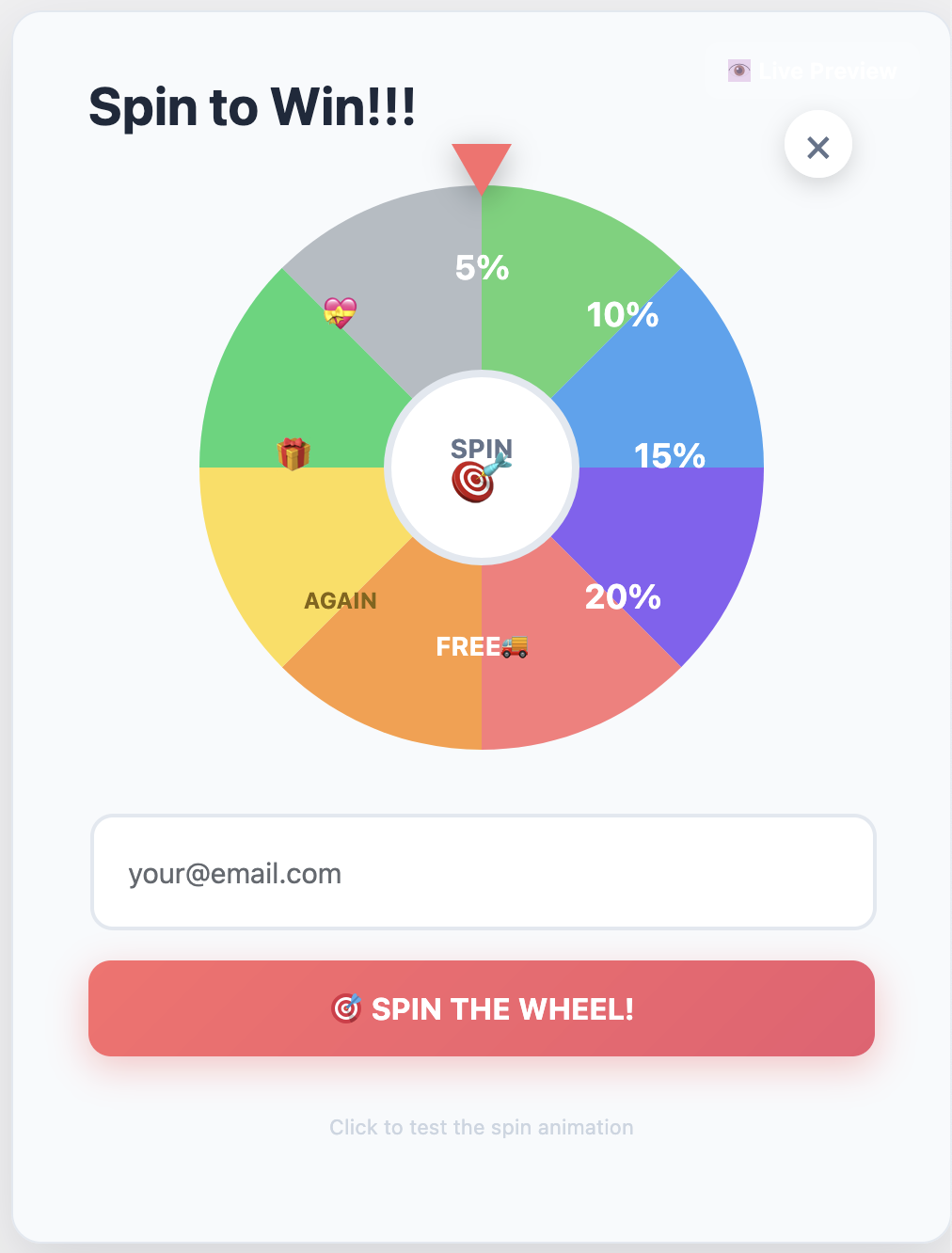
The plugin respects margin constraints by pulling product cost data and alerting you when a coupon risks profitability. Highlight the incentive visually inside your recovery emails using the built-in premium ribbons and gradient CTA blocks so the offer feels exclusive rather than routine.
Optimize On-Site Experience
Your recovery system should be supported by frictionless checkout UX. Enable express payment buttons, reduce required form fields, and add inline validation to prevent frustrating errors.
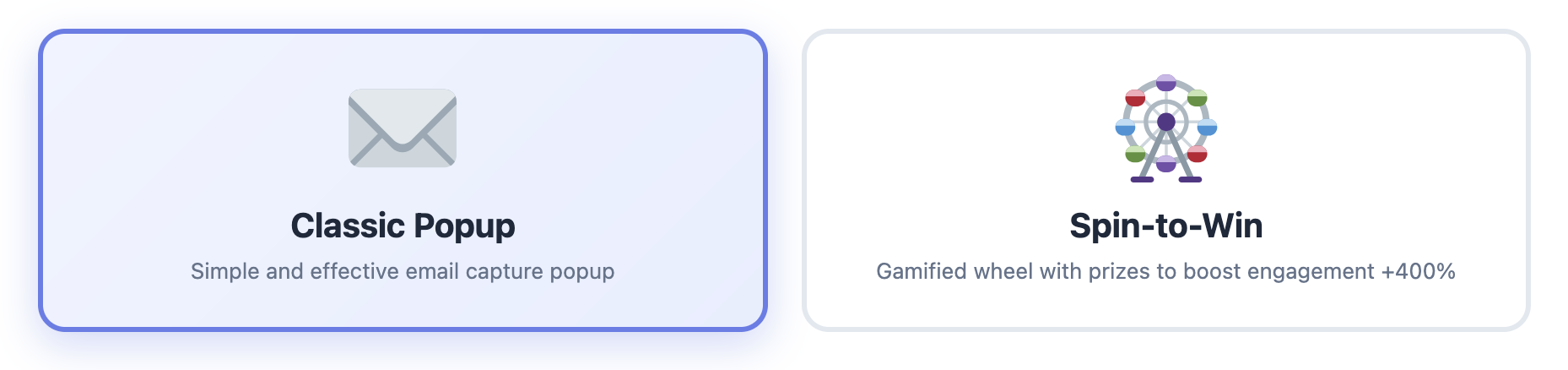
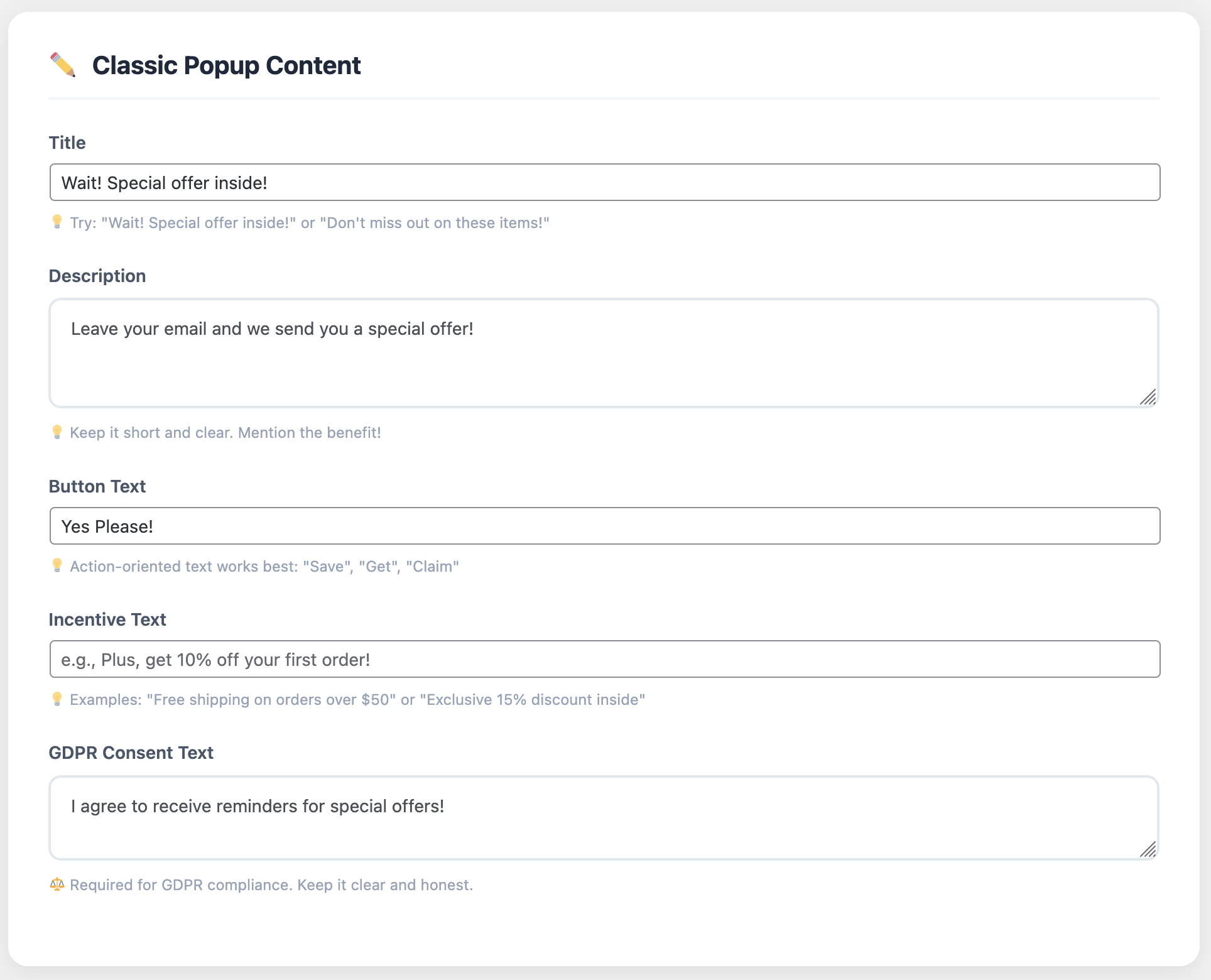
Deploy Cart Recovery Pro’s premium exit-intent and on-page assurance blocks featuring customer milestones, return policies, and security logos. These elements mirror your recovery templates, creating a consistent, high-end visual language that reassures buyers before they leave.
Launch, Test, and Iterate
Before going live, trigger test carts across multiple devices and browsers. Confirm that dynamic tokens (customer names, product images, cart totals) render correctly.
QA Checklist
- Test across devices and browsers
- Verify dynamic token rendering
- Use sandbox mode for instant testing
- Review performance daily
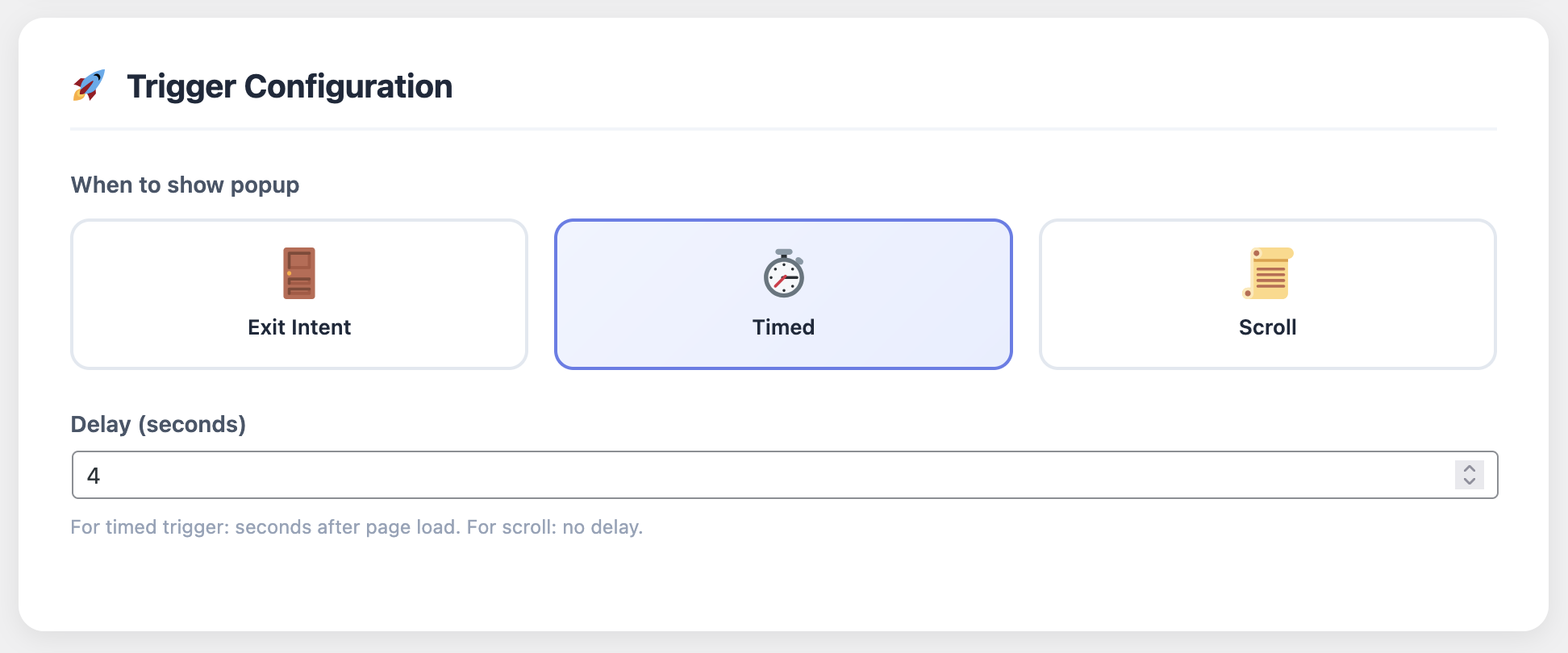
Cart Recovery Pro includes a sandbox mode where you can force workflows to fire instantly, making QA painless. Once live, review performance daily for the first week. Track open rates, click rates, restored carts, and revenue per workflow. If a sequence underperforms, tweak subject lines, adjust incentive timing, or swap in alternative design blocks.
Report Results and Scale
Stakeholders want proof. Cart Recovery Pro aggregates recovered revenue, incentive cost, and channel attribution in a conversion-ready report.
Export data weekly and share highlights like “€4,600 recovered this week at 18% average recovery rate.” Feed insights into leadership decks or investor updates. When your recovery engine consistently outperforms baseline metrics, replicate the playbook across new storefronts or regional sites. For additional content inspiration, visit the complete guide to WooCommerce abandoned cart recovery and adapt advanced tactics.
Experience Premium-Level Recovery Journeys
Cart Recovery Pro elevates every customer interaction with luxury-grade visual components—hero banners, gradient CTAs, animated progress bars, and trust-rich layout blocks. Every asset feels like a dedicated landing page crafted by a conversion agency, yet you can deploy it in minutes without writing code.
Essential Configuration Checklist
✓ Initial Setup
- Complete setup wizard
- Verify sender domains
- Configure all channels
✓ Template Creation
- Create A/B variants
- Test across devices
- Optimize CTAs
✓ Incentive Rules
- Define thresholds
- Set margin protections
- Configure matrix
✓ Integration
- Connect BI platform
- Set up webhooks
- Monitor performance
✓ Maintenance
- Quarterly audits
- Refresh visuals
- Update compliance
FAQ: Building Confidence in Your New System
Will this work with multilingual stores?
Yes. Cart Recovery Pro supports WPML and Polylang out of the box, letting you localize templates and incentives by language or region. All content can be translated and customized per market.
How secure is customer data?
Data stays on your server. The plugin complies with GDPR best practices, offers opt-out management, and logs consent status across channels. All data is encrypted and stored securely.
What support is available?
You receive onboarding sessions, template audits, and priority ticketing. The knowledge base includes done-for-you workflows, KPIs, and troubleshooting guides. Premium support is included with your license.