

Artificial intelligence is everywhere, but most WordPress cache plugins still behave like it’s 2013. You install them, guess which toggles to flip, and pray nothing breaks. WP Turbo Optimizer flips that script with AI-driven presets, automated health checks, and a performance log you won’t be embarrassed to share with clients.
This article outlines five automation workflows you can run today. Start with the free build (download here), then upgrade to the €39/year PRO license (WooCommerce product ID 300) when you’re ready to let the AI handle the heavy lifting.
Workflow 1 · AI Site Detection + Warm Cache
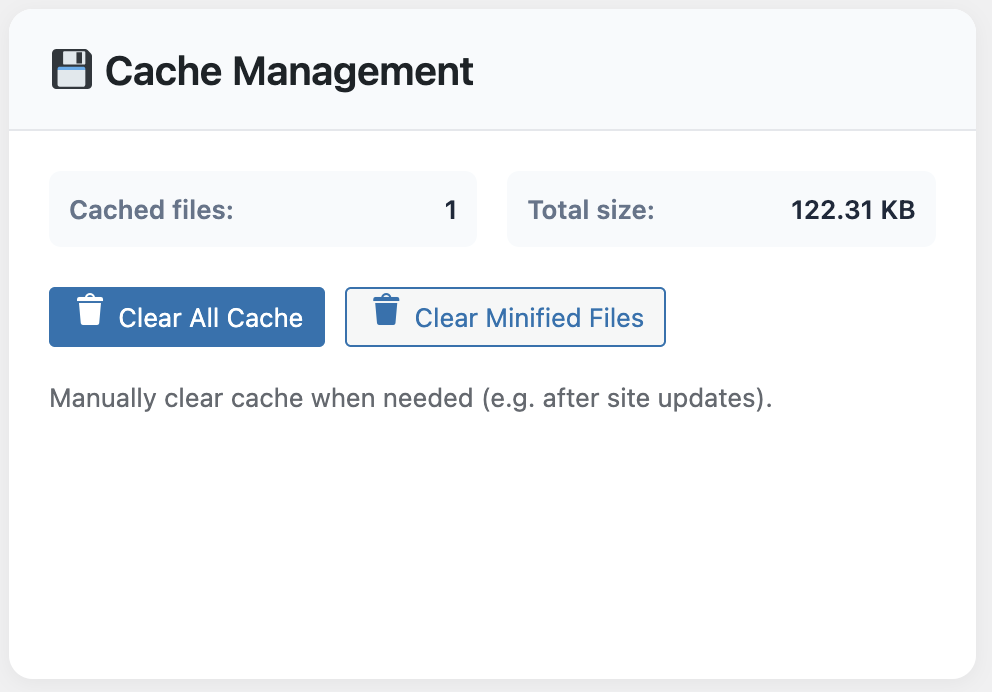
As soon as you activate the PRO version, WP Turbo Optimizer scans your site to identify whether it behaves like a blog, store, LMS, or hybrid. The moment it sets the preset, hit the Preload Cache button so every strategic URL is warmed before the next crawl.
Workflow 2 · Scheduled Database Hygiene
Set the database cleanup to run weekly at 2 AM. The automation removes post revisions, transients, spam comments, and orphaned tables. Pair it with email notifications so you get a digest of the space saved.
Workflow 3 · Core Web Vitals Watchdog
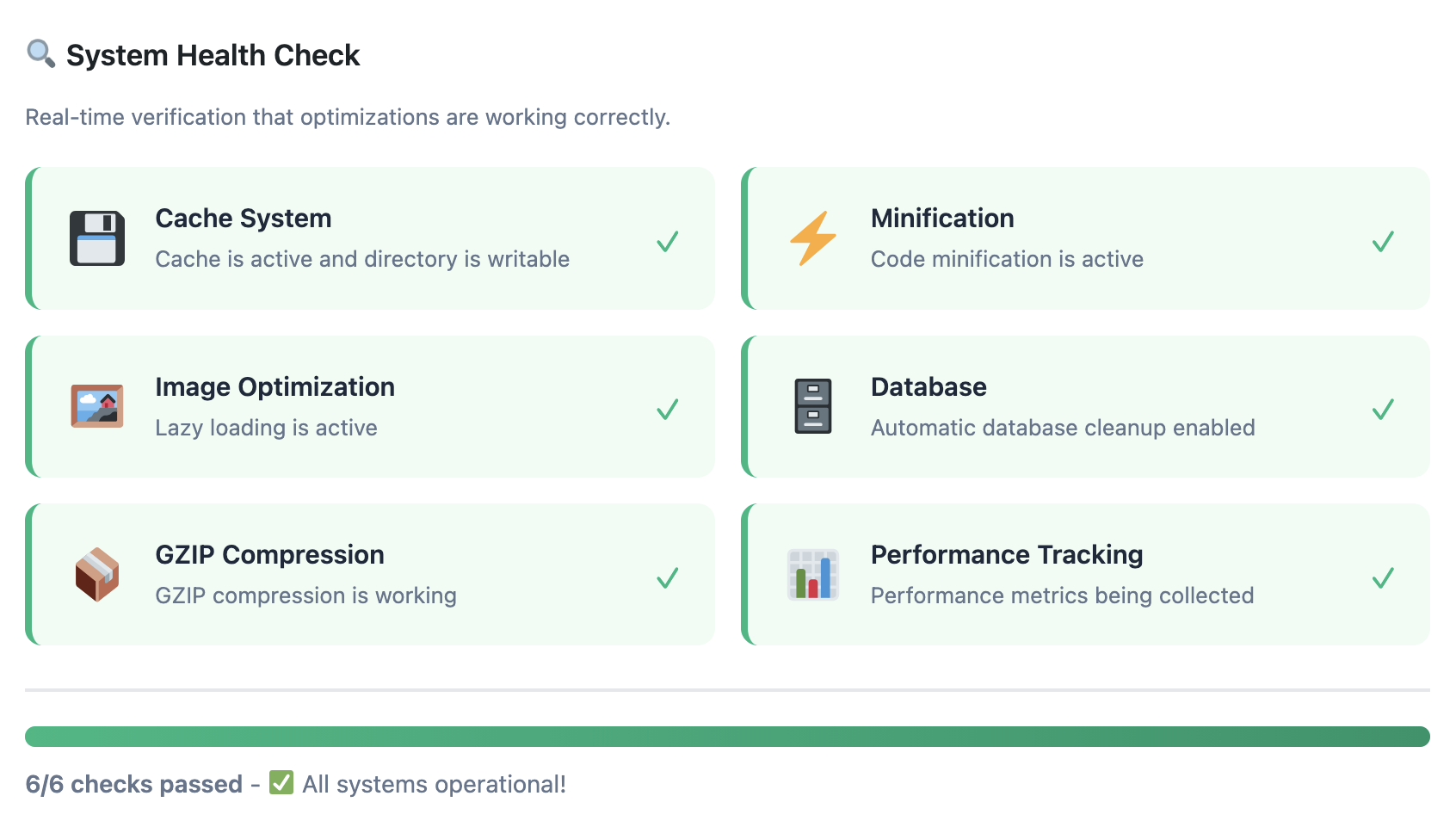
Enable the floating admin widget so editors see live vitals for any page they visit. If LCP or INP drifts into the “needs improvement” zone, the plugin flags it in red and suggests which assets to delay.
Workflow 4 · Activity Log + Rollback Safety Net
Every cache purge, preset change, or One-Click Boost is logged with a timestamp and user ID. If a teammate experiments and breaks something, you know exactly what happened and can restore the previous state instantly.
Workflow 5 · Cross-Team Reporting
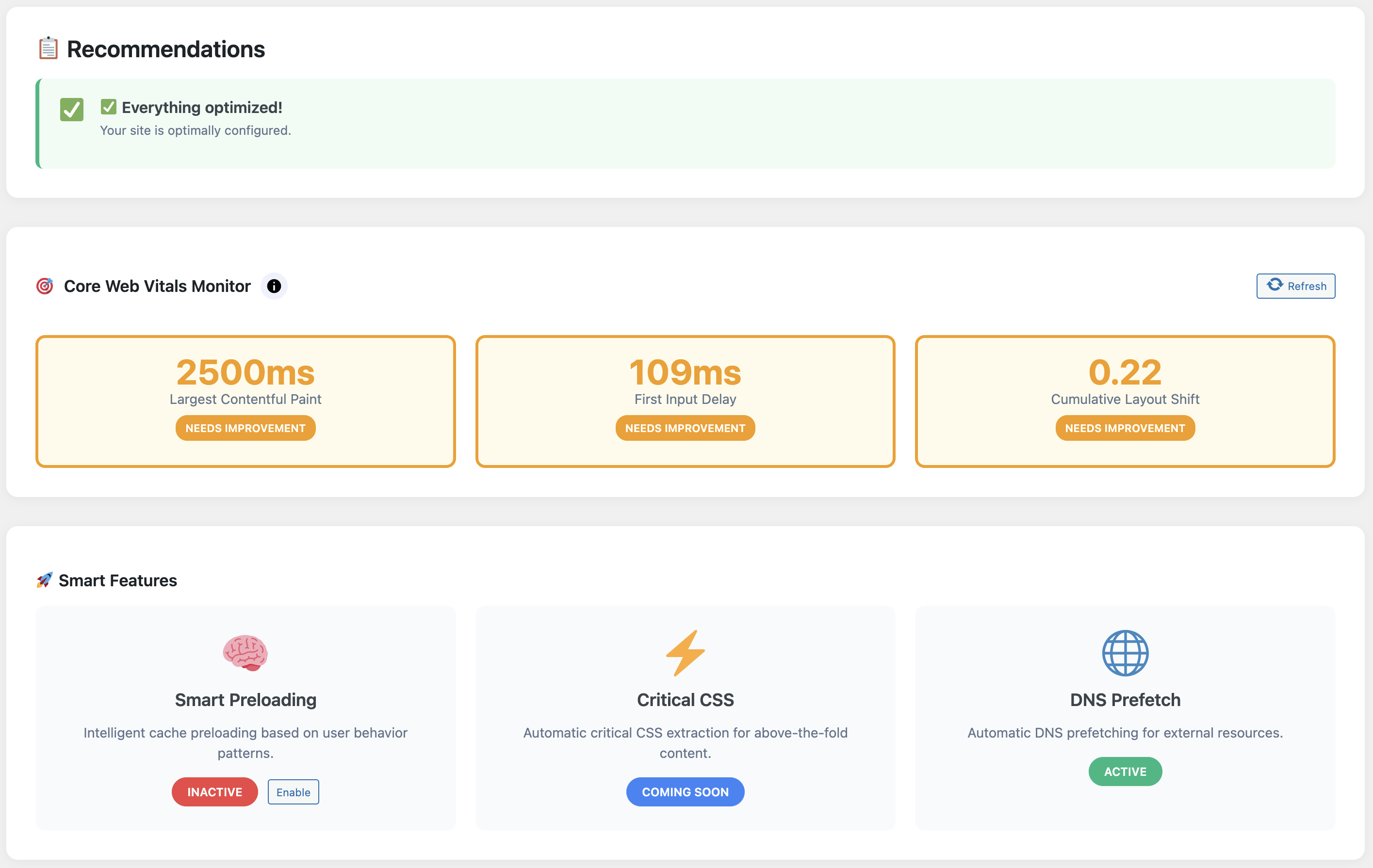
Export the monthly report that lists cache hit rates, database savings, and vital improvements. Drop it into your client update deck or internal stand-up notes. Proving value has never been easier.
Let the AI babysit your performance
Download the free version to set the foundation, then upgrade to WP Turbo Optimizer PRO when you’re ready to automate monitoring, cleanups, and cache warming.
Automate with WP Turbo Optimizer (€39) →
Still evaluating? Grab the free build and start tracking your vitals today.
WordPress performance should be boring—in the best way possible. With WP Turbo Optimizer’s AI workflows in place, your site stays fast without midnight fire drills, and you stay focused on publishing, selling, and shipping.