
You know that horrible sinking feeling when you suddenly remember—at 11 PM, lying in bed—that you forgot to do something important? Maybe it was updating that plugin you promised a client. Maybe it was that blog post that was supposed to go live today. Maybe it was something so crucial that now you’re wide awake, stressed, and reaching for your laptop.
I’ve been there. We’ve all been there. And it absolutely sucks.
The truth is, your brain wasn’t designed to remember everything—it was designed to process and create. When you try to use it as a storage system, things slip through the cracks. It’s not a personal failing. It’s just biology.
Today, I’m going to show you how Dashboard Sticky Notes became my external brain—and how it can become yours too, so you never have to lie awake at night worrying about forgotten tasks ever again.
Why We Forget (And Why It’s Getting Worse)
Let’s talk about the elephant in the room: WordPress work is getting more complex every year.
Ten years ago, you might have managed one or two simple websites. Today? You’re juggling multiple sites, each with different themes, plugins, hosting environments, client requirements, and maintenance schedules. Add in content creation, SEO optimization, security updates, and client communication…
The Reality: You’re managing literally hundreds of small tasks every week. Your brain physically cannot remember all of them. When you try, some will inevitably be forgotten. It’s not a question of IF—it’s a question of WHEN and WHICH ONES.
The Cost of Forgetting
Forgotten tasks aren’t just inconvenient—they’re expensive:
- Lost clients: Miss enough deadlines and they’ll find someone more reliable
- Damaged reputation: Word spreads when you drop the ball
- Emergency firefighting: Fixing forgotten issues takes 3x longer when they become urgent
- Mental stress: The constant anxiety of “am I forgetting something?” is exhausting
- Lost revenue: Forgotten follow-ups, missed opportunities, unpaid invoices you forgot to send

The Solution: Your Tasks Where You Already Work
Here’s the thing about task management: the best system is the one you actually see and use every single day.
You know where you work every day if you manage WordPress sites? The WordPress dashboard. It’s your home base. It’s where you start your day, where you do your work, and where you end your day.
That’s exactly where your task reminders should be.
Why Dashboard Sticky Notes Works When Other Systems Fail
I’ve tried every task management system under the sun:
❌ Todoist: Great app, but I’d forget to open it
❌ Google Tasks: Buried in Gmail, easy to ignore
❌ Trello: Too much effort to maintain, became stale
❌ Physical notebooks: Left them at home/coffee shop/the void
✅ Dashboard Sticky Notes:Impossible to ignore because it’s exactly where I work
The secret isn’t finding the “best” system—it’s finding the system that requires zero additional effort to check. Dashboard Sticky Notes wins because you literally can’t log into WordPress without seeing it.

How to Never Forget a Task Again (The System)
Let me walk you through the exact system I use with Dashboard Sticky Notes. This is what transformed me from “constantly forgetting things” to “eerily reliable.”
Step 1: Capture Everything Immediately
Rule #1: If it pops into your head, it goes into a note. No exceptions.
Client emails you a request? Create a note immediately. Remember you need to update a plugin? Note. Right now. Think of a blog post idea? You guessed it—note.
The beauty of Dashboard Sticky Notes is that creating a note takes literally three seconds. There’s no excuse not to do it. Click, type, done. The thought is captured.
Step 2: Use Colors for Priority
Not all tasks are created equal. Use colors to instantly communicate urgency to your future self:
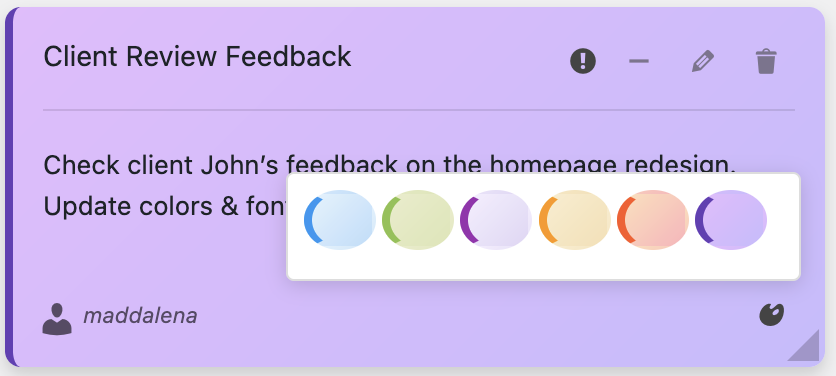
🔴 RED = DO TODAY
Client site is down, critical bug, deadline today
🟠 ORANGE = THIS WEEK
Important but not emergency, upcoming deadline
🔵 BLUE = WHEN POSSIBLE
Nice to have, no deadline, or reference information
🟢 GREEN = COMPLETED
Mark as green when done (delete after a week)
This color system means you never have to re-read your entire task list to know what’s urgent. Your eyes go straight to the red notes. It’s automatic.
Step 3: Make It Visual and Specific
Vague tasks get forgotten or procrastinated. Specific tasks get done.
Bad note: “Fix contact form”
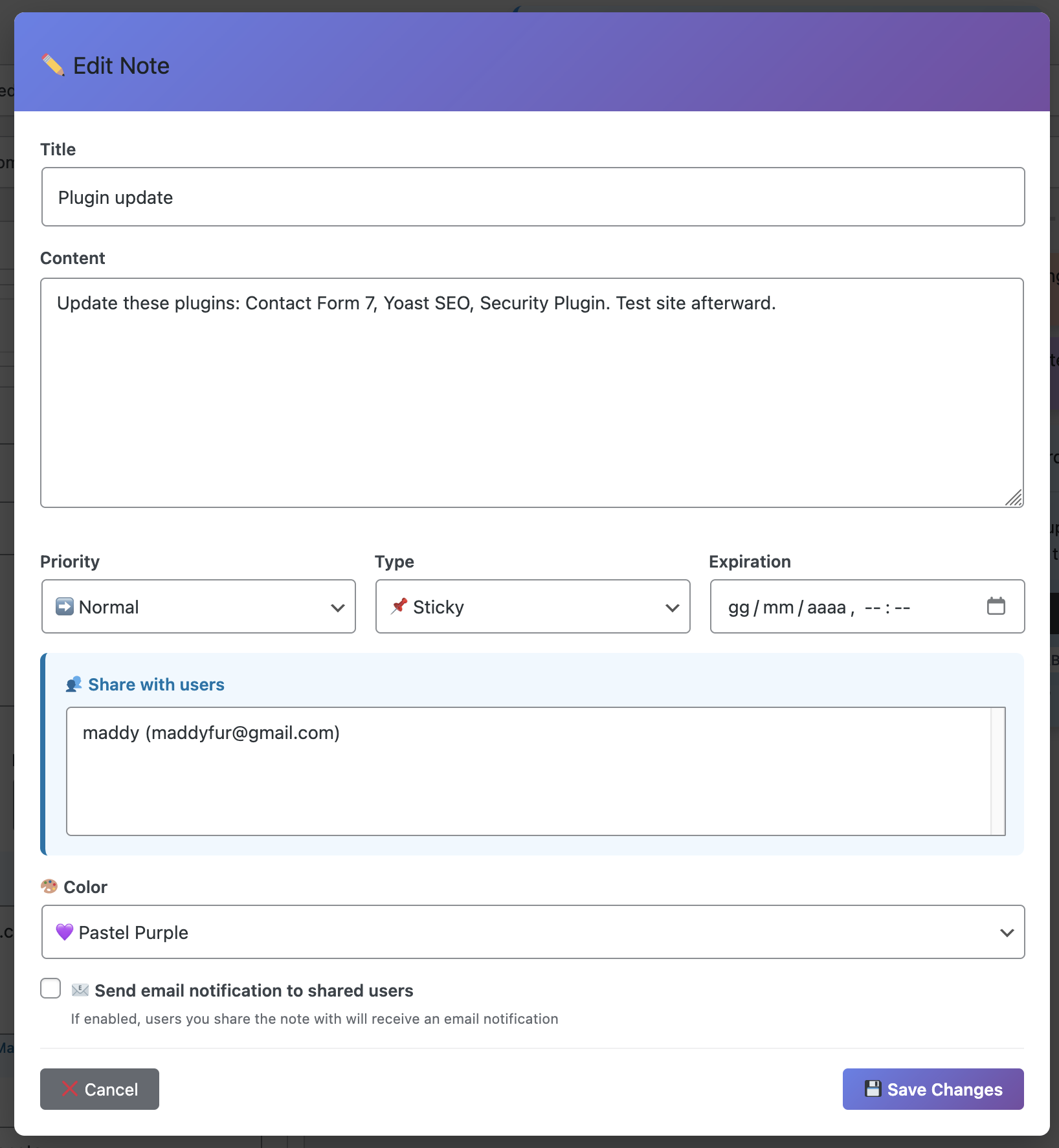
Good note: “Client: Acme Corp – Contact form not sending emails. Check SMTP settings in Contact Form 7. Due: Friday 3 PM“
See the difference? The second one tells you exactly what to do, where, and when. No thinking required. Just action.
Step 4: Use Voice Recording for Complex Tasks
Sometimes you need to capture nuance and detail that’s painful to type out. That’s where voice recording shines.
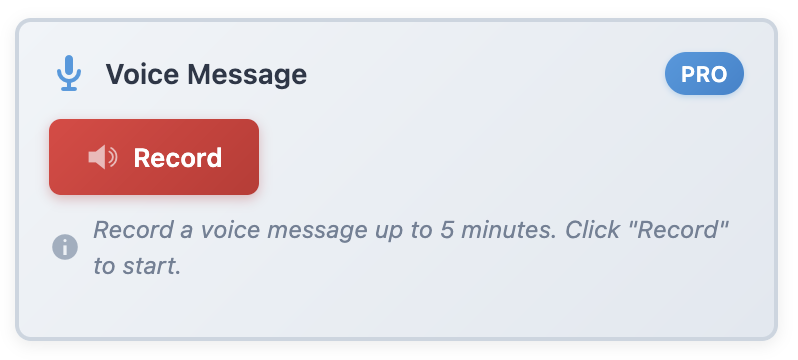
Example: “Okay, so the client wants to change the homepage layout. They want the testimonials section moved above the services section, but they want the services to still be visually prominent. They specifically mentioned not liking how competitor XYZ does it. Also they want this done before their product launch on the 15th…”
Speaking is faster than typing, and you capture tone and emphasis that text can’t convey. When you come back to this task later, you’ll remember exactly what the client wanted.
Step 5: Daily Review (Takes 30 Seconds)
Every morning, before you do anything else:
- Log into WordPress
- Scan your red notes—these are your priorities
- Glance at orange notes—plan when you’ll tackle them
- Delete or change color on completed tasks
That’s it. 30 seconds, and you know exactly what your day looks like. You’re not forgetting anything because everything is right in front of you.
Real Success Stories
Don’t just take my word for it. Here’s what happened when real WordPress users implemented this system:
Jason – Freelance Developer
“I used to miss about one deadline per month. Since using Dashboard Sticky Notes six months ago? Zero missed deadlines. My clients have noticed—I got two referrals specifically because of my reliability.”
Amanda – Content Manager
“I manage an editorial calendar for five different blogs. Before Dashboard Sticky Notes, I’d forget to publish posts or miss author deadlines. Now everything is color-coded and visible. My boss thinks I’ve become superhuman.”
Derek – Agency Owner
“The voice recording feature saved my butt. I capture client calls in voice notes immediately after hanging up. Nothing gets lost in translation anymore. Our client satisfaction scores went up 23%.”
The Psychology of Never Forgetting
Here’s something interesting: once you trust your system, your brain actually becomes MORE creative and productive.
Why? Because you’re no longer using precious mental energy trying to remember things. That energy gets freed up for actual thinking, problem-solving, and creating.
David Allen calls this “mind like water” in Getting Things Done. When your system is reliable, your mind is free to focus on what matters.
I’ve experienced this firsthand. After a month of using Dashboard Sticky Notes religiously, I stopped having that background anxiety of “am I forgetting something?” Because I knew if it was important, it was in a note.
Start Today: Your First Three Notes
Ready to never forget a task again? Here’s how to start:
1. Install Dashboard Sticky Notes on your WordPress site
2. Create your first three notes right now:
- Red note: What’s the most urgent thing you need to do today?
- Orange note: What important task is coming up this week?
- Blue note: What’s one thing you keep meaning to get to but haven’t yet?
3. Make it a habit: Every time you think “I need to remember to…” → create a note. No exceptions.
Within one week, you’ll wonder how you ever managed without it.
Never Forget Another Task
Get the task reminder system that lives where you work.
P.S. – Imagine going to bed tonight knowing—with complete confidence—that everything important is captured and you won’t forget anything tomorrow. That peace of mind? It’s worth way more than the price of this plugin. Get started today.