
Why Notes Belong Inside WordPress
Notes scattered across email and chat are easy to miss. Keeping them in the dashboard turns WordPress into a living control room. With a compact WordPress notes plugin approach—dashboard sticky notes—you get fast dashboard reminders in WordPress, shared context, and fewer tabs to juggle.
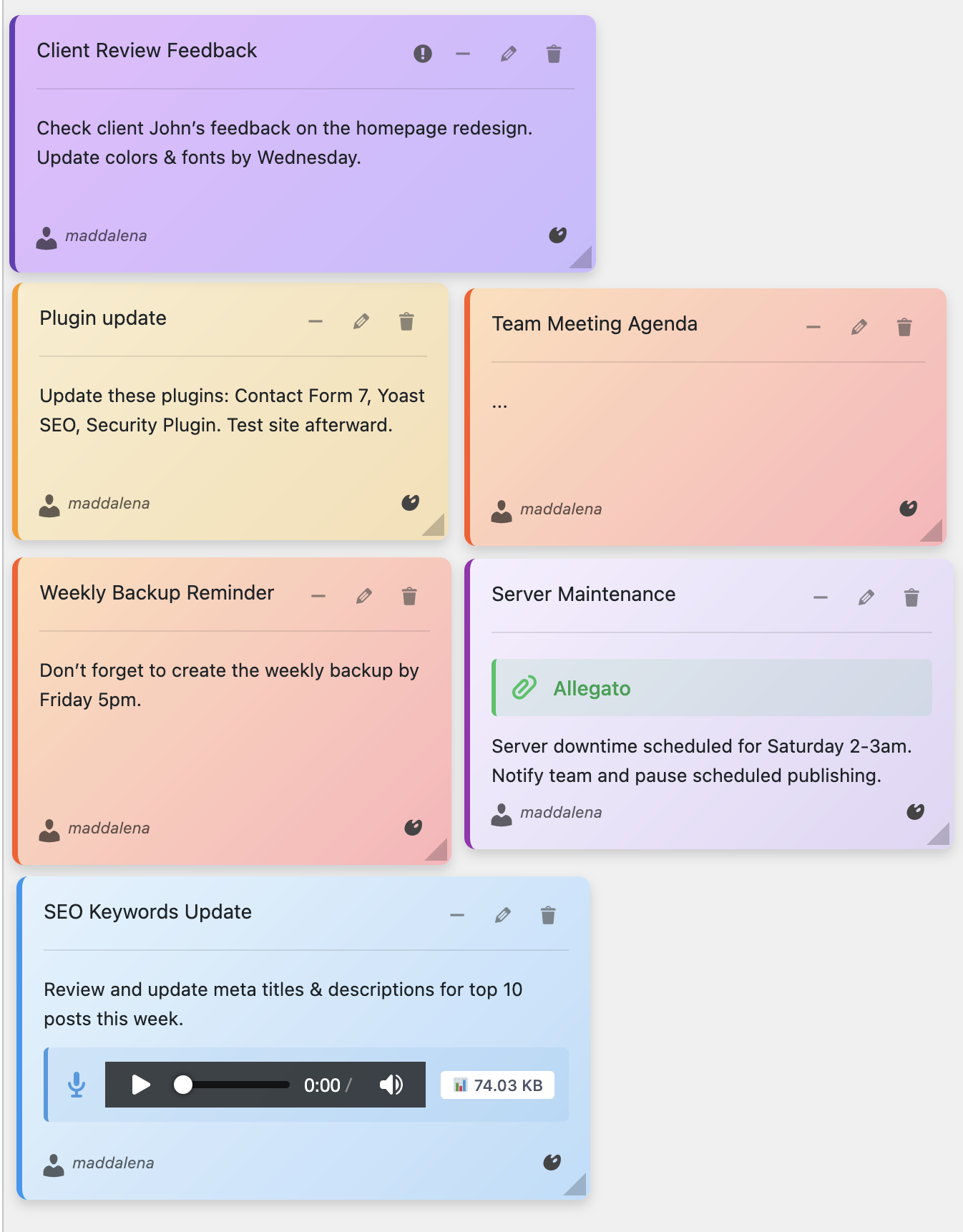
Color‑coded notes: tasks, ideas, SOPs
Benefits for Teams
- Reminders right where the work happens
- Collaboration without extra tools
- Search, filter, and pin important “Top” notes
- Optional email notifications for shared notes
Quick Setup Tutorial
- Install Dashboard Sticky Notes (Quick Notes PRO)
- Create categories (e.g., Content, Ops) and tags (@owner, #review)
- Add your first notes: two to‑dos (yellow), one info (blue), one urgent (red)
- Share the urgent note and enable email alerts
- Review weekly: archive greens, refresh priorities

Widget overview with compact visuals
Start using dashboard sticky notes
Capture reminders, share context, and keep the team aligned—without leaving WordPress.