

Let me ask you something: How many times have you logged into WordPress with a clear idea of what you needed to do, only to get distracted and forget? How many brilliant ideas have you lost because you didn’t write them down immediately? How many important tasks have slipped through the cracks because they weren’t visible where you actually work?
If you’re nodding along, you’re not alone. Every WordPress admin faces these challenges.The difference between struggling admins and thriving admins isn’t talent or time—it’s having the right tools in place.
Today I’m going to make the case for why a notes plugin isn’t a “nice to have”—it’s an absolute necessity for anyone serious about managing WordPress effectively.
The WordPress Admin Reality
Let’s talk about what being a WordPress admin actually looks like. You’re juggling dozens of responsibilities:
- Creating and publishing content
- Managing plugins and updates
- Handling user accounts and permissions
- Monitoring security and backups
- Optimizing performance and SEO
- Responding to comments and support requests
- Planning future features and improvements
- Coordinating with team members or clients
That’s not a job—that’s ten jobs. And somehow you’re expected to keep all of this organized, prioritized, and moving forward. Without dropping any balls.
The Core Problem: WordPress gives you amazing tools for managing a website. But it gives you almost nothing for managing yourself. That’s the gap a notes plugin fills.
What You’re Losing Without a Notes System
Before I discovered dashboard notes, I was constantly losing things. Not physically—mentally. Ideas, tasks, reminders, all evaporating because I had nowhere reliable to capture them.

Lost Ideas Cost You Money
Think about it: every good content idea that disappears is potential traffic you’ll never get. Every optimization you forget to implement is performance left on the table. Every client suggestion you lose is relationship damage.
These aren’t small losses—they add up to real money and opportunity.
Forgotten Tasks Create Emergencies
That plugin update you meant to do? It becomes a security vulnerability. That backup you planned to verify? It becomes the backup that doesn’t work when you need it. That content deadline you forgot? It becomes a scramble and a stressed client.
Most emergencies start as forgotten tasks.
Scattered Information Wastes Time
I used to keep notes everywhere: Apple Notes for some things, Google Docs for others, browser bookmarks for resources, sticky notes on my desk for urgent items. The cost? Five minutes every single time I needed to find something.
Five minutes doesn’t sound like much. But 5 minutes × 20 times per day × 250 workdays = over 400 hours per year wasted just finding information.
💡 The Insight: Every second you spend managing your organizational system is time NOT spent actually managing WordPress. The goal is zero-friction organization.
Why Your Dashboard Is The Perfect Place
Here’s the revolutionary idea: put your organizational system exactly where you do your work.
Think about your typical day. Where do you spend most of your time? In your WordPress dashboard. It’s your home base, your command center, your starting point for everything.
So why would you keep your task list, notes, and reminders somewhere else? Why add friction to your workflow?

With a notes plugin like Dashboard Quick Notes, your organizational system and your work tools exist in the same space. No context switching. No app juggling. Just seamless flow.
The Specific Benefits You’ll Experience
Let me get concrete about what changes when you implement a proper notes system:
Benefit #1: Zero Forgotten Tasks
When you capture every task immediately in your dashboard, forgetting becomes impossible. Not because your memory improved—because your system got reliable.
Before Dashboard Notes: “I think there was something I needed to do today… what was it?”
After Dashboard Notes: Log in, see exactly what needs doing, start working. No mental searching required.
Benefit #2: Captured Inspiration
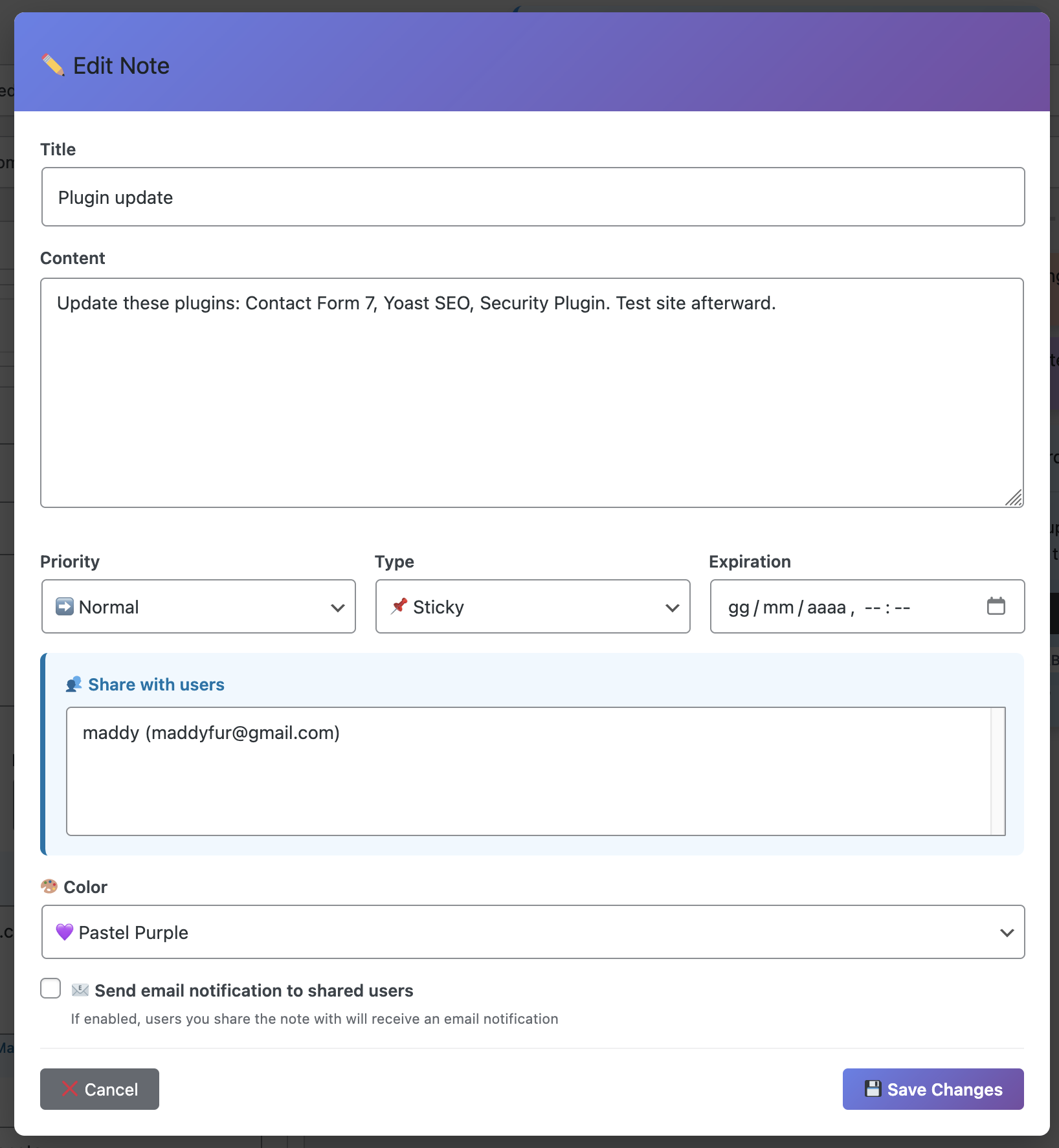
Good ideas don’t arrive on schedule. They hit you while you’re doing something else. With dashboard notes, capturing them takes literally 5 seconds:
- Click “New Note”
- Write idea (or use voice recording!)
- Choose color/category
- Get back to what you were doing
No opening separate apps. No breaking flow. Just instant capture and back to work.
Benefit #3: Visible Progress
One of the most demoralizing feelings in the world is working hard but feeling like you’re making no progress. Dashboard notes fix this by making progress visible.
Archive completed notes. Create “wins this week” notes. Track project advancement. See your accomplishments accumulate. It’s incredibly motivating.
Benefit #4: Better Team Coordination
If you work with others—even just one other person—dashboard notes transform team communication:
- Share updates without email
- Assign tasks with clear ownership
- Provide feedback directly in context
- Keep everyone on the same page
- Reduce meeting time by 50% or more
Information lives where the work happens, visible to exactly who needs to see it.
Benefit #5: Reduced Mental Load
This is the big one. Your brain is for thinking, not for storage. Every task you try to remember, every idea you hold onto, every reminder you keep in your head—that’s mental RAM being wasted.
When you have a trusted system, you can let go. You don’t need to remember everything because you know your system won’t forget. That mental space? Use it for creative thinking, problem solving, strategy—the work that actually matters.
What Makes a Great Notes Plugin
Okay, so you’re convinced you need a notes plugin. What should you look for? Not all solutions are created equal.
❌ What Doesn’t Work:
• Complicated systems that require training
• Plugins that slow down your site
• Limited features that can’t grow with you
• Poor mobile responsiveness
• No team collaboration features
✅ What You Need:
• Instant usability – no learning curve
• Fast performance – lightweight and optimized
• Rich features – colors, categories, voice recording
• Mobile friendly – works on any device
• Team ready – role-based visibility and collaboration
• Flexible – adapts to YOUR workflow, not vice versa
Why Dashboard Quick Notes Is Different
I’ve tried a lot of notes solutions over the years. Most were either too simple to be useful or too complex to actually use.Dashboard Quick Notes hits the sweet spot.
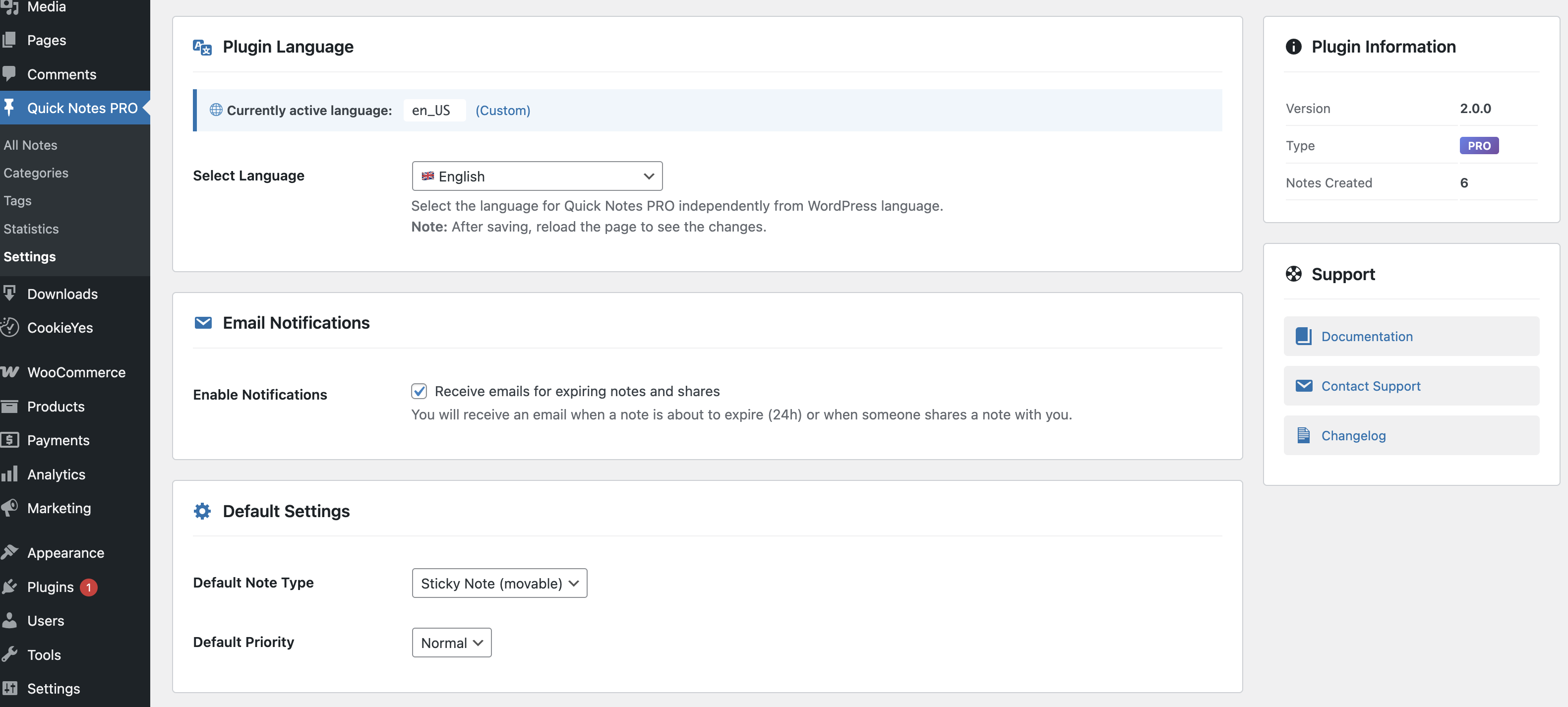
It’s powerful enough to handle complex workflows—role-based visibility, categories, color coding, voice recording, archiving—but simple enough that you’ll actually use it every day.
More importantly, it feels like a natural part of WordPress, not some bolt-on afterthought. The interface is clean, the performance is excellent, and it just works.
Features That Actually Matter
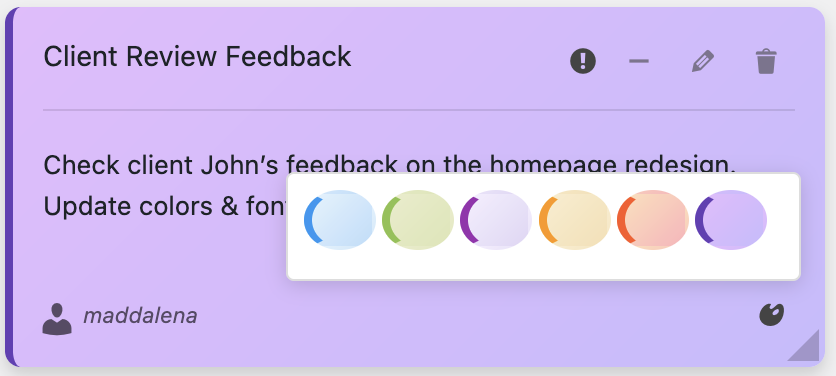
- Color coding for instant visual priority recognition
- Drag-and-drop reorganization for changing priorities
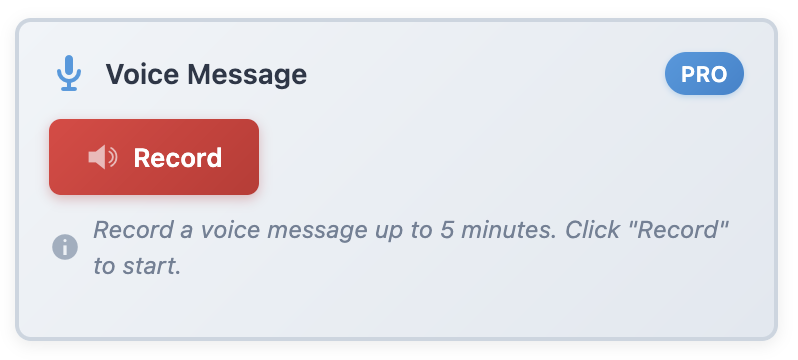
- Voice recording for capturing ideas faster than typing
- Role-based visibility for team coordination
- Archiving system to keep dashboards clean
- Export capabilities for documentation
- Search functionality to find anything instantly
These aren’t gimmicks—these are productivity multipliers.
The Cost of NOT Having a Notes System
Let’s talk numbers for a second. What’s the real cost of poor organization?
If you:
- Waste 30 minutes per day searching for information or deciding what to do
- Forget one good content idea per week (potential traffic value: $100+)
- Miss one optimization per month (lost revenue: $200+)
- Have one preventable emergency per quarter (time cost: $500+)
That’s over $12,000 per year in lost productivity and opportunity.And I’m being conservative.
A notes plugin costs maybe $50-100. The ROI is absurd. You’ll make that back in saved time within the first week.
Real WordPress Admins, Real Results
Don’t just take my word for it. Here’s what happens when WordPress admins implement proper note systems:
“I went from constantly stressed about forgetting things to confident I’m on top of everything. Game changer.” – Sarah, Content Manager
“Our team meetings went from 90 minutes to 30 minutes because everyone already knows what’s happening.” – Mike, Agency Owner
“I can’t believe I managed WordPress without this for years. It’s like putting on glasses for the first time.” – Lisa, Freelancer
These aren’t exceptional cases—this is the normal experience when you stop fighting against disorganization and start using proper tools.
The Bottom Line
Here’s what it comes down to: WordPress gives you incredible power to build and manage websites. But it doesn’t give you tools to manage yourself.
You can keep juggling everything in your head. You can keep using scattered external tools. You can keep hoping you won’t forget important things. Or you can fix the problem properly.
A notes plugin isn’t overhead—it’s infrastructure. It’s the foundation that lets everything else work better. And just like you wouldn’t run a website without backups or security, you shouldn’t run WordPress without a proper organizational system.
Every WordPress admin needs a notes plugin. Not because it’s cool. Because it works.
Start Today
The beautiful thing about implementing a notes system is the benefits start immediately. Not next month, not after some training period—today.
Install Dashboard Quick Notes, create your first note, and feel the difference. See that task you might have forgotten? It’s now captured. That idea you just had? Saved. That reminder you need? Right there when you log in tomorrow.
Stop managing WordPress the hard way. Stop losing ideas, forgetting tasks, and feeling perpetually behind. Start using tools designed for the reality of what you actually need to accomplish.
Transform Your WordPress Admin Experience
Join thousands of admins who’ve discovered the power of dashboard notes.
P.S. – Five years from now, you’ll look back at your WordPress journey and see two eras: before you had a proper notes system, and after. The difference will be that stark. Why wait five years? Make today the turning point. Your future self will thank you.