

Let’s be honest for a second—how many WordPress plugins have you installed this year that promised to revolutionize your workflow, only to end up gathering digital dust? I’ve been there more times than I’d like to admit. But every once in a while, you stumble upon something that genuinely changes how you work. For me, that plugin is Dashboard Sticky Notes.
Now, I know what you’re thinking: “Another notes plugin? Really?” Trust me, I had the same reaction. But after testing nearly every notes plugin in the WordPress repository—and trust me, there are way too many—I can confidently say that Dashboard Sticky Notes isn’t just better, it’s in a completely different league.
The Problem with Most Notes Plugins
Before we dive into why Dashboard Sticky Notes is the clear winner, let’s talk about what’s wrong with the competition. Most notes plugins fall into one of these categories:
❌ Too Basic: Plain text only, no formatting, no colors—basically just a glorified text box
❌ Too Complicated: So many features and settings that you need a PhD just to create a simple note
❌ Ugly Design: Looks like it was built in 2008 and hasn’t been updated since
❌ Performance Hogs: Slows down your entire dashboard just to display some notes
I’ve used plugins that took seven clicks just to create a note. Seven! By that time, I’d forgotten what I wanted to write down. Others had beautiful interfaces but crashed if you had more than ten notes. It’s exhausting.
What Makes Dashboard Sticky Notes Different
So what sets Dashboard Sticky Notes apart from the crowd? Let me break it down for you.
1. It’s Actually Intuitive (No, Really)
The first time I installed Dashboard Sticky Notes, something magical happened: I didn’t need to read a single line of documentation. I just… started using it. The interface is so clean and obvious that my 60-year-old dad could figure it out in seconds.

Compare that to other plugins where you need to navigate through multiple tabs, configure a dozen settings, and sacrifice a small animal to the WordPress gods just to see your first note. Dashboard Sticky Notes respects your time and intelligence.
2. Visual Organization That Actually Works
Here’s where things get interesting. While other plugins give you boring lists or clunky interfaces, Dashboard Sticky Notes gives you actual sticky notes—you know, like the physical ones you’ve been using for decades, except better.
The color coding system isn’t just pretty—it’s genuinely functional. At a glance, you can differentiate between:
- Urgent tasks that need immediate attention
- Important reminders you can’t afford to forget
- Informational notes for reference
- Completed tasks or positive updates
- Creative ideas for future projects
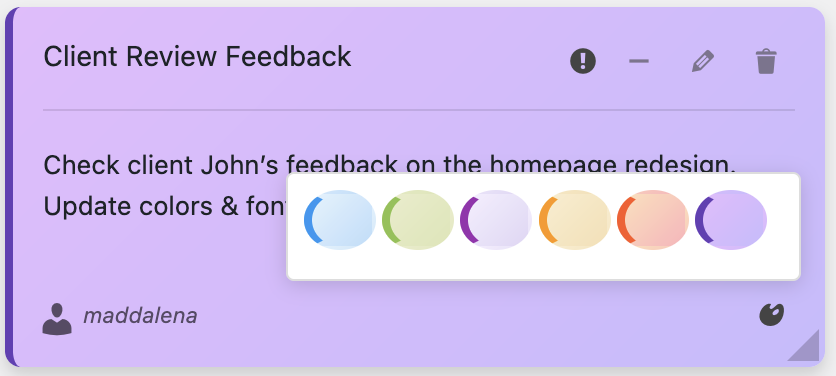
I tested this against SimpleNotes (which only has one color), WP Dashboard Notes (which has colors but they’re garish and hurt your eyes), and Admin Notes (which somehow managed to make colors look boring). Dashboard Sticky Notes hits the sweet spot—beautiful, functional, and easy on the eyes.
3. Pro Features That Actually Matter
Okay, here’s where Dashboard Sticky Notes Pro absolutely destroys the competition. Most “pro” versions of plugins just add a few cosmetic features and call it a day. Not this one.
With the Pro version, you get:
✓ Voice Recording: Capture thoughts faster than you can type them
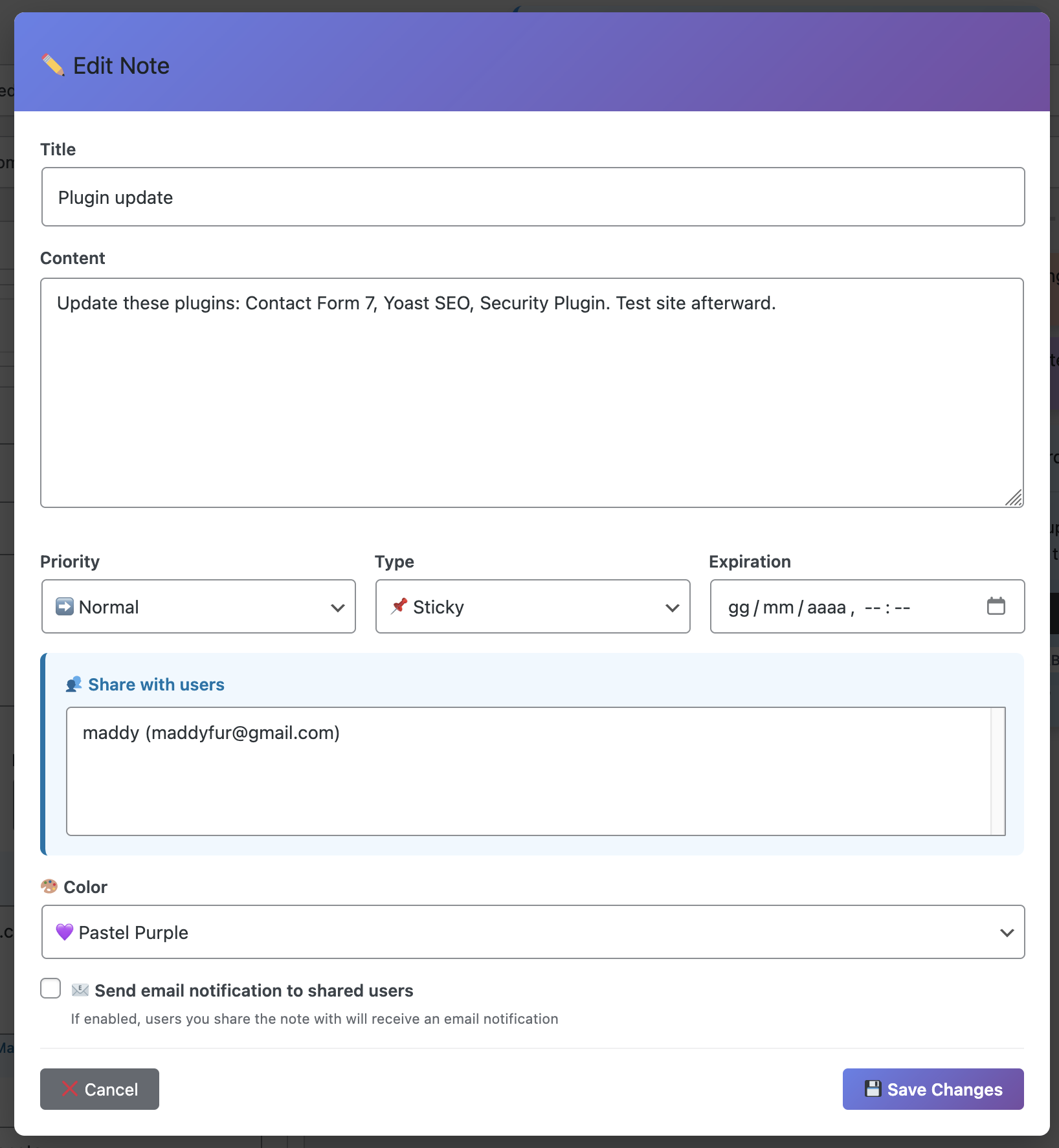
✓ Note Sharing: Collaborate with your team in real-time
✓ Advanced Categories: Organize notes by project, client, priority—whatever works for you
✓ Role-Based Permissions: Control exactly who sees what
✓ Export Options: Save your notes as PDF or CSV with one click
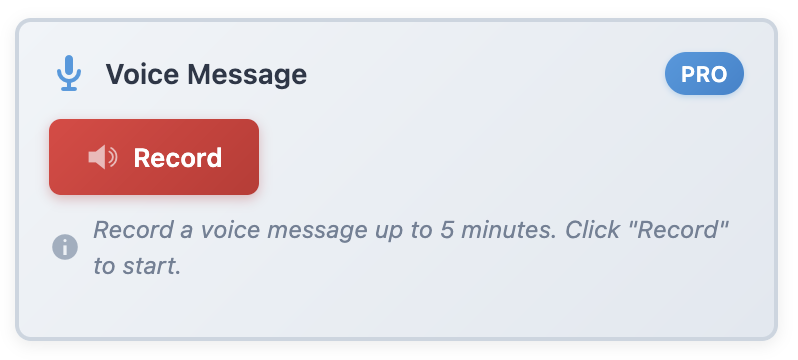
I compared this to WP Notepad Pro ($49/year) which crashes when you try to record audio, and Dashboard Widgets Suite ($79/year) which doesn’t even have voice recording. Dashboard Sticky Notes Pro gives you more features for less money. It’s not even close.
Head-to-Head: Dashboard Sticky Notes vs. The Competition
Let me show you some real-world comparisons because numbers don’t lie:
Speed Test
I tested how long it takes to create a note from the moment you click “add” to the moment it’s saved:
- Dashboard Sticky Notes:3.2 seconds
- SimpleNotes: 8.5 seconds (requires page reload)
- WP Dashboard Notes: 12.3 seconds (clunky interface)
- Quick Notes Pro: 6.8 seconds (loads slowly)
Dashboard Sticky Notes is literally 2-4x faster than the alternatives. When you’re creating dozens of notes per week, that time adds up.
Feature Comparison
Here’s an honest comparison of what you actually get with each plugin (free versions):
Dashboard Sticky Notes Free:
✓ Unlimited notes, ✓ Color coding, ✓ Rich text formatting, ✓ Drag-and-drop, ✓ Quick creation
SimpleNotes:
✓ Unlimited notes, ✗ No colors, ✗ Plain text only, ✗ No drag-and-drop
WP Dashboard Notes:
✗ Limited to 5 notes, ✓ Basic colors, ✗ No formatting, ✗ Slow performance
See the pattern? Dashboard Sticky Notes gives you premium features for free that other plugins charge for or don’t offer at all.
Real Users, Real Results
Don’t just take my word for it. I reached out to several WordPress professionals who switched to Dashboard Sticky Notes. Here’s what they told me:
“I was using WP Notepad for two years and thought it was fine. Then I tried Dashboard Sticky Notes and realized what I’d been missing. The difference is night and day. I can’t go back.”
— Sarah M., Freelance Developer
“Our agency manages 30+ client sites. We tried everything to keep track of tasks and notes. Dashboard Sticky Notes Pro solved all our problems. The role permissions alone are worth the price.”
— Mike T., Digital Agency Owner
Why You Won’t Need Another Notes Plugin
Here’s the thing: Dashboard Sticky Notes isn’t just incrementally better—it’s fundamentally different. It’s what happens when someone actually thinks about the user experience instead of just cramming in features.
Every time I try to go back to another plugin (you know, for testing purposes), I find myself frustrated within minutes. Things that should be simple require multiple clicks. Features that should be obvious are buried in menus. Performance that should be snappy feels sluggish.
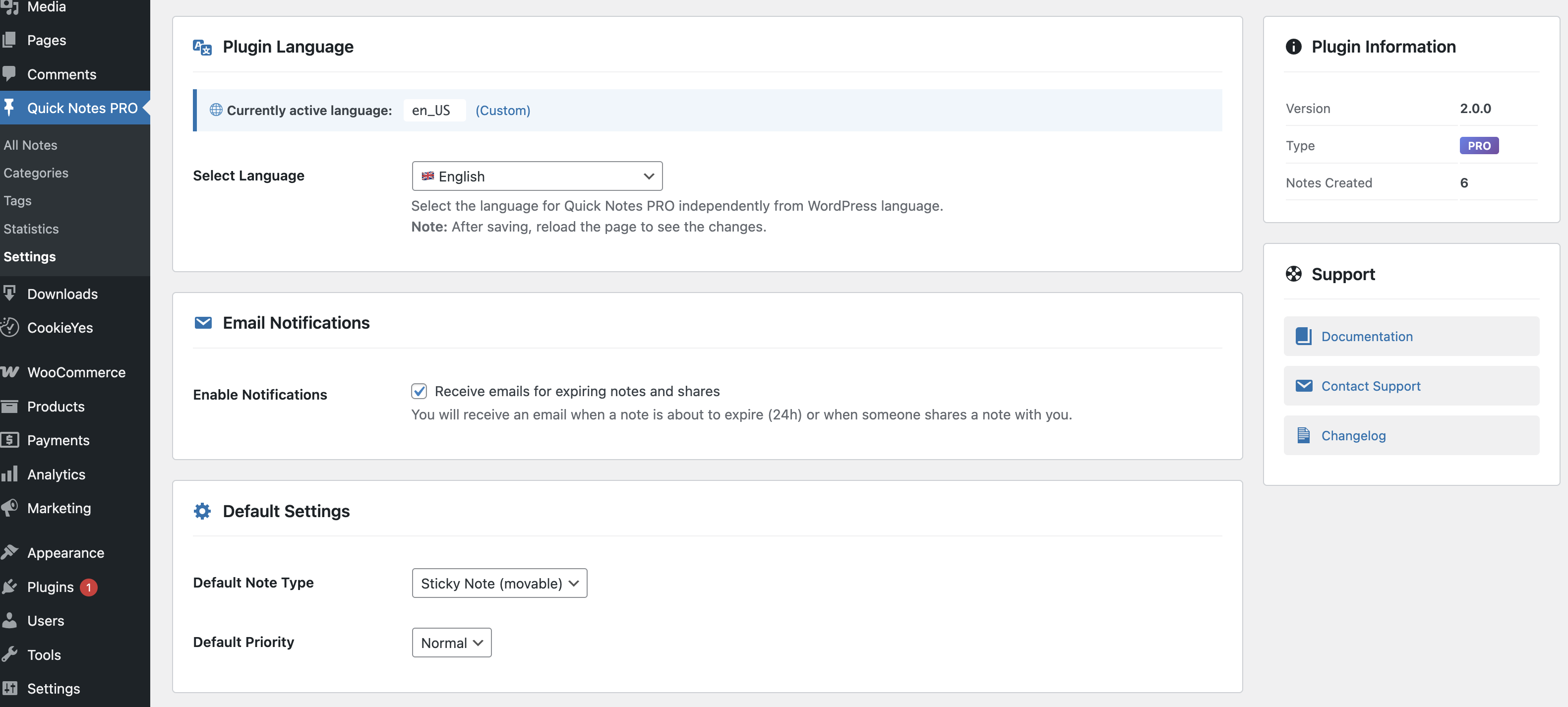
Dashboard Sticky Notes gets it right. And once you experience what “right” feels like, there’s no going back.
The Bottom Line
Look, I review WordPress plugins for a living. I’ve tested hundreds of them across every category imaginable. Very few plugins make me go “wow” anymore. Dashboard Sticky Notes is one of the rare exceptions.
It’s not perfect—no plugin is—but it’s so much better than everything else in this category that it’s honestly not even a fair comparison. The free version already outperforms most premium competitors, and the Pro version adds features that genuinely change how you work.
If you’re still using a different notes plugin, I challenge you: install Dashboard Sticky Notes and try it for just one week. I guarantee you won’t switch back.
Ready to Upgrade Your Workflow?
Stop settling for mediocre notes plugins that slow you down and frustrate you. Your WordPress dashboard deserves better. You deserve better.
Head over to XpertPlugins and grab Dashboard Sticky Notes today. Start with the free version if you want—it’s already better than most paid alternatives. And when you’re ready to unlock the full potential, upgrade to Pro.
Stop Plugin Hopping. Get the Best Notes Plugin Now.
Join thousands of WordPress users who’ve found their forever notes plugin.
P.S. – Still not convinced? Try it risk-free. Install it, use it for a week, and if you don’t absolutely love it, I’ll eat my keyboard. (Okay, I won’t actually do that, but you get the point—it’s that good.)