
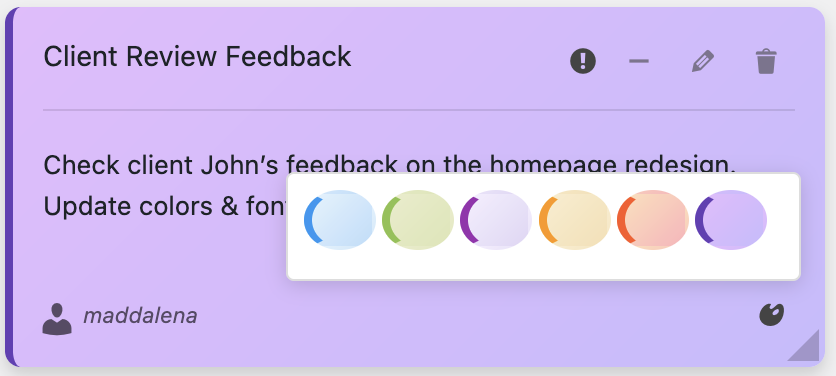
Let me get real with you for a moment. I’m not someone who usually upgrades to premium versions of plugins. I’m the person who tries to squeeze every last drop of functionality out of free versions, hunting for workarounds, and convincing myself I don’t “really need” those pro features.
But when I upgraded to Dashboard Sticky Notes Pro? It was one of those rare “why didn’t I do this sooner?” moments. Within 24 hours, I knew I’d made the right call.
Today, I’m breaking down the five features that make the Pro upgrade absolutely worth it. No fluff, no marketing speak—just honest talk about what you actually get and why it matters.
Reason #1: Note Sharing & Team Collaboration
This is the feature that made me pull the trigger on upgrading, and honestly, it alone justifies the price.
Why This Matters
Picture this: you’re working with a developer, a content writer, and a virtual assistant on the same WordPress site. With the free version, everyone can create their own notes, but they’re living in separate silos. Nobody knows what anyone else is working on. You end up with duplicate efforts, missed communications, and that classic “I thought you were handling that” scenario.

With Pro’s note sharing? Everyone sees exactly what they need to see. I can create a note that says “Client wants blue, not green for header” and share it specifically with my designer. No emails, no Slack messages, no external apps—it’s right there in their WordPress dashboard.
Real Example: Last month, a client changed their launch date from Friday to Thursday. I updated one shared note in Dashboard Sticky Notes Pro, and my entire team saw it instantly. Before? That would have been three separate Slack messages, two email threads, and probably someone still missing the memo.
What You Can Do
- Share notes with specific users or entire roles
- Create team-wide announcements that everyone sees
- Collaborate on complex tasks without leaving WordPress
- Keep everyone on the same page (literally)
Reason #2: Advanced Role-Based Permissions
If you manage multiple team members or clients with different access levels, this feature is an absolute game-changer.
The Problem It Solves
Not everyone should see everything. Your content writers don’t need to see server maintenance notes. Your clients shouldn’t see internal team discussions about project challenges.
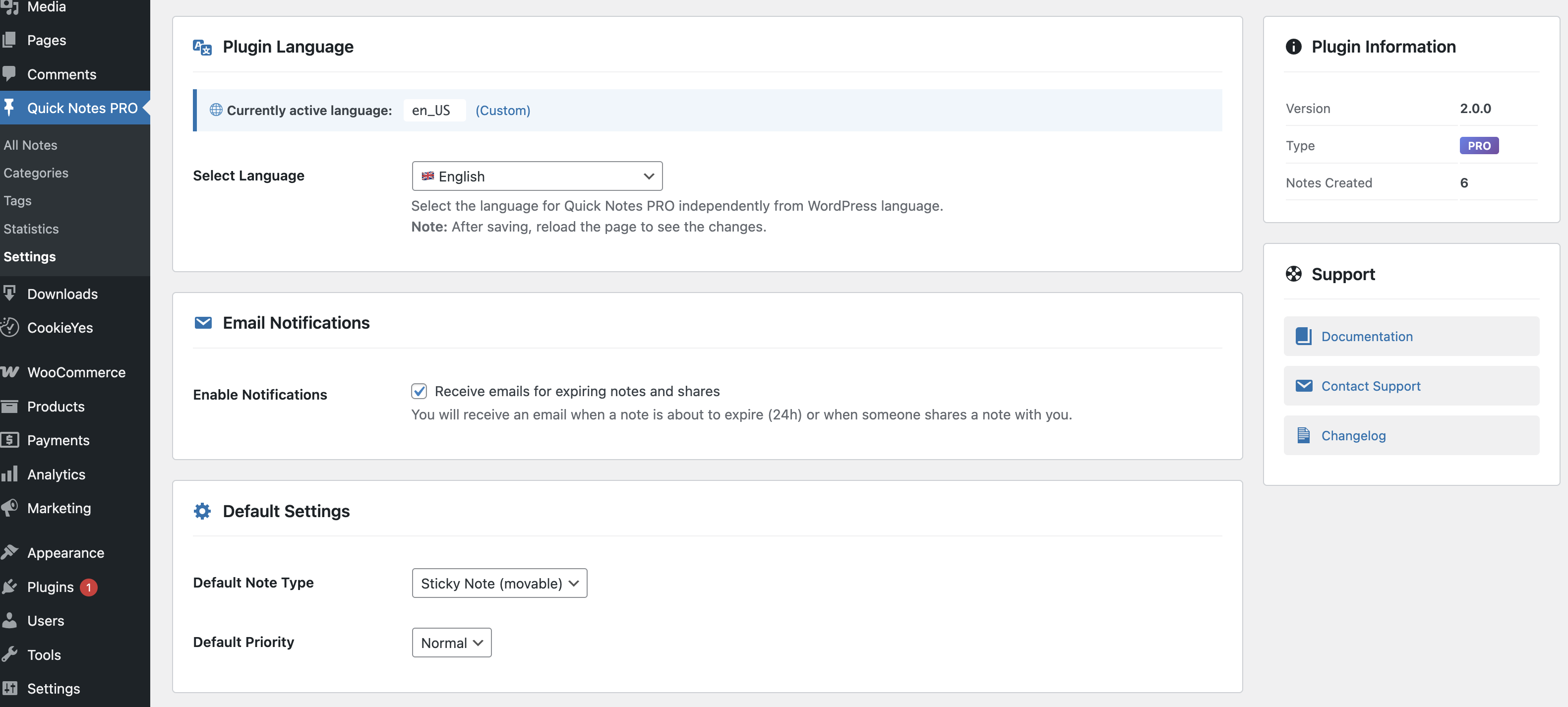
With Pro’s advanced permissions, you can:
- Control who can create notes (prevent note chaos)
- Decide who can edit notes (protect important information)
- Restrict who can delete notes (avoid accidental losses)
- Show/hide specific notes by user role (keep things organized)
💡 Pro Tip: I set up our agency dashboard so editors can see editorial calendar notes, developers see technical notes, and clients only see updates relevant to their projects. It’s like having multiple dashboards in one, without the confusion.
Reason #3: Voice Recording Integration
Okay, confession time: This is my favorite feature. When I first saw it, I thought, “That’s neat, but will I actually use it?” Spoiler alert: I use it almost every single day.
Why Voice Notes Are Brilliant
Sometimes typing is just too slow. You’re in the middle of something, you have a brilliant idea, and you need to capture it RIGHT NOW before it evaporates.
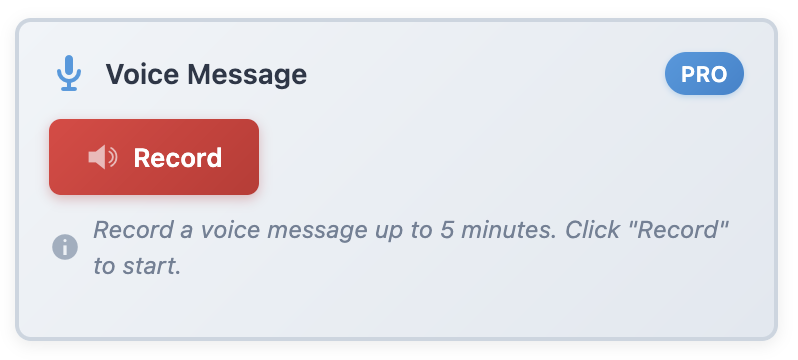
With voice recording, I can:
- Capture ideas while working on something else
- Leave detailed instructions for team members (way faster than typing)
- Preserve tone and nuance that text can’t convey
- Save my wrists from repetitive strain (seriously, this matters)
Last week, I was deep in the middle of coding a custom template when I remembered a crucial detail about a different client’s project. Instead of switching contexts and losing my flow, I hit record, spoke for 30 seconds, and got back to coding. That voice note saved me from forgetting something that would have cost the client an extra day.
Perfect For:
✓ Quick brainstorming sessions
✓ Complex instructions that are easier to speak than type
✓ Urgent reminders when you’re in the zone
✓ Capturing emotional context (“This is REALLY urgent” hits different in voice)
Reason #4: Advanced Categories & Organization
The free version gives you color coding, which is great. The Pro version gives you a complete organizational system that scales with your needs.
Beyond Simple Color Coding
With advanced categories in Pro, you can organize notes by:
- Project: All notes related to “Website Redesign 2025”
- Client: Everything for Acme Corp in one place
- Priority Level: Beyond just colors—Critical, High, Medium, Low
- Department: Marketing, Development, Content, Support
- Custom categories: Whatever organizational structure works for YOUR workflow
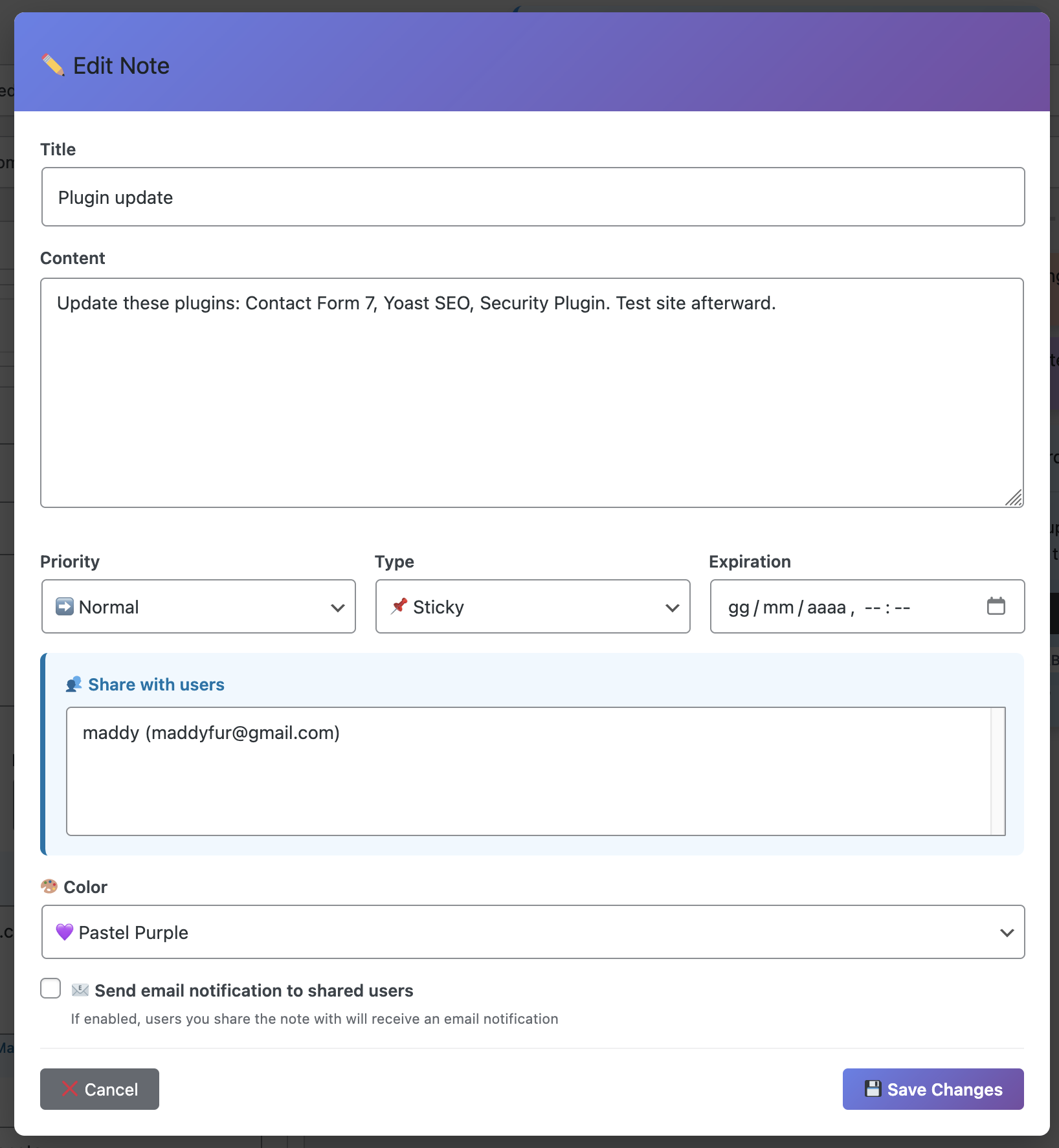
The beauty is that you can combine categories with colors. So I might have a red (urgent) note in the “Client: XYZ Corp” category, making it instantly clear that this is an urgent task specifically for that client.
Real-World Scenario
I manage a WordPress site with six different content contributors. Before Pro, notes were a mess—everyone creating notes without any structure. After setting up categories? Everything has its place. Content ideas go in “Editorial,” technical issues in “Dev,” client feedback in “Client Requests.”
Finding information went from frustrating to instant.
Reason #5: Export & Backup Capabilities
This might not sound exciting, but trust me—when you need it, you REALLY need it.
Why Exporting Matters
With Pro’s export features, you can:
✓ Create client reports from your project notes (saved me hours last month)
✓ Back up important information outside of WordPress (peace of mind)
✓ Share notes with non-WordPress users (as PDF or CSV)
✓ Archive completed projects while keeping the info accessible
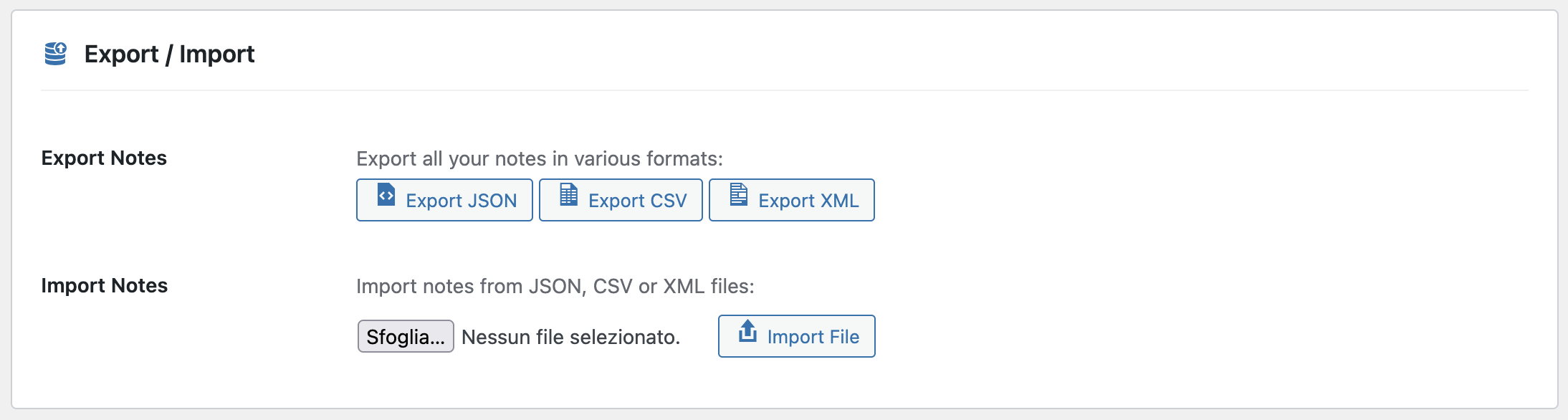
Last quarter, a client asked for a summary of all the work we’d done. Instead of piecing together emails and Slack messages, I exported three months of categorized notes into a PDF. Took me five minutes. The client was blown away by how organized and detailed it was.
Export Formats Available
- PDF: Professional-looking documents perfect for clients
- CSV: Import into Excel or Google Sheets for analysis
- Plain Text: Universal format that works everywhere
- Filter by date range, category, or color before exporting
Is Pro Worth It? Let’s Do the Math
Okay, real talk: Is Dashboard Sticky Notes Pro worth upgrading to? Let me break down the value proposition.
Time Saved
Just the note-sharing feature alone saves me probably 2-3 hours per week that I used to spend on internal communications. That’s 10-12 hours per month. If your time is worth $50/hour (and it probably is), that’s $500-600 of value monthly.
The Pro version pays for itself in the first week.
Compared to Alternatives
Let’s compare costs:
- Dashboard Sticky Notes Pro: One-time or annual fee (check current pricing)
- Trello Business: $12.50/user/month → $150/year for just one person
- Asana Premium: $13.49/user/month → $162/year
- Monday.com: $12/user/month → $144/year
Plus, with those external tools, you’re still context-switching out of WordPress. Dashboard Sticky Notes Pro keeps everything in one place AND costs less.
Reality Check: If you work with even one other person on WordPress, or if you manage multiple clients, the Pro version isn’t an expense—it’s an investment that immediately pays dividends.
Who Should Upgrade to Pro?
Honestly? Most people. But here’s who will get the absolute most value:
✓ Agency owners managing multiple team members and clients
✓ Freelancers working with collaborators or clients
✓ Site managers coordinating multiple content creators
✓ Anyone who values their time and sanity
The free version is genuinely great—don’t get me wrong. But if you’re serious about optimizing your WordPress workflow, Pro is the way to go.
Ready to Level Up?
Look, I don’t write reviews like this lightly. I genuinely believe Dashboard Sticky Notes Pro is one of the best investments you can make in your WordPress workflow. The features aren’t just checkboxes on a feature list—they’re thoughtfully designed tools that solve real problems.
Start with the free version if you’re not sure. But I’m betting you’ll upgrade within a week. That’s what happened to me, and I haven’t looked back since.
Upgrade to Pro Today
Get all five premium features and transform how you work in WordPress.
P.S. – Remember: every hour you spend on inefficient workflows is an hour you’re not spending on work that actually moves the needle. Pro features aren’t luxuries—they’re tools that let you focus on what matters. Make the upgrade. Your future self will thank you.