

Remote work is amazing—until it’s not. You’ve got team members scattered across time zones, asynchronous communication that takes hours or days, and that nagging feeling that everyone’s working in their own little bubble with no idea what anyone else is doing.
I run a fully remote WordPress development team. We’re spread across four continents and eight time zones. And for the longest time, keeping everyone on the same page felt like herding cats… while blindfolded… in a thunderstorm.
Then we discovered Dashboard Sticky Notes Pro, and honestly? It transformed how our remote team collaborates. Today, I’m sharing exactly how we use it to stay in sync without drowning in Slack messages and Zoom calls.
The Remote Work Collaboration Problem
Let’s be honest about the challenges of remote collaboration. Traditional tools create more problems than they solve:
The Slack Overload
Slack is great for conversations. Terrible for important information that needs to stick around.
The Problem: Someone shares something critical at 2 PM. By 5 PM, it’s buried under 147 messages about lunch plans and GIFs. Good luck finding it next week when you actually need it.
Plus, not everyone checks Slack constantly. Nor should they. If your important updates require everyone to stay glued to a chat app, you’ve already lost.
The Email Black Hole
Email seems professional and official. But let’s be real: how many important emails have you missed because they got buried in your inbox?
Team members mark emails as “unread” to remember to deal with them later, accidentally archive important threads, or just… forget to check their work email over the weekend when that urgent issue pops up.
The Meeting Marathon
“Let’s schedule a quick sync to make sure everyone’s aligned.”
Sounds harmless, right? Wrong. When your team is distributed across time zones, finding a “convenient” meeting time means someone’s joining at 6 AM or 10 PM. And what you’re really doing is turning five minutes of information into a 30-minute meeting plus prep and follow-up time.

Why Dashboard Sticky Notes Pro Works for Remote Teams
Here’s what makes Dashboard Sticky Notes Pro perfect for remote WordPress teams: it puts critical information exactly where your team already works.
No separate app to check. No emails to miss. No meetings to coordinate. Just open the WordPress dashboard you’re already working in, and boom—everything important is right there.
Asynchronous by Design
The beauty of Dashboard Sticky Notes is that it’s inherently asynchronous. I can create a note at 9 AM EST. My developer in Berlin sees it when he starts work. My designer in Manila sees it during her afternoon. Everyone gets the information when they need it, without requiring everyone to be online simultaneously.
✓ Time Zone Friendly: Share updates that team members see when they log in
✓ Always Visible: Notes don’t get buried like chat messages
✓ Context-Aware: Notes appear in the workspace where the work happens
Our Remote Team Workflow (The System That Works)
Let me walk you through exactly how our remote team uses Dashboard Sticky Notes Pro to stay coordinated.
1. Daily Updates (No Meetings Required)
Instead of daily stand-up meetings (which would require someone to wake up at 5 AM), we use shared notes for daily updates.
Each team member creates a green note at the end of their day with what they accomplished. It’s quick—usually just bullet points:
Maria’s Update – Nov 7
✓ Completed Client A homepage mockup
✓ Started work on Client B color scheme
⏸ Waiting on feedback for Client C revisions
Everyone else sees these updates when they start their day. We stay coordinated without anyone having to join a Zoom call before their morning coffee.
2. Urgent Issues (The Red Note System)
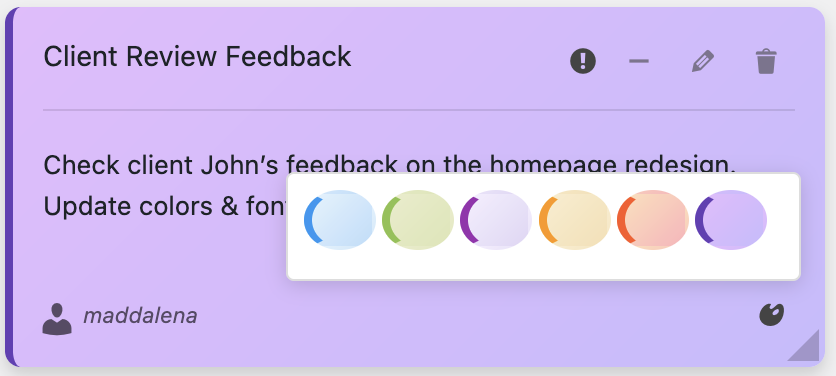
When something urgent comes up, we create a red note and share it with whoever needs to see it.
Example from last week:
A client’s site went down at 3 AM my time. I was asleep. My developer in Australia was just starting his day. He created a red note: “Client X site down – server issue – working on it now.”
When I woke up, I saw the note immediately, saw it had been updated to green (“Fixed – was hosting DNS issue”), and I knew exactly what happened without needing to hunt through messages or emails.
3. Project Handoffs (Seamless Context Transfer)
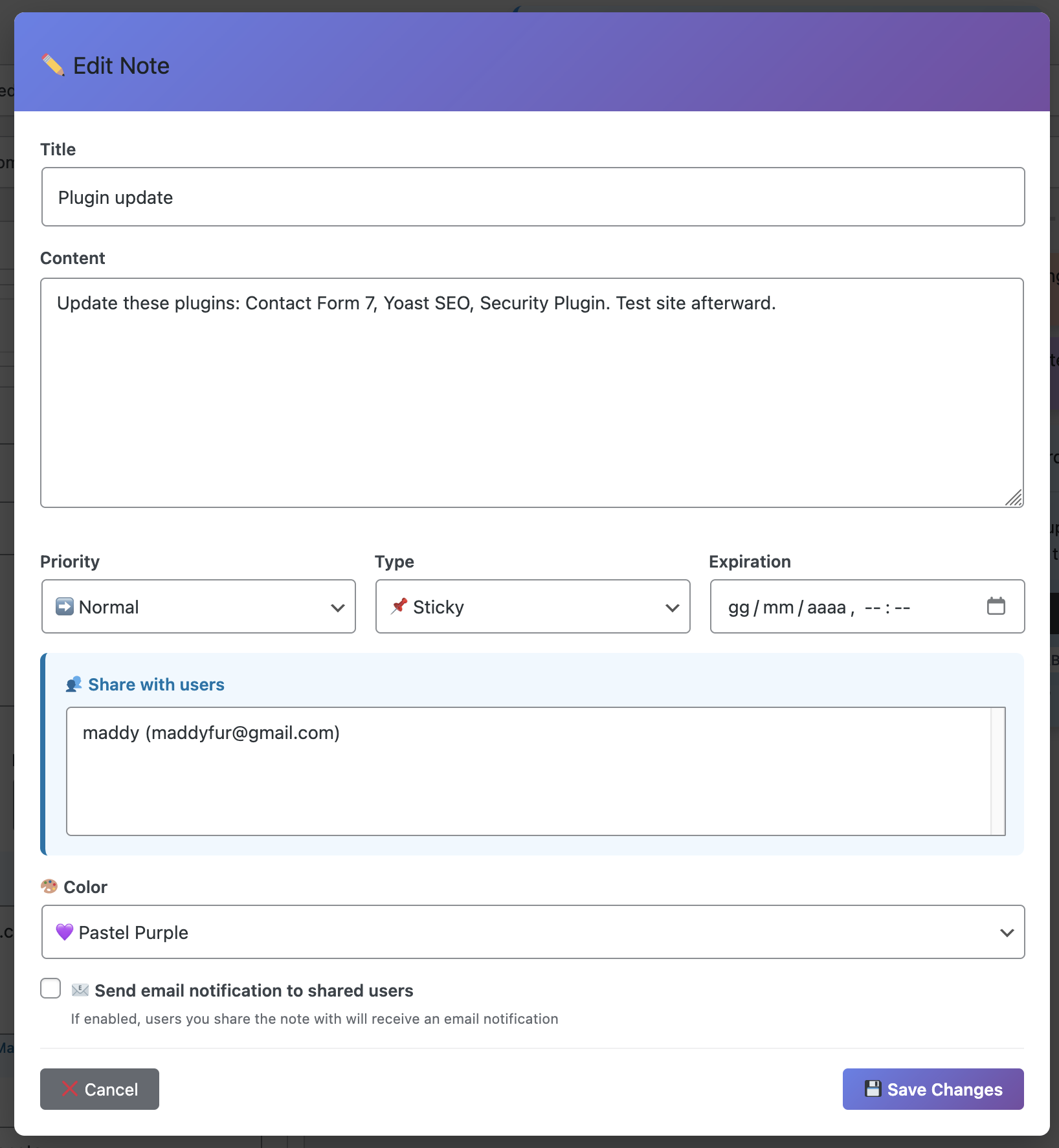
This is where Dashboard Sticky Notes Pro really shines. When one team member finishes their part of a project and hands it off to another, they create a detailed note.
Handoff: Client Logo Project → Ready for Development
Design files: [link]
Approved by client ✓
Special notes: Client wants hover effects on all buttons, no animations on mobile (accessibility concern)
@Dev-Team – this is ready for you!
The developer gets all the context they need without a meeting or back-and-forth messages. They can start work immediately, even if the designer is asleep on the other side of the world.
4. Voice Notes for Complex Information
Sometimes you need to explain something complex. Typing it out would take forever. A meeting would be inconvenient. Voice notes are perfect.
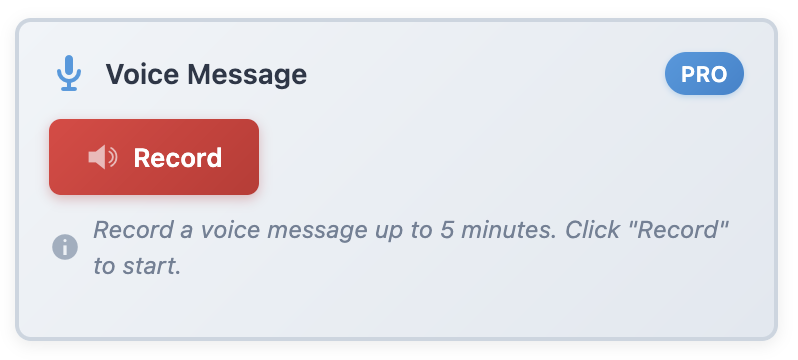
I use voice notes to:
- Explain complex client feedback that needs nuance
- Walk through technical issues I discovered
- Share brainstorming ideas with enthusiasm and tone
- Provide detailed instructions faster than typing
Team members can listen when it’s convenient for them—on their commute, while making coffee, or during their working hours.
5. Role-Based Information Sharing
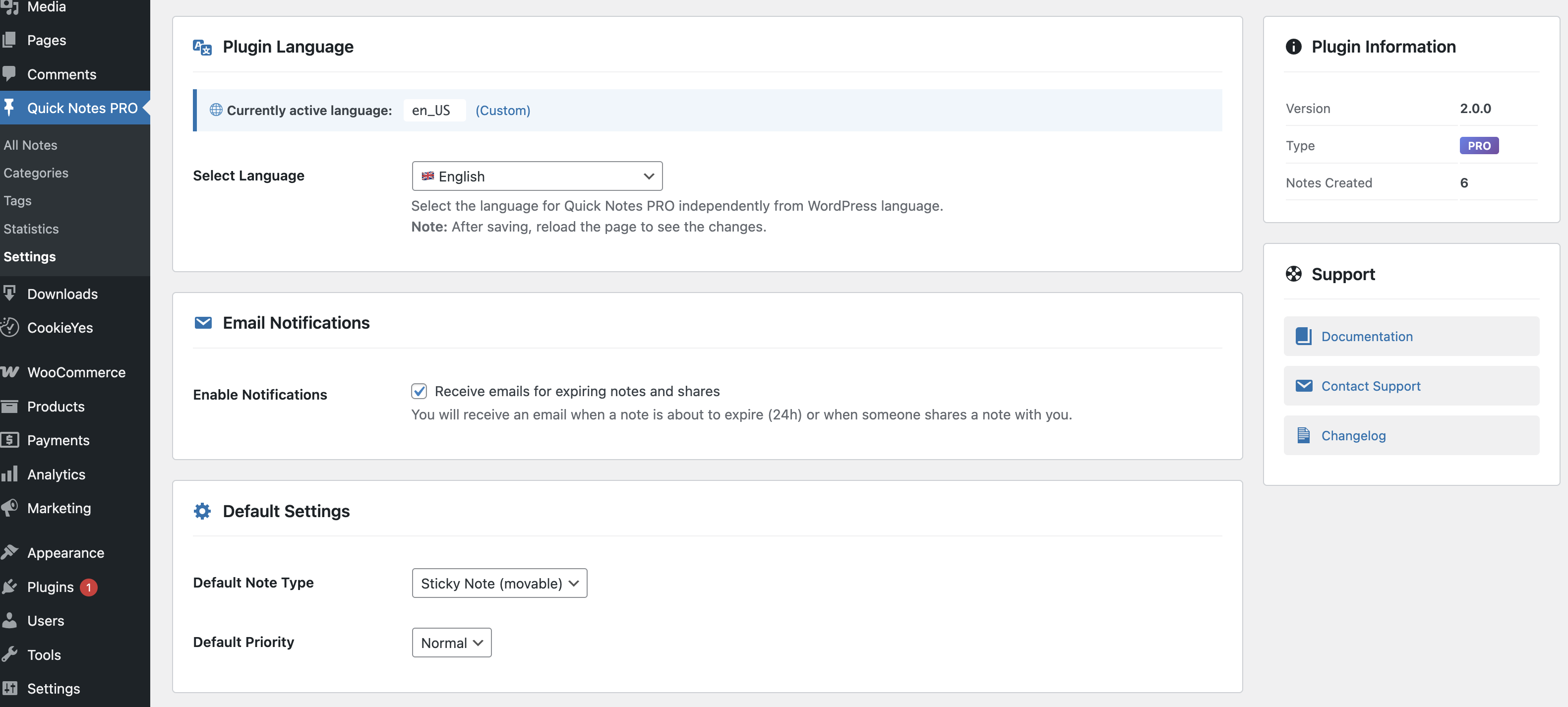
Not everyone needs to see everything. Pro’s role-based permissions let us share information strategically:
- Designers only: Brand guidelines, design feedback, creative briefs
- Developers only: Technical specs, server issues, code standards
- Everyone: Client deadlines, team announcements, urgent issues
- Managers only: Budget concerns, client relationship notes
This keeps everyone informed without overwhelming them with irrelevant information. Designers don’t need to see server migration details. Developers don’t need to see every color palette iteration.
The Results: How Much Better Did It Get?
I’m a data person, so I tracked our team’s performance before and after implementing Dashboard Sticky Notes Pro. The improvements are significant:
Meetings Per Week:
Before: 8-10 meetings → After: 2-3 meetings (70% reduction)
Slack Messages Per Day:
Before: 300+ → After: 120 (60% reduction)
Project Handoff Time:
Before: 2-4 hours of back-and-forth → After: Immediate with full context
Team Satisfaction:
Before: 7.2/10 → After: 9.1/10
That 70% reduction in meetings alone gave everyone back 4-6 hours per week of productive work time.
What Team Members Actually Say
Here’s what happened when I surveyed our team about Dashboard Sticky Notes Pro:
“I used to dread checking Slack because there’d be 200 messages to catch up on. Now important stuff is in notes, and Slack is just for casual chat. My stress levels are way down.”
— Alex, Developer (Berlin)
“The voice notes feature is a game-changer. I can listen to updates while commuting, which means I hit the ground running when I start work. No more playing catch-up.”
— Priya, Designer (Mumbai)
“I love that I can work during my productive hours without having to attend meetings at weird times. The notes system respects my schedule while keeping me informed.”
— Kenji, Developer (Tokyo)
Is This Right for Your Remote Team?
Dashboard Sticky Notes Pro is perfect for remote WordPress teams if:
- You’re tired of constant meetings to keep everyone aligned
- Important information gets lost in chat apps
- You work across multiple time zones
- You want asynchronous collaboration that actually works
- Your team works in WordPress dashboards regularly
If you checked even two of those boxes, this will transform your team’s workflow.
Get Your Remote Team In Sync Today
Remote work doesn’t have to mean constant communication overhead and meeting fatigue. With the right tools, distributed teams can be even more productive than colocated ones.
Dashboard Sticky Notes Pro gives your remote team a shared space for important information that lives exactly where the work happens. No context switching. No meeting overload. Just clear, asynchronous communication that respects everyone’s time and schedule.
Try Dashboard Sticky Notes Pro for Your Remote Team
Transform how your distributed team stays in sync—without more meetings.
P.S. – Your remote team deserves tools that work with their schedule, not against it. Give Dashboard Sticky Notes Pro a try and watch your team’s productivity and satisfaction soar. No more 6 AM meetings required.